Storage and Scan Modes (Option)
2-Colour Printing with the Original and Storage Data [Stamp]
218
6
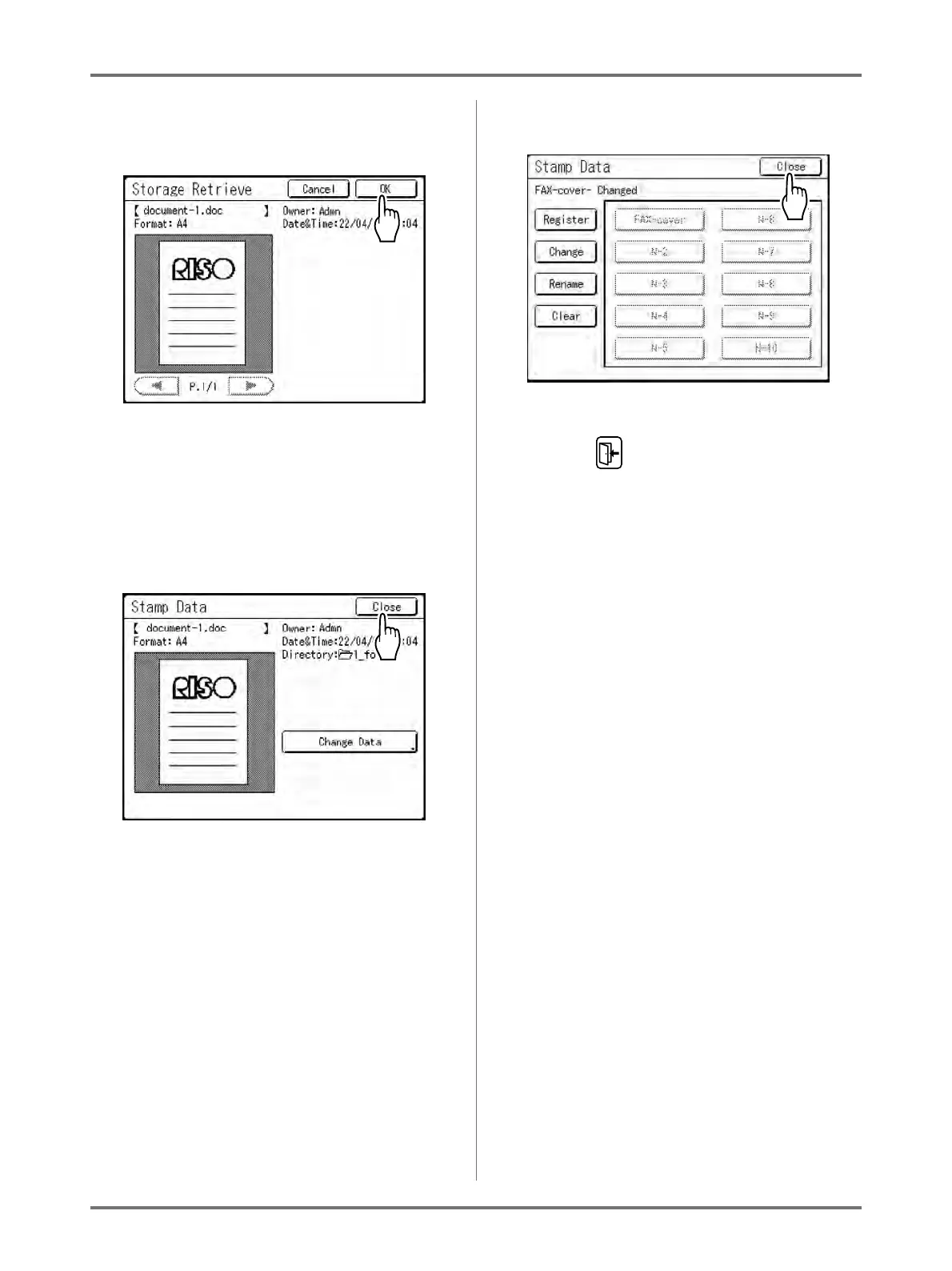
Confirm the storage data and touch
[OK].
Note:
•See )p.206 for information about the Storage
Retrieve screen.
Returns to the Stamp Data screen.
7
Touch [Close].
The data is changed and returns to the Stamp
Data screen.
8
Touch [Close].
Returns to Admin. screen.
9
Touch .



 To Next Page