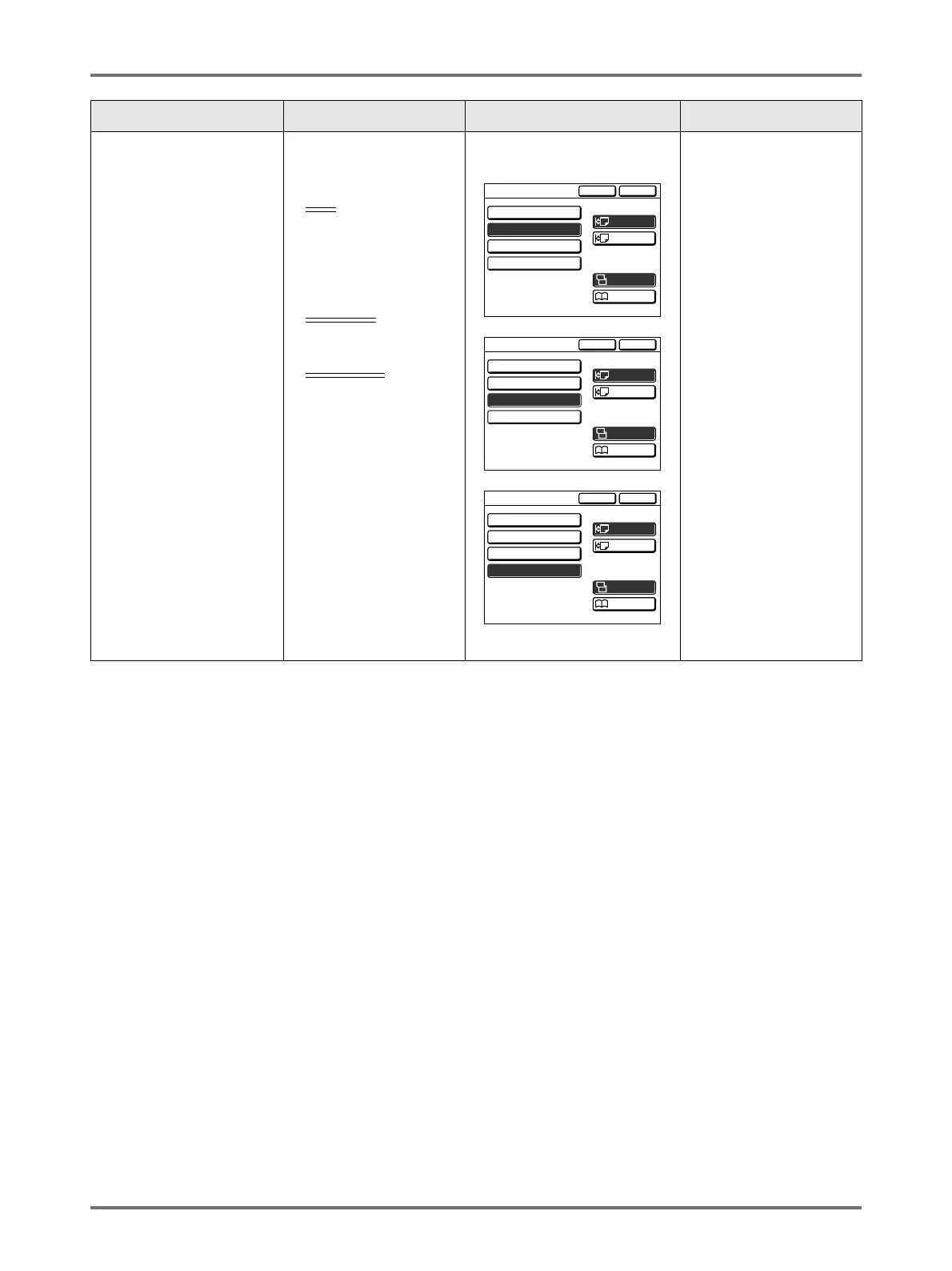
When using a Linked Printer (sold separately)
Using Optional Functions on a Linked Printer
234
Important!:
• Some optional functions may not be enabled concurrently, depending on the model and option configuration of the
Linked Printer.
(Duplex) • When Auto Document
Feeder DX-1 is
installed
OFF
/
Simplex -> Duplex/
Duplex -> Simplex/
Duplex -> Duplex
Setting Direction:
Align Top
, Align Side
Paging Direction:
Left / Right
,
Top / Bottom
• When the Auto Document
Feeder DX-1 unit is installed
Touch to select a button.
---
Functions Description Screens and Steps
Related
Admin.
Settings
Cancel OK
Duplex
Align Side
Align Top
Setting Direction
Duplex -> Simplex
OFF
A
A
A
A
A
Duplex -> Duplex
Simplex -> Duplex
Top / Bottom
Left / Right
A
Paging Direction
of Output
Cancel OK
Duplex
Align Side
Align Top
Setting Direction
Duplex -> Simplex
OFF
A
A
A
A
A
Duplex -> Duplex
Simplex -> Duplex
Top / Bottom
Left / Right
A
Paging Direction
of Output
Cancel OK
Duplex
Align Side
Align Top
Setting Direction
Paging Direction
of Output
Duplex -> Simplex
OFF
A
A
A
A
A
Duplex -> Duplex
Simplex -> Duplex
Top / Bottom
Left / Right
A



 To Next Page