Replacing Consumables
Replacing the Print Drum
251
4
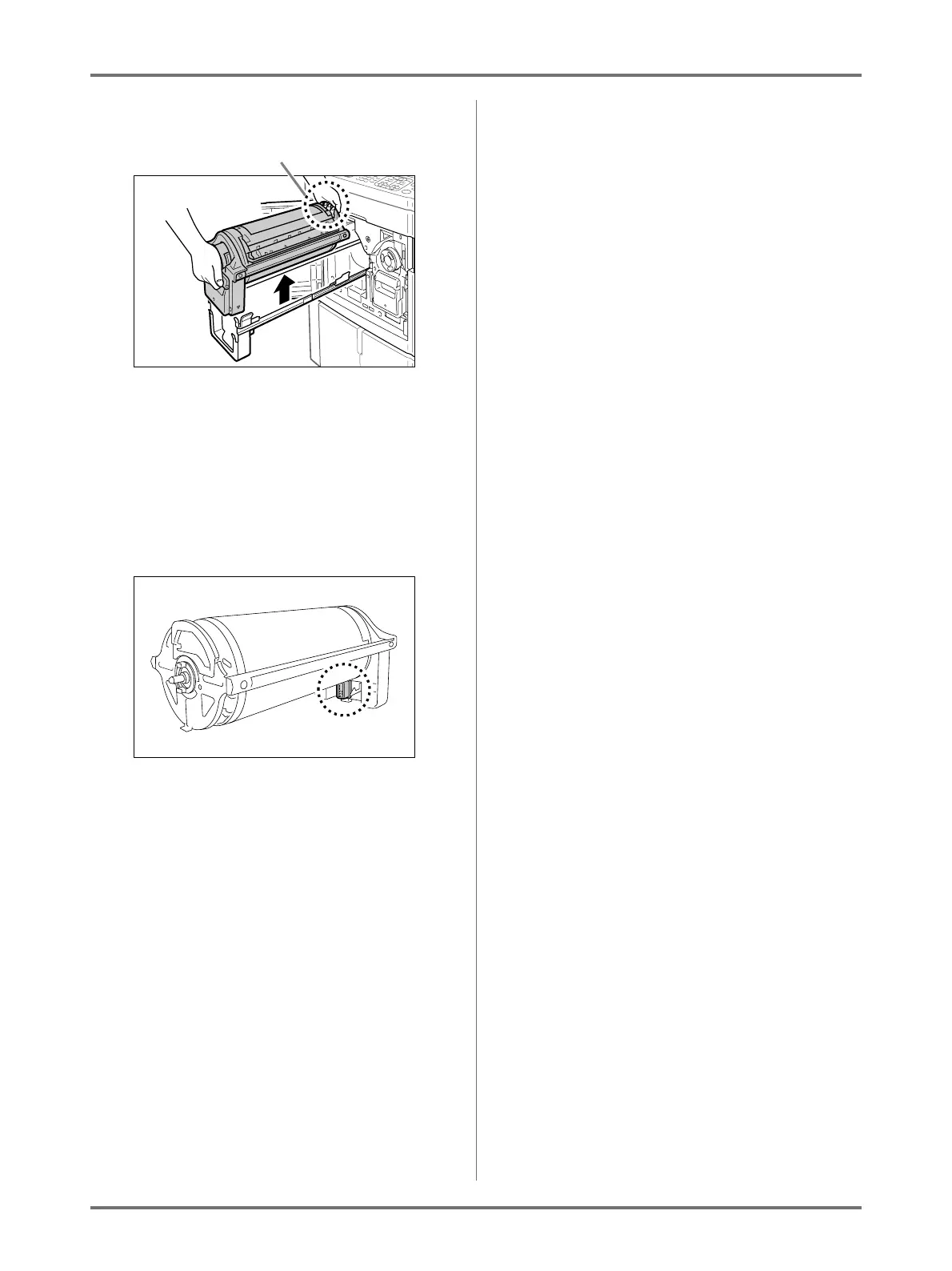
Remove the Print Drum.
Use both hands to lift the Print Drum straight up to
remove from the rail.
Proceed with replacing the drum, removing the
paper jam, etc..
BCaution:
• Do not touch the connector on the Print Drum.
Neglecting this may result in malfunction of the
Print Drum because of static electricity or other
factors.
Firmly grasp the Green Handle



 To Next Page