Troubleshooting
Troubleshooting
284
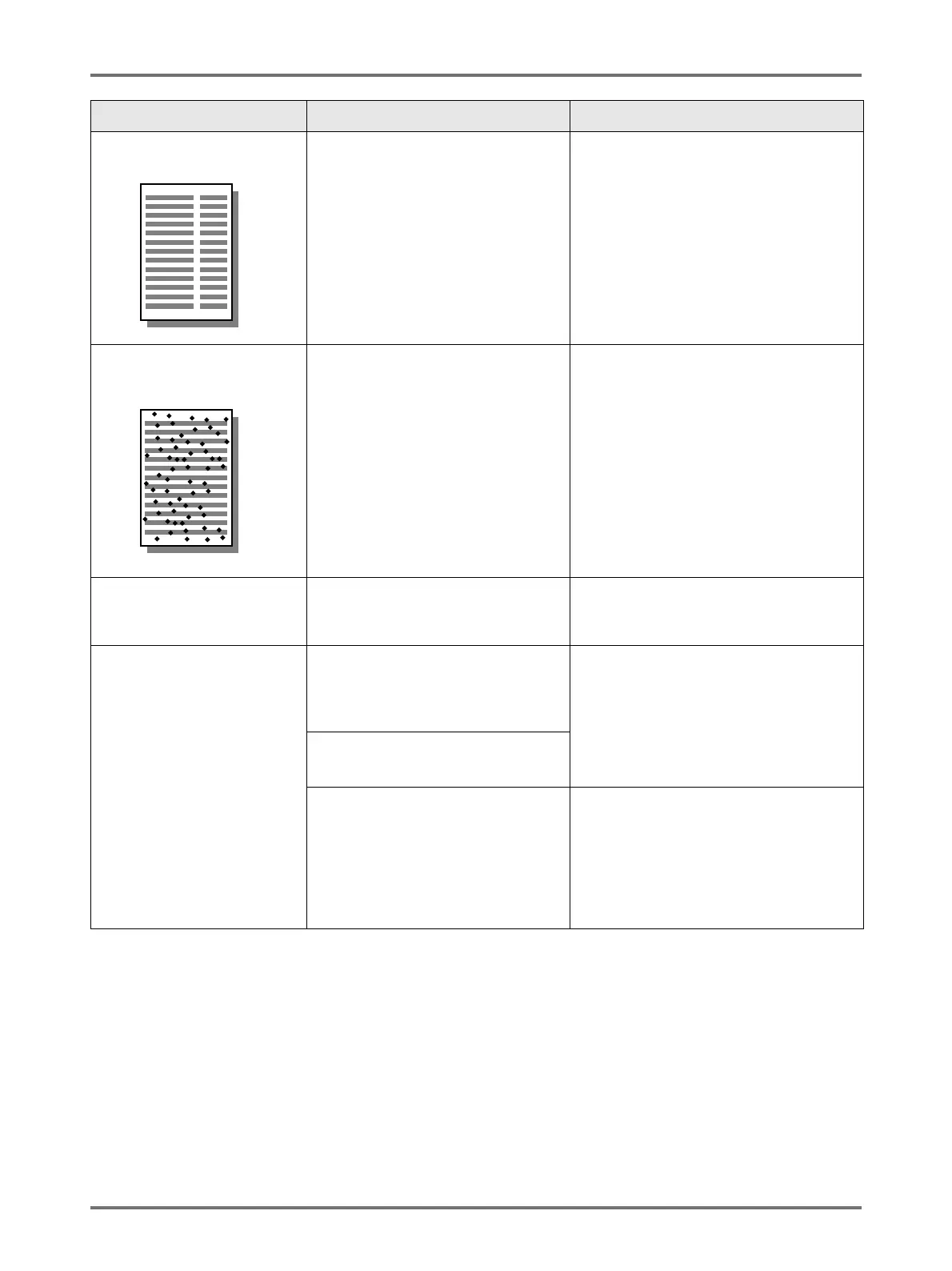
Vertical blank lines are found
on printed copies.
The Thermal Print Head of the Master
Making Unit or the Scanner Glass of
ADF unit has been stained with dirt,
white-out, etc.
Gently wipe the Thermal Print Head or
Scanner Glass with a soft cloth.
)p.256
The unwanted background of
an original is picked up on
copies.
If newspaper or coloured paper is
used as an original, the background is
picked up on copies.
Lighten the “Contrast” and create a new
master.
)p.77
Dirt is found on printed copies. The Platen Glass (and/or the ADF
Scanner Glass) is not clean.
Clean the Platen Glass (and/or the ADF
Scanner Glass).
)p.256
The edges of printed copies
are smudged with ink.
Larger size of paper than the original
was placed on the Paper Feed Tray
at the time of the master-making
process.
Because a master was made according to
a larger size than the original, the edges of
the original were processed as shadows.
Set the same size of paper as the original
and perform the master-making operation
again. Or attach tape as described below
to solve the problem.
Did you use [Max. Scan] setting when
making the master?
When printing thick paper such as
cards, corners of the paper contacted
and damaged the master.
Make another master and print with the
new master. Or pull out the Print Drum and
attach cellophane tape to the damaged
section on the master. However, if
attached with cellophane tape, a master
may not been properly sent to the Master
Disposal Box.
Problem Possible Cause Action



 To Next Page