Getting Acquainted
Display
26
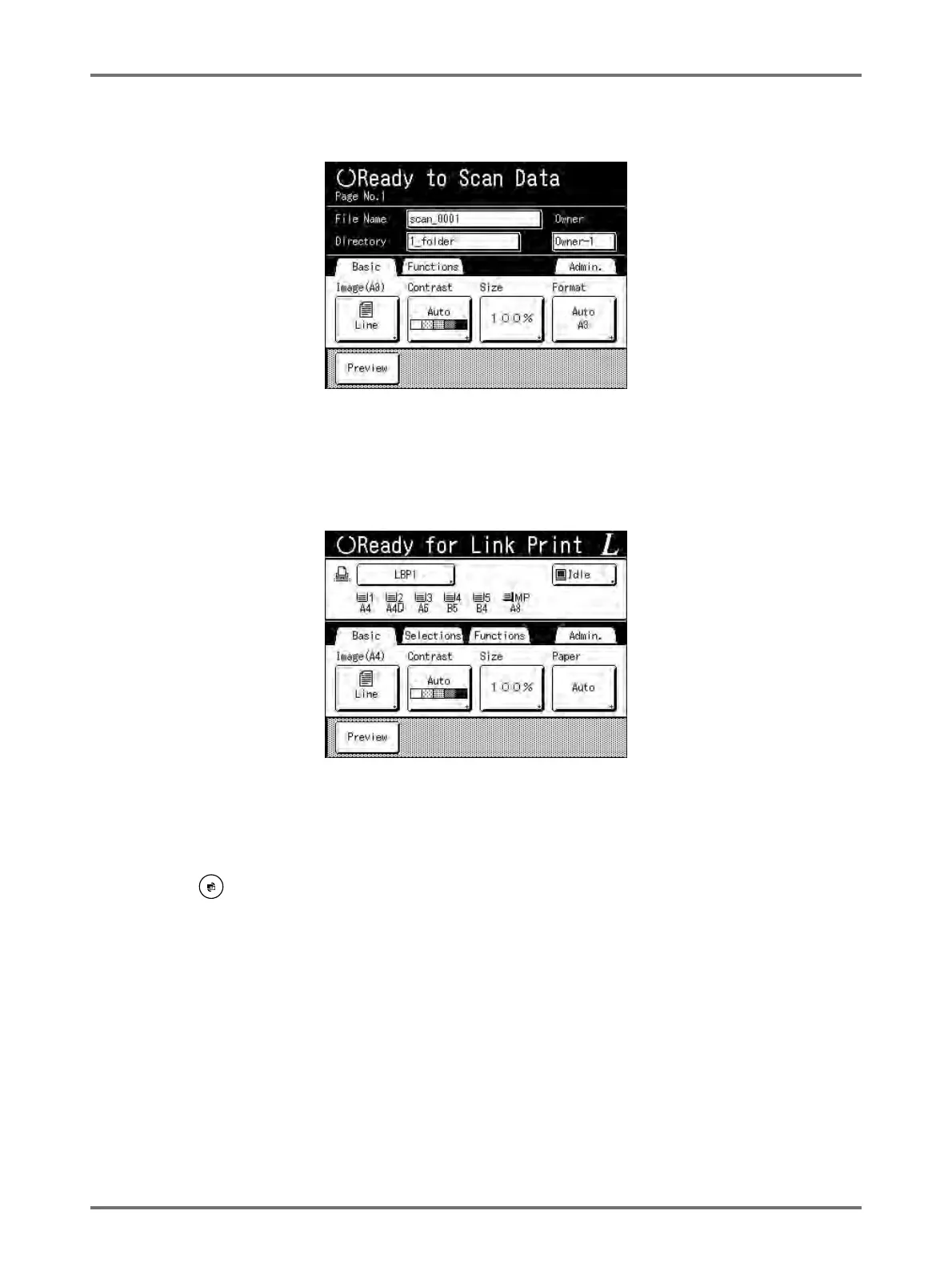
2) Scan Mode (Option)
Touch [Scanning] to display the Scan Basic Screen.
Note:
• See “Storage and Scan Modes” ()p.194) for information about Scan Mode.
3) Link Mode (Option)
Touch [Link Print] to display the Link Basic Screen.
Note:
• Refer to “When using a Linked Printer (sold separately)” ()p.222) for information on connecting and using a
Linked Printer (sold separately).
Note:
• Pressing the will open the Mode Screen no matter which screen you are currently on.



 To Next Page