Getting Acquainted
Display
30
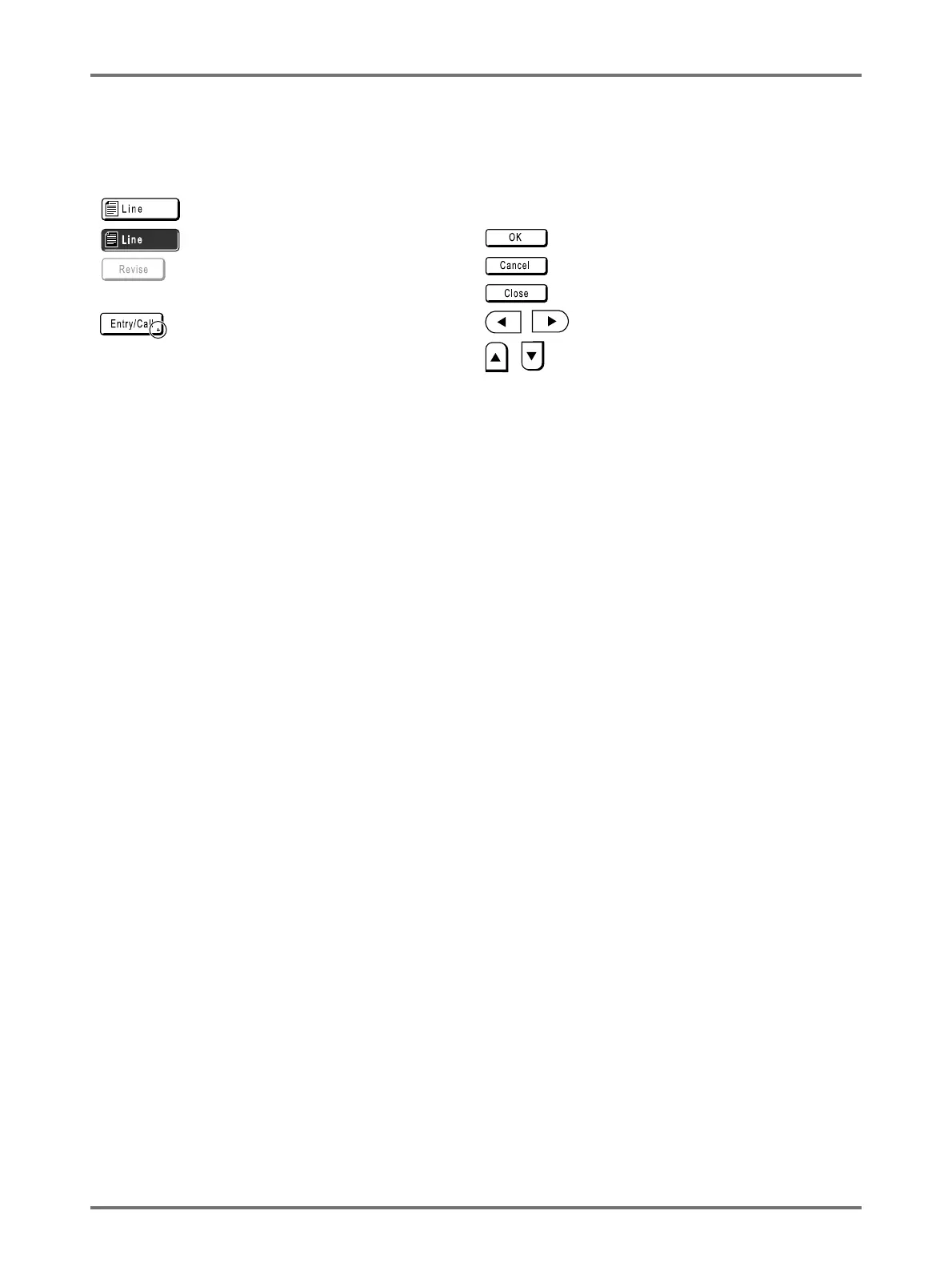
Buttons on Touch Screen
Select buttons by lightly touching with a finger.
Touch again to cancel the selection. Avoid pressing with excessive force.
Not Selected. Frequently Used Buttons
Selected. Activates/Executes a setting.
Buttons in grey cannot be
selected.
Cancels a setting.
Closes a current window.
Press a button with a + on the right
side to expand options or display
Setup screens.
Switch pages.
Increases/decreases selected values
(numbers, location, etc.).
Scrolls through screens.



 To Next Page