Basic Operations
Printing from a Computer Data [Direct Print]
67
Note:
• You can also adjust the print position, the den-
sity, and the speed while print process is in
progress.
• Entering the number of copies using the Print
Quantity Keys will override the number sup-
ported by the print driver.
8
Press the key.
The job prints using the specified printer driver
settings.
When “Destination” is set to “Print Only”, original
data is automatically deleted after printing.
9
For jobs with multiple pages, data
from the 2nd page prints.
Data from the 2nd page on prints in accordance
with “Auto Print” settings.
Subsequent steps are the same as printing from
the 1st page.
Use the Received Data screen to change settings
from the 2nd page on.
10
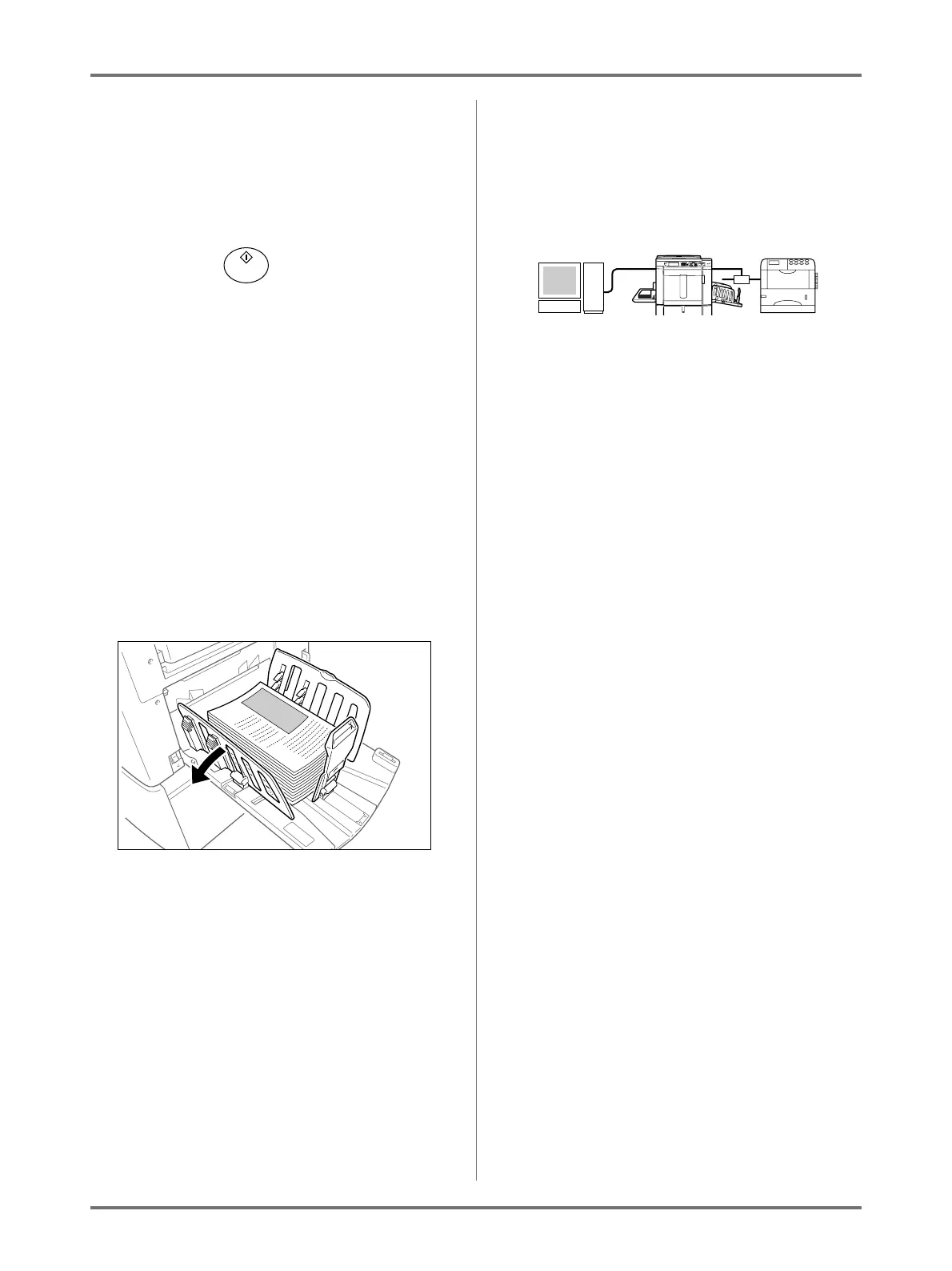
Remove the printed paper.
Open the Receiving Tray Paper Guides and
remove the paper.
Note:
• After printing is completed, the master remains
on the Print Drum. To protect confidential docu-
ments from unauthorised duplication, use the
Confidential feature to discard the master after
printing.
)p.162
Tip:
When using a Linked Printer (sold separately)
When “Auto Process” is activated, “Online Auto-
Link” can be selected to specify output device in
accordance with the print quantity.
)p.178
)p.222



 To Next Page