Vista 5 M3 Digital Mixing System
Parameters 3-13
Document generated: 28.08.13
SW V4.9
3.3.6 Filters
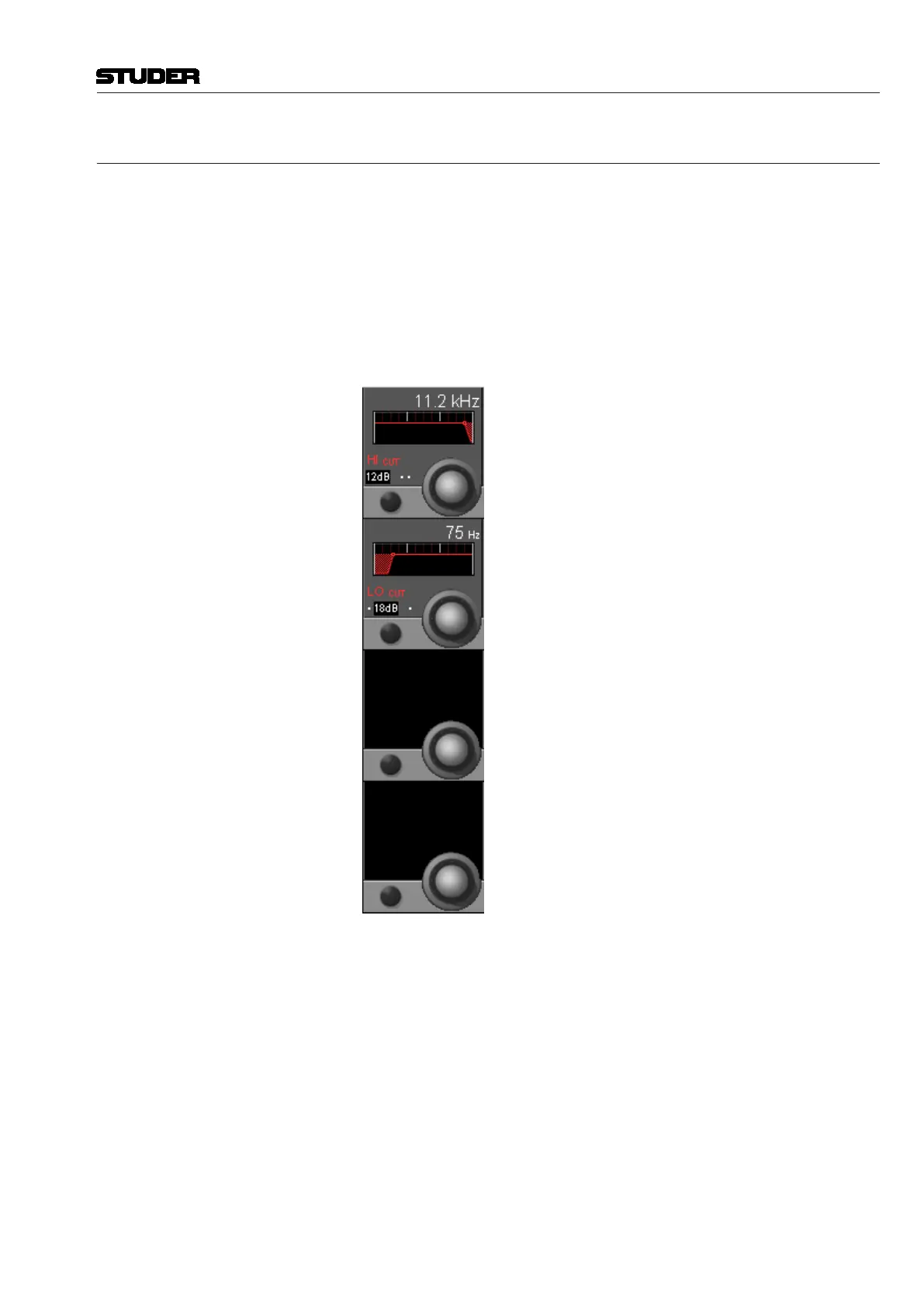
Press GLOBAL VIEW: FILTER.
This view enables the user to control the parameters of the hi- and low-cut
filters. These filters are available on the channel-related EQ views as well,
refer to chapter 3.4.1. In that chapter you will also find the parameter details.
The two filter sections are activated with the HI CUT and LO CUT hardware
keys in the CHANNEL PROCESSING section.
For 5.1 surround channels, the high- and low-cut filter parameters applied
here are valid for all surround signal legs, except for the LFE. For further
information on this subject, please refer to chapter 3.4.1.
HI CUT/LO CUT x dB Slope setting for the high- and low-cut filters, selectable from 12, 18, and
24 dB/octave (key toggles 12, 18, 24, 12...).
HI CUT/LO CUT Rotary Cutoff frequency adjustment for both the high- and low-cut filters: 20 Hz
through 20 kHz, in 120 steps.



 To Next Page