Vista 5 M3 Digital Mixing System
AutoTouchPlus 5-147
Document generated: 28.08.13
SW V4.9
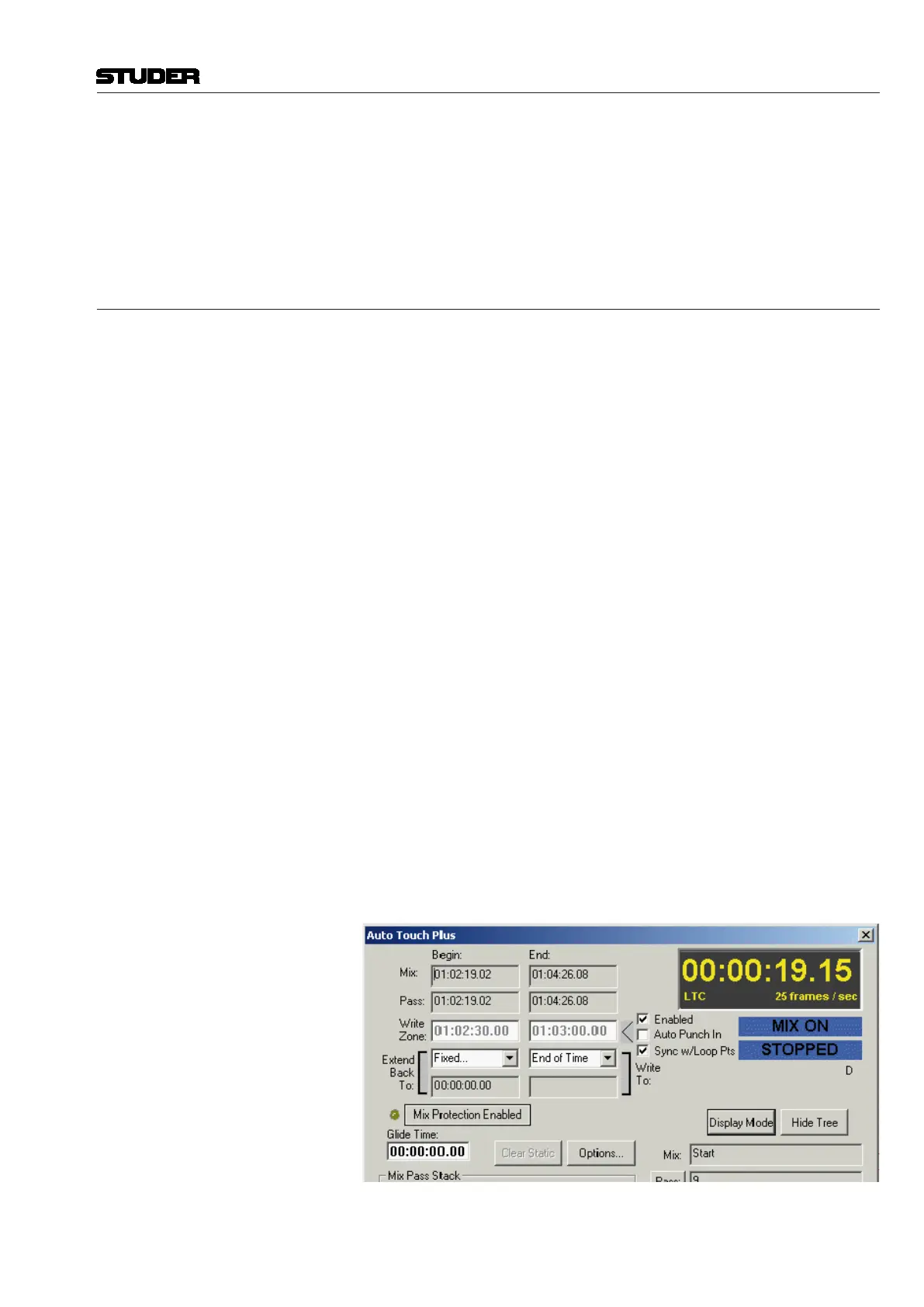
notes can be entered for the selected Mix Pass (also refer to chapter 5.5.1.3).
Mix: Shows the Mix Tree Name
Pass: Shows the name of the mix pass and allows to enter the PASS INFO
dialog box
Notes: Shows the notes.
5.22 Mix Options
On one hand, AutoTouchPlus is a relatively simple system to use, on the
other hand it has tremendous depth. Creating a system that has both of these
attributes is not easy. In addition, when such a large amount of functionality
is available, it is difficult to define every single transition from one mode or
state to another in a precise and dictated way. There are two reasons for this:
• Notwomixerswillmixthesameway.Whileonewillwantafeatureto
work this way, another equally proficient mixer will want it to work an-
other way.
• Eventhesamemixerwillwantdifferentfunctionalityatdifferenttimes
within the mix process or based on different types of projects.
There is no right or wrong way to implement many of the functions in Au-
toTouchPlus. There are just different ways. So in answer to the above, there
is a large number of options that affect the specific functionality of very
specific modes. In total, the option set defines the specific ways in which the
system will work. Each individual option, however, allows the system to have
another nuance that allows the mixer to best do his or her work, in a creative
and efficient manner.
Mix Option Management A potential problem with having such a large number of options is the means
to manage them all. When a mixer steps up to the console they need to be
confident that the system will work in a predetermined way. In other words,
they need to have ALL of the options set to a state that they have already pre
set for their specific needs of the moment. AutoTouchPlus offers a system of
Mix management where each mixer can have their own unlimited number of
options sets, known as User Files.
Accessing Mix Options The Mix On button in the ACU window (or the Mix On desk key) must be
turned on before Mix Options may be accessed. All of the mix options reside
in one convenient options dialog box which is accessed by clicking the Op-
tions... button of the AutoTouchPlus window.
When you click the Options... button, the tabbed Options Dialog window
will open. It will be set to the page where it was last left, so the options dialog
tab page is said to be ‘sticky.’



 To Next Page