Vista 5 M3 Digital Mixing System
3-54 Parameters
Document generated: 28.08.13
SW V4.9
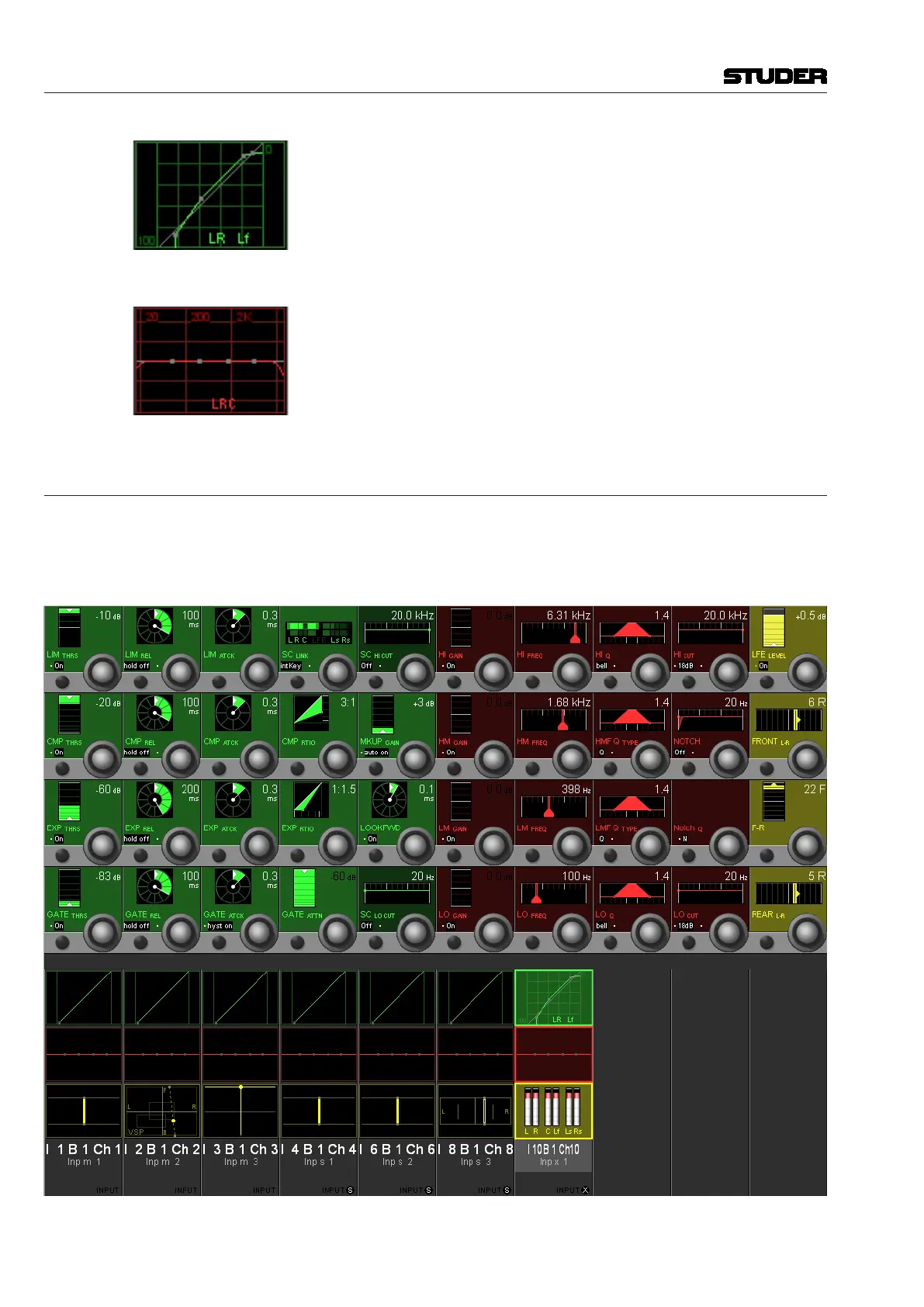
After the individual setting has been made, pressing VIEW: CHANNEL again
switches back to the standard channel view. In our case (where the front and
LFE channels of Inp x 1 have individual dynamics settings), the dynamics
field then displays the standard dynamics curve with supplementary, small
L, R and Lf characters, indicating that the front and LFE dynamics settings
are different from the displayed curve. A gain reduction bargraph is shown
at the left of each of the four individual dynamics icons.
Individual EQ settings for the different surround signal legs can be adjusted
and are indicated in the same way.
3.4.6 Misc View (Miscellaneous Parameters)
Pressing VIEW: MISC brings up an overview for the channel selected with
the LINK / SEL key, covering the whole Vistonics TFT. The most important
parameters of a channel’s dynamics, EQ, and pan sections are shown in the
rotary section. Only the visible parameters are available for adjustment.



 To Next Page