Vista 5 M3 Digital Mixing System
4-22 GC Operation
Document generated: 28.08.13
SW V4.9
4.4.2.3.1 Using Subclasses to Aid Navigation
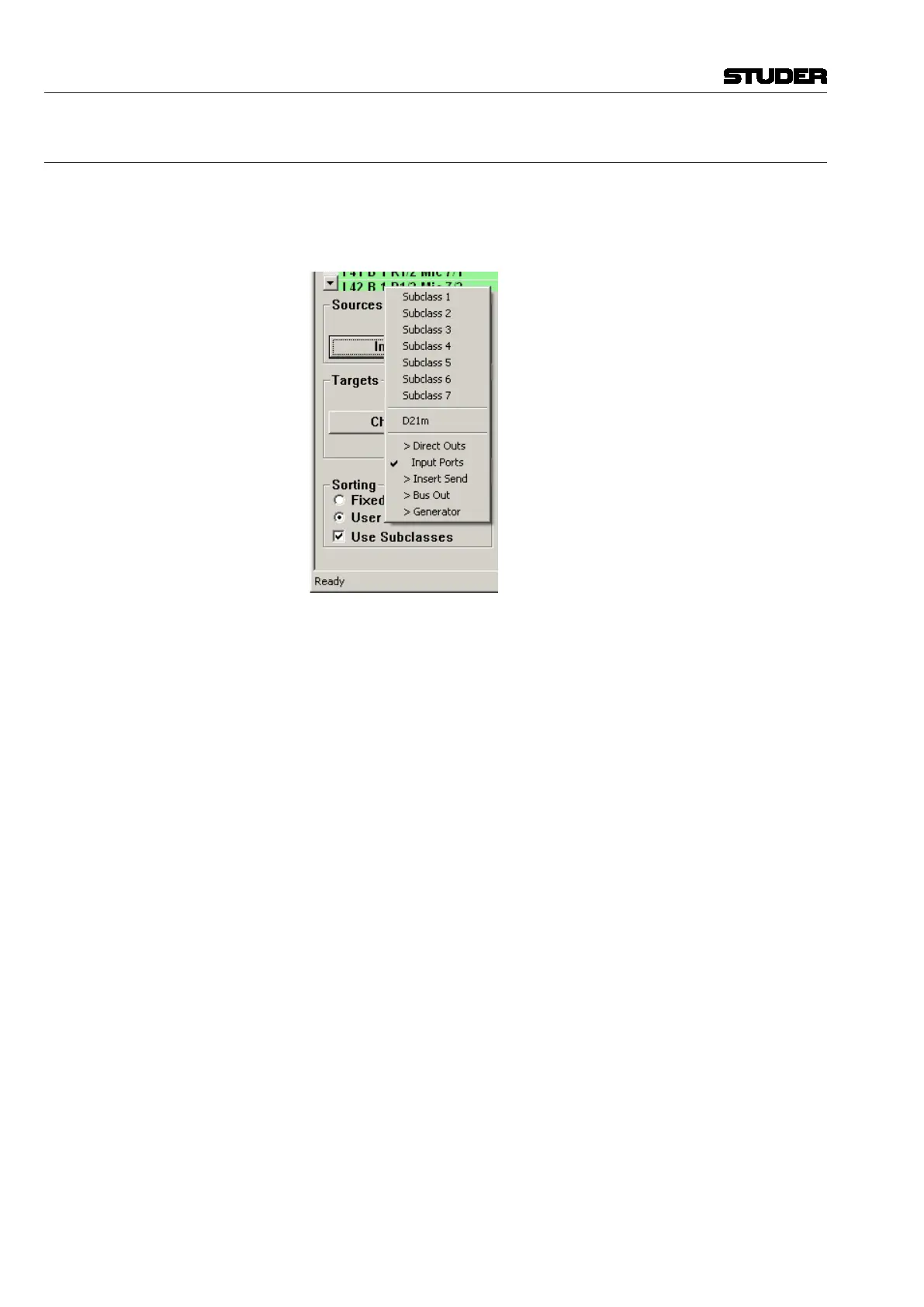
To use the subclasses, ensure that the Use Subclasses check box is selected
in the Sorting window. While either the Input Ports or Output Ports
subcategories are shown, right-click on the Sources/Targets list to show the
selection menu.
Note: Subclass Names are saved within User Preference files. If changes are made
to the Subclass Names, a User Preference should be saved (see chapter 4.6.5).



 To Next Page