Vista 5 M3 Digital Mixing System
AutoTouchPlus 5-101
Document generated: 28.08.13
SW V4.9
5.15 Miscellaneous Controls/Modes
A variety of controls and modes that are not explained elsewhere are described
below.
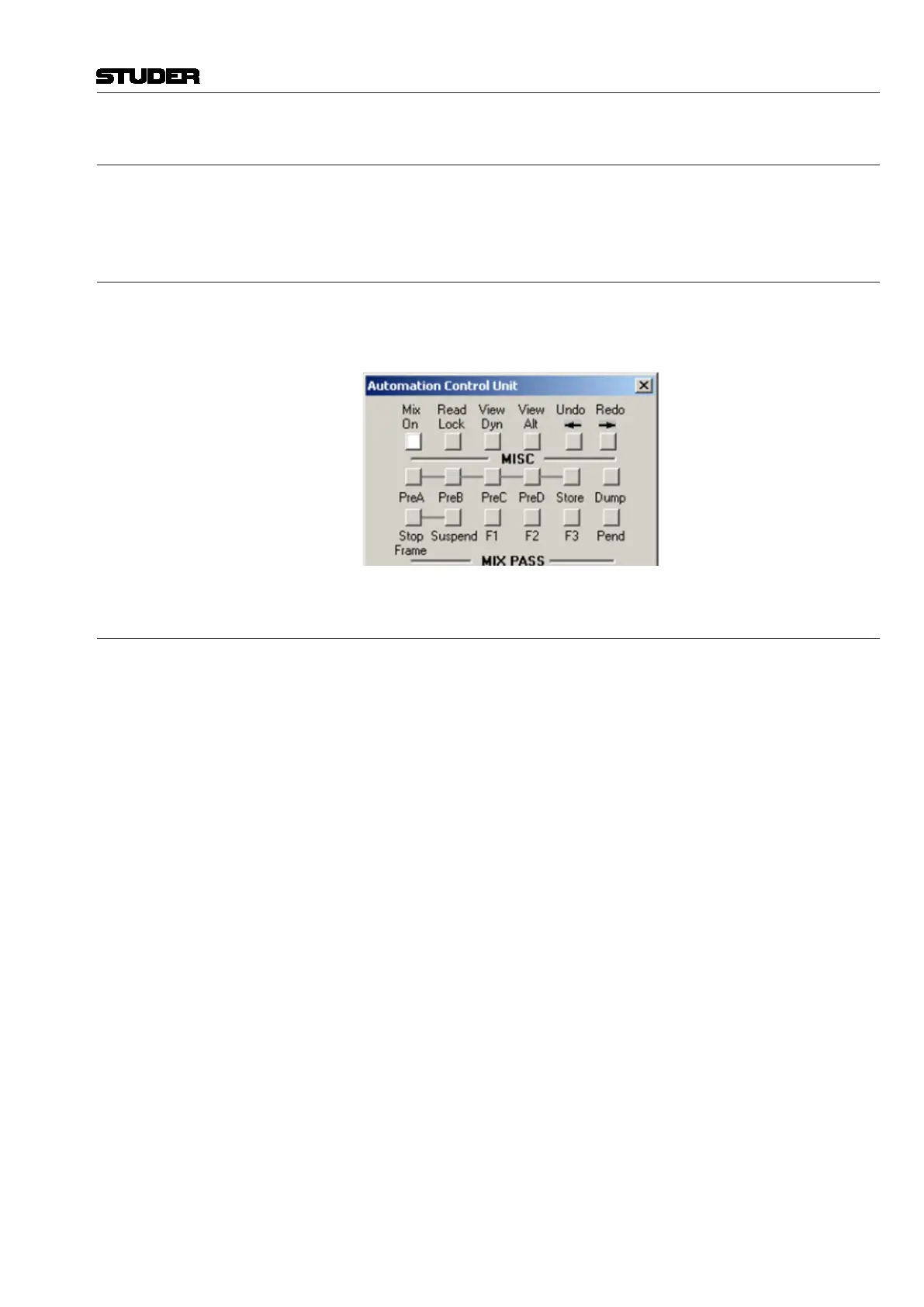
5.15.1 Mix On
Engaging the Mix On button (or the Mix On desk key) activates the AutoTouch-
Plus system. A Mix Tree must be open before the system may be turned On.
When the system is On, the Mix On button and desk key illuminate.
5.15.2 View Dynamic
Clicking VIEW will cause the lights for all dynamic controls currently on the
Desk to illuminate. Static controls will not light. This provides a very quick
and easy means of identifying which controls have Dynamic moves recorded
and which are Static controls. See Graphic above.



 To Next Page