Vista 5 M3 Digital Mixing System
AutoTouchPlus 5-137
Document generated: 28.08.13
SW V4.9
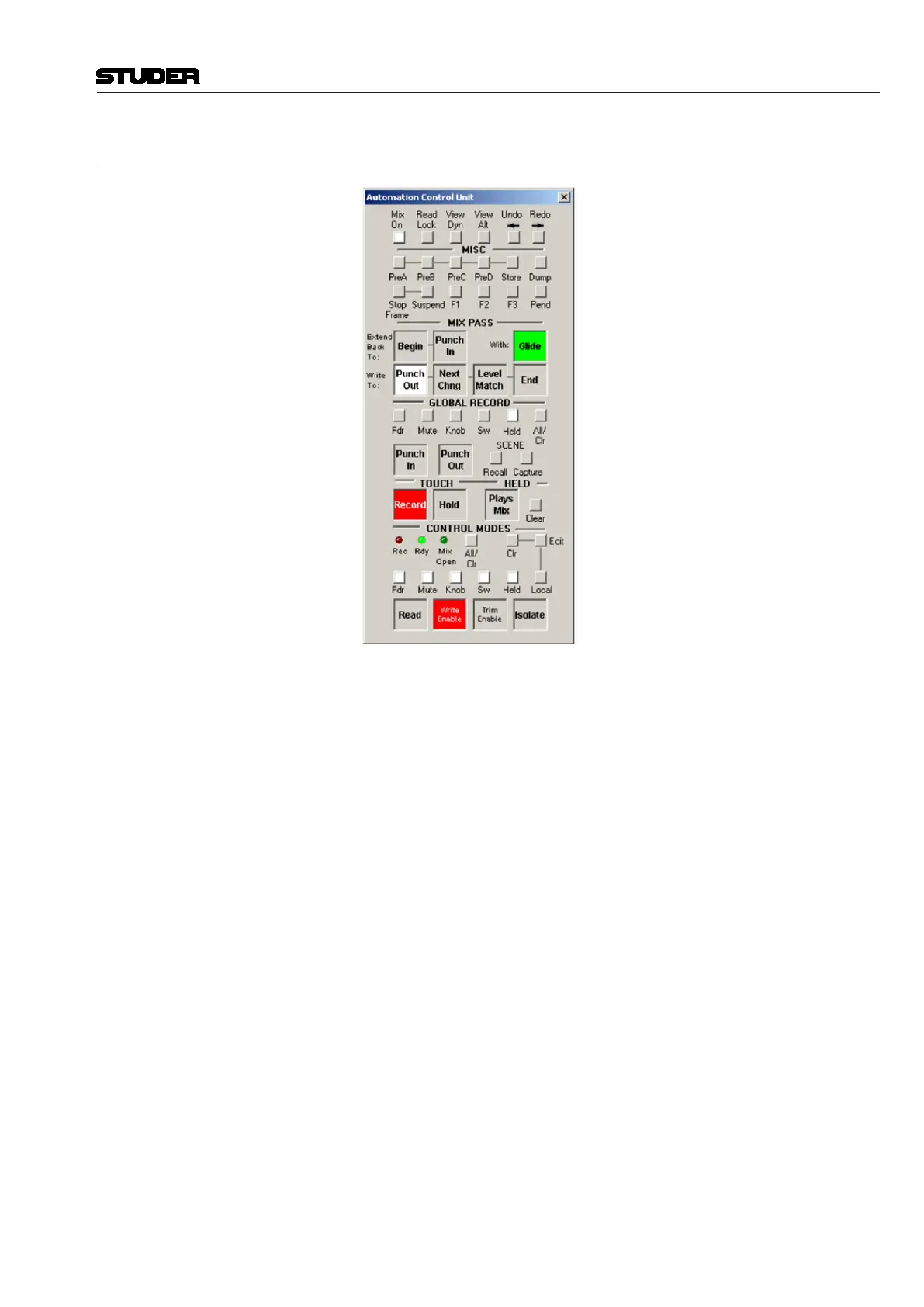
5.19 Virtual ACU Window Survey
CONTROL MODES (see also chapter 5.7)
Read – Sets selected objects (depending on the preselector setting) into Read
mode.
Write Enable – Sets selected objects (depending on the preselector setting)
into Write Enable mode. These parameters are ‘armed’ and can be put into
write (record).
Trim Enable – Sets selected objects (depending on the preselector setting)
into Trim Enable mode. These parameters are ‘armed’ and can be put into
trim (record).
Isolate – Isolates selected objects (depending on the preselector setting).
These objects will not be affected by the automation.
Global CONTROL MODES Preselectors (see also chapter 5.7.5.1)
Before any enable mode (Read, Write Enable, Trim Enable and Isolate)
can be globally activated, the preselectors for the desired objects must be
activated. These are:
Fdr (faders) – all faders
Mute – all mutes
Knob (rotary encoders) – all continuous controller-type encoders, except
knobs used for selections
Sw (switches) – all switches
Held (held controls) – all controls that are currently in a ‘held’ state. This can
be any combination of faders, mutes, encoders and switches. Refer to chapter
5.8.3.



 To Next Page