Vista 5 M3 Digital Mixing System
AutoTouchPlus 5-113
Document generated: 28.08.13
SW V4.9
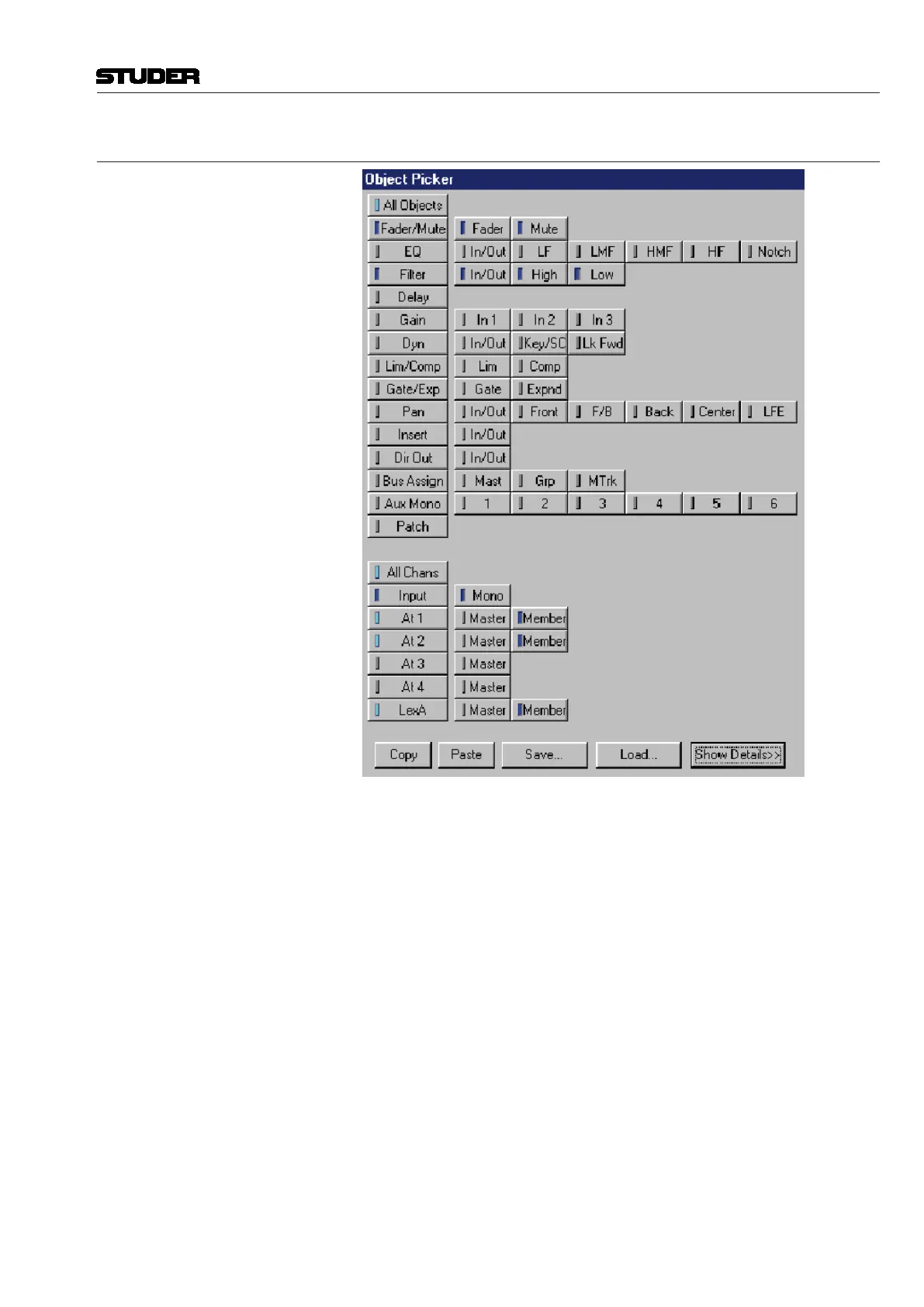
5.17.2.1 Object Picker
The Object Picker is used to select the elements within a mix you wish to
edit. These elements are organized into channels and objects within channels.
Selection of elements can be as specific as an individual parameter value,
within a particular object, within a single channel, and as broad as all param-
eters, within all objects, within all channels.
Note It is important to realize that the channels and objects displayed in the picker
are the same as contained within the VMC used to create the title and mix. If
a different VMC is loaded, the channels and objects will change accordingly.
In other words, the elements that appear in the Object Picker are determined
by the console configuration that was in use when the data was created.
There are five main sections in the Object Picker:
• ChannelSelectorwindow;
• ObjectSelectorwindow;
• Channel/ObjectTreedisplayarea;
• Functioncontrols;
• OpenMixSelectorTabs.



 To Next Page