Vista 5 M3 Digital Mixing System
Desk Operation 2-35
2.8 Clipboard Libraries
On the Vista console it is possible to save and load clipboards to/from the
internal file system or a USB memory stick. Clipboard files can contain one or
more audio functions (e.g. EQ only, Dynamics only, or a combination of EQ
and Dynamics) from a channel, or even can save complete channel settings.
This is then representing a ‘clone’ of a channel, including bus assignment.
By recalling such a channel from the clipboard library it is easily possible
to bring the channels of a console into a certain status without even using
snapshot functions.
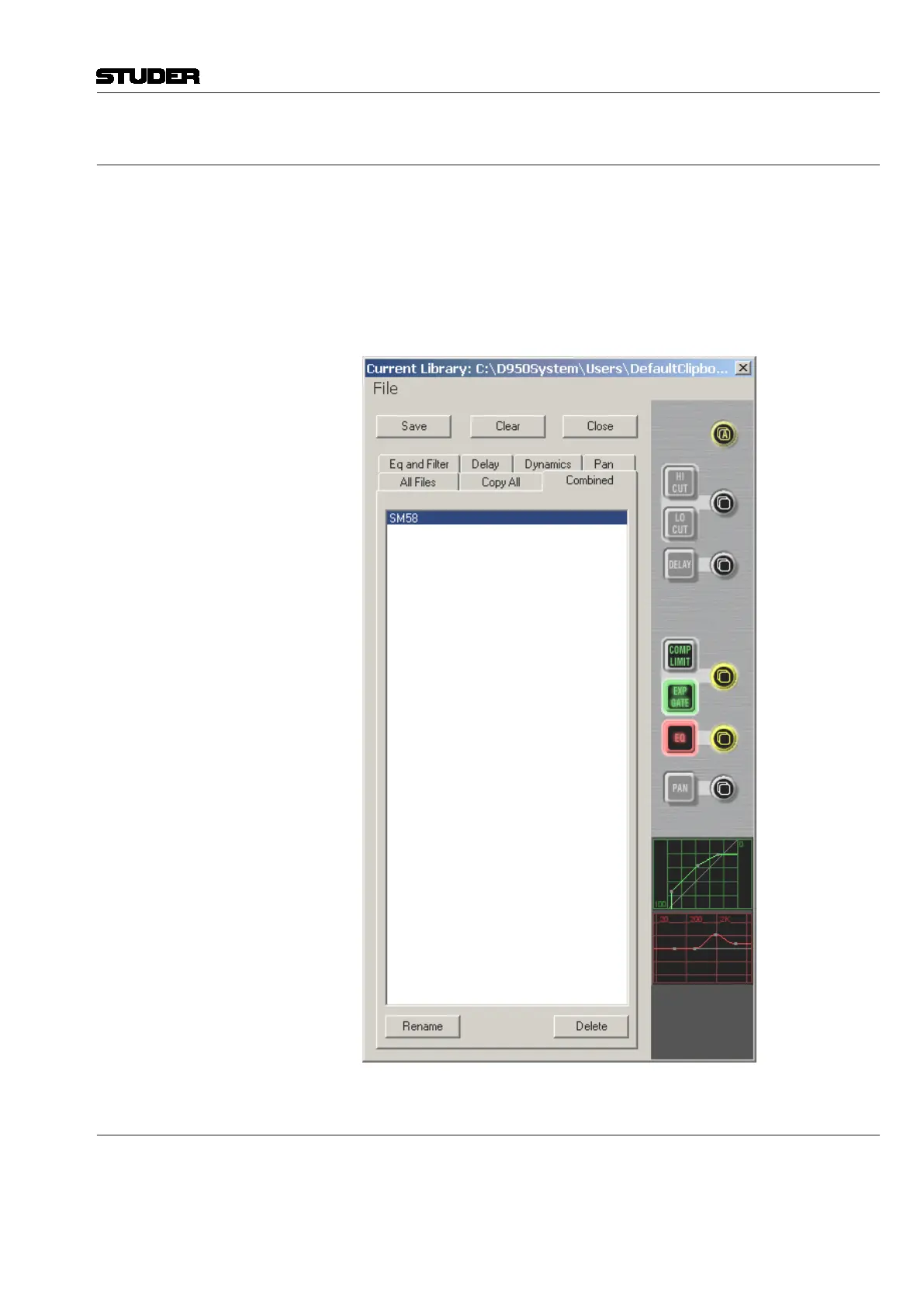
2.8.1 Clipboard Library Window
The Clipboard Library window is automatically opened whenever a paste
function is pending on the Vista console. In order to open the window manu-
ally (e.g., to load the console clipboard with a saved value), select the corre-
sponding icon from the toolbar or press the OPTIONS F4 key on the console.
It is also possible to select the window from the View menu.
Document generated: 28.08.13
SW V4.9



 To Next Page