Vista 5 M3 Digital Mixing System
AutoTouchPlus 5-125
Document generated: 28.08.13
SW V4.9
5.17.3.4 Update Snap Source Mix
The Update Snap Source Mix allows external mix data from a single point
In Time (Data Point) to be applied to the Active Mix. The data from the se-
lected point in an external mix (Spread Source Mix) is applied to the selected
objects, on the selected channels, in the entire Active Mix. It performs the
same basic function as ‘Update Mix Snapshot’ from the Mix Options menu.
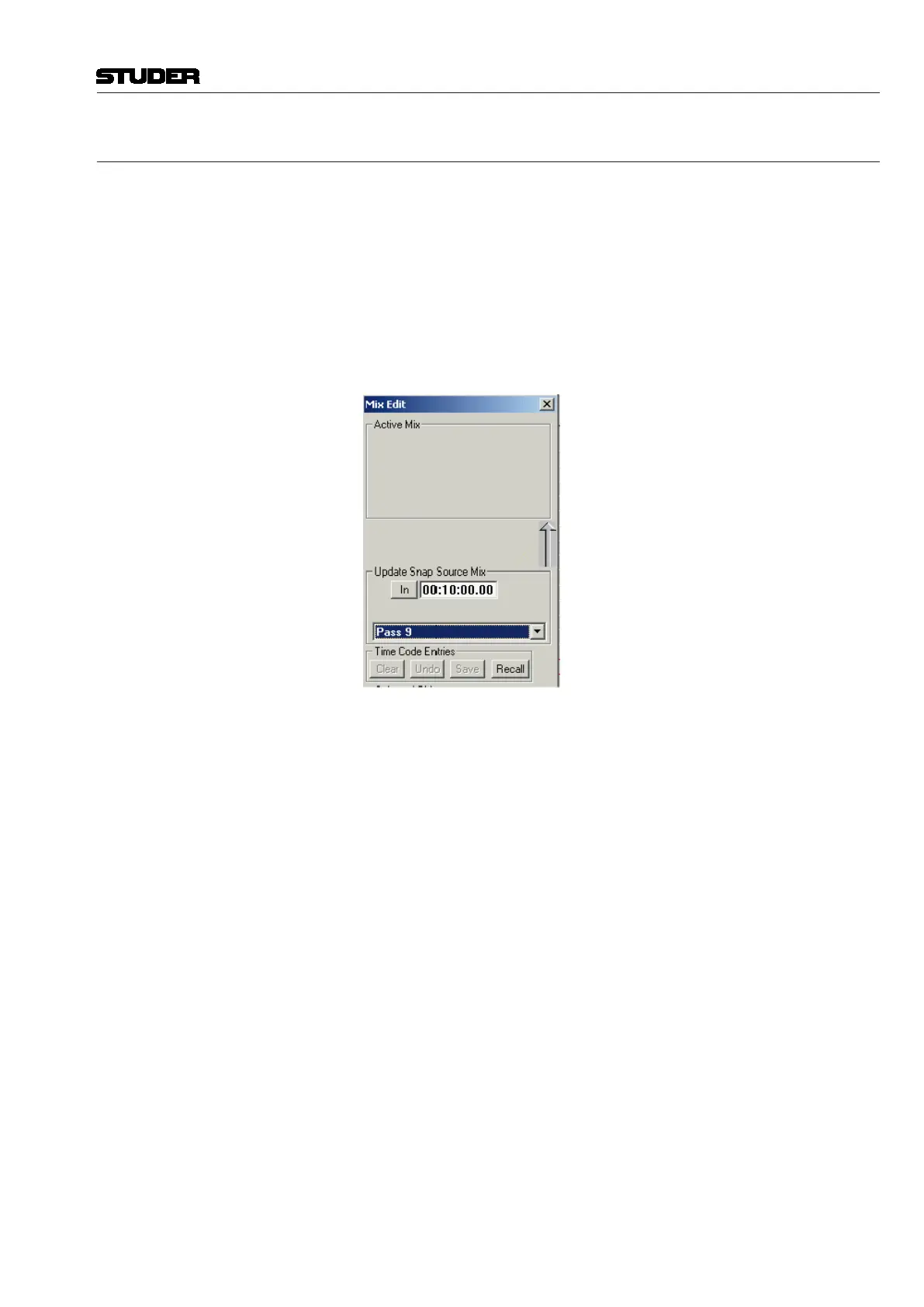
The Update Snap Source Mix combo box has two primary control sets:
• Mix Selection Menu: used to select the Update Snap Source Mix;
• Timecode Entry Field: used to select the Data Point from Update Snap
Source Mix.
Mix Selection Menu This pop-up menu box provides a list of mixes available to become the Update
Snap Source Mix. This list contains the same mixes that are available to the
Active Mix and functions using the same selection techniques.
Note The Update Snap Source Mix may be the same mix as the Active Mix.
Timecode Entry Field For an Update Snap edit to be performed, a Data Point (a single timecode
address) must be selected from within the Update Snap Source Mix.
The Data Point is defined using a Timecode Entry Field. Update Snap Source
Mix has one Timecode Entry Field:
In Time This is the point from which the Update Snap Source Mix data originates;
the timecode address of the Data Point.
The In Time for the Update Snap Source Mix is selected using the same
techniques used for selecting the Active Mix Timecode addresses.
Notes The In Time selects the Data Point (a specific frame) from Update Snap Source
Mix. This fixed data is applied throughout the entire length of the Active Mix.
Therefore, the Active Mix does not contain any Timecode Entry Fields (In,
Out, or Length) when Update Snap is selected as an Edit Type.
Refer to chapter 5.17.4 for additional details regarding timecode entries.



 To Next Page