Vista 5 M3 Digital Mixing System
AutoTouchPlus 5-105
Document generated: 28.08.13
SW V4.9
5.17 Offline Mix Editing
There are two methods of offline editing of Mix Passes:
• EventListEditing:Thelocationofautomationrecordsmaybemovedor
‘slipped in time.’ Automation records may also be deleted. Control values
may not be edited.
• OFLA Editing:Allowsthe value of automation records to bechanged
within a timecode window. Controls can also be reset to their default
values or have their values frozen or spread across the timecode window.
Controls can be made Static and Mix Passes may be merged.
Together, these methods provide powerful and easy-to-use means of fine
tuning Mix Pass data or working with Edit Decision Lists. Each Method of
editing is described below.
5.17.1 Event List Editing
Automation data may be edited using the Event List Editor within AutoTouch-
Plus. Being fully integrated within AutoTouchPlus, the Event List Editor
provides quick and easy means of moving the location of automation records
(Events). Automation events can also be deleted.
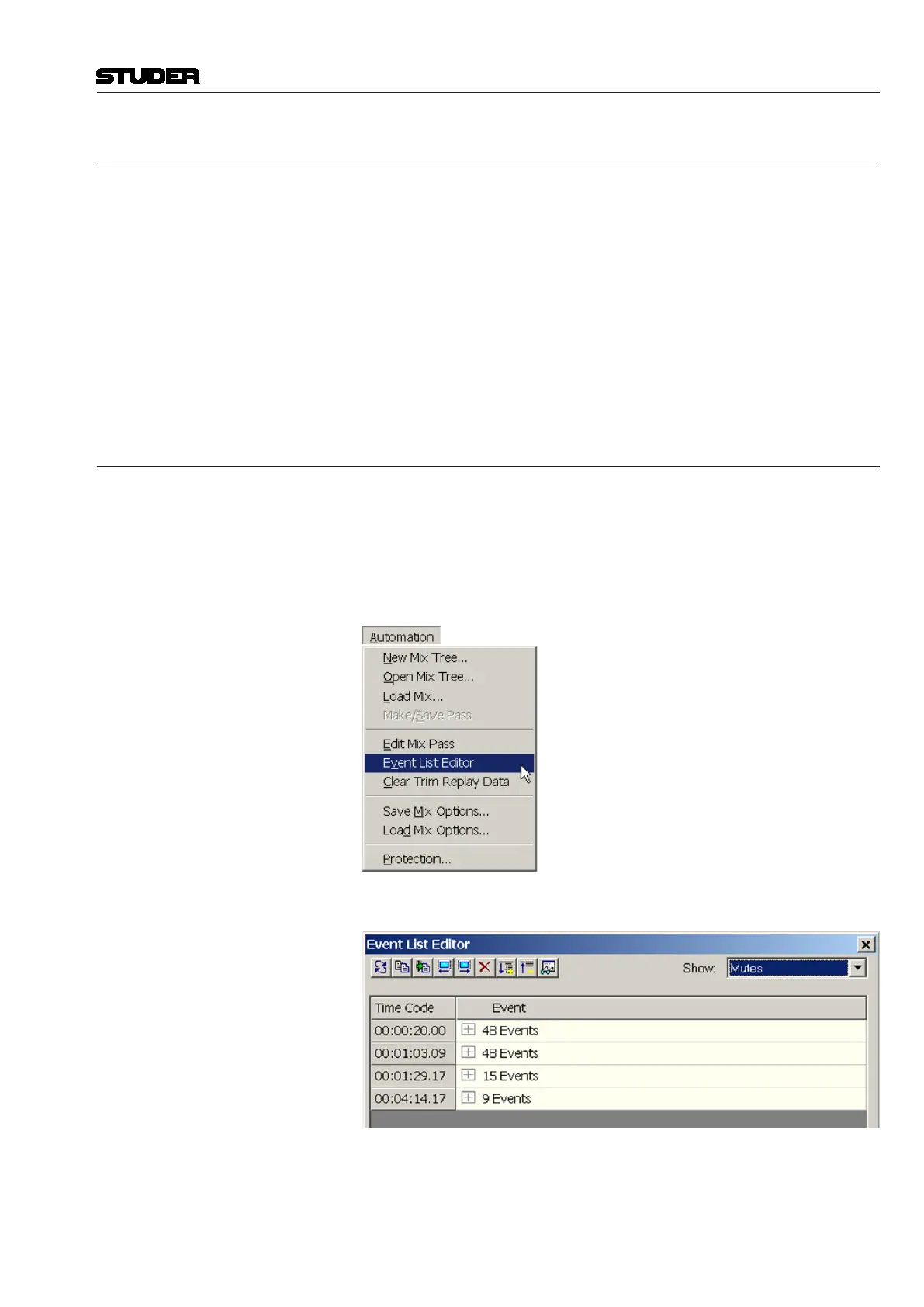
Accessing the Event List Editor The Event List Editor is available by selecting ‘Event List Editor’ from the
GC Automation menu.
This action will open the Event List Editor window.
Events and Event Lists As a mix progresses, Events (automation records) are recorded at timecode
locations within a Mix Pass. These Events are organized by timecode and
displayed in the Event List Editor. If more than one Event is recorded at the
same timecode location, an Event List is created at that location. The Event



 To Next Page