Vista 5 M3 Digital Mixing System
Desk Operation 2-23
Press SETUP GROUPS again in order to leave the setup mode.
Assignment of channels to mute groups are saved within a so-called ‘start
snapshot’ of each title. I.e., this information is saved once per title when the
title is closed.
2.6.9.4 Off-Air Conference
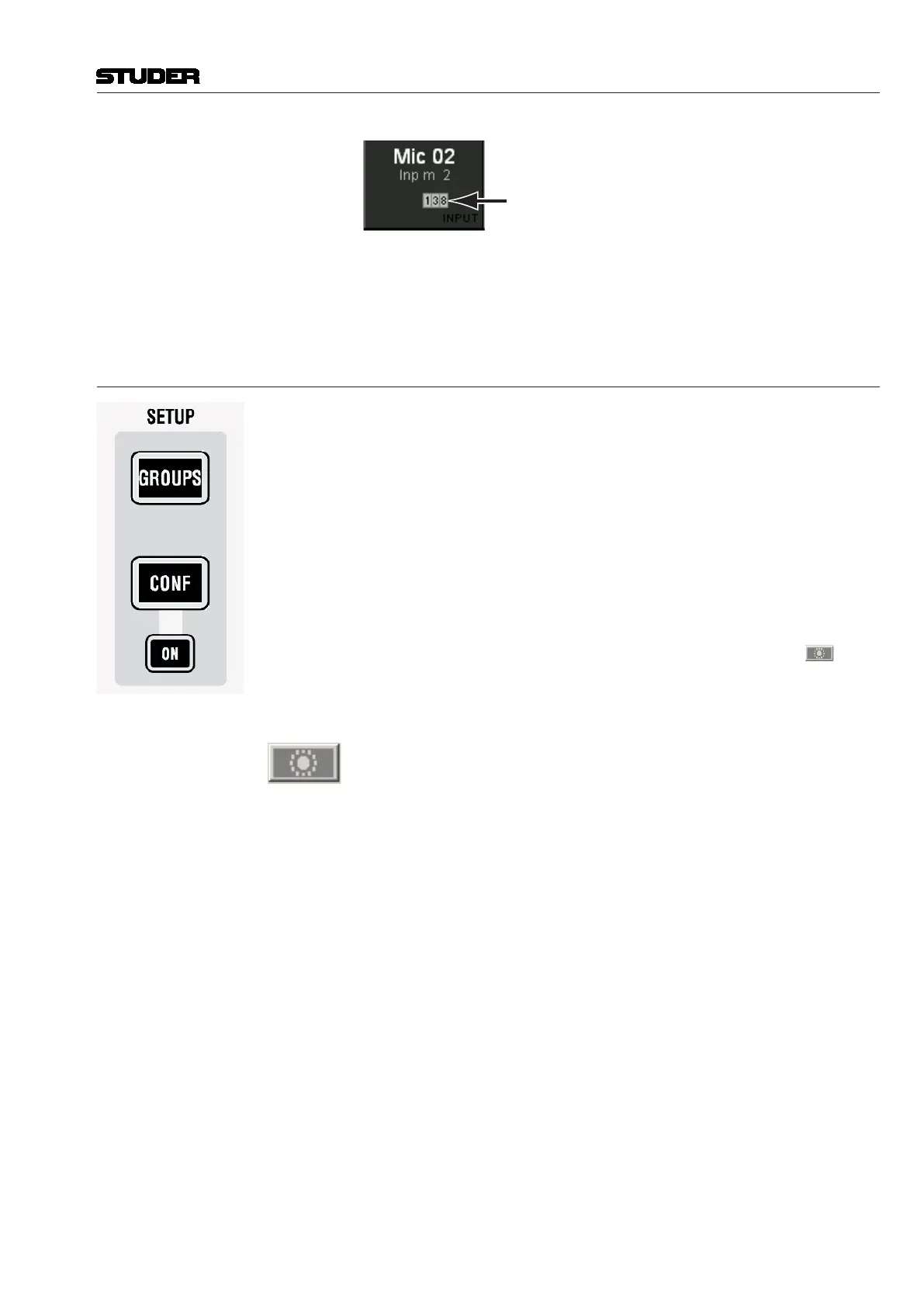
CONF: SETUP
If the DSP configuration contains n-x buses, it is possible to setup an off-
air conference between n-x owner channels. After pressing this key, all n-x
owner channels become half-lit and members of a conference can be selected
(full-lit). As soon as their fader is closed, they will be able to talk to each
other. The conference setup is immediately edited, also while the console is
still in the setup mode. This allows for frequent changes of the conference
members, e.g. during election reports. Talking to a member of the conference
will activate talkback to the whole conference at the same time.
SETUP: CONF ON
The ON key is lit as soon as a conference is set up. The conferencing may
temporarily be deactivated by clicking on the conference icon in the
toolbar or by pressing CONF ON on the control bay. In this case the conference
definition is retained. As soon as the conference is reactivated globally (by
pressing CONF ON or clicking on the conference icon in the toolbar again),
the previously selected channels may talk to each other again.
The conference icon in the toolbar has three states:
Grayed out No conference active nor defined
Colored Conference active (if member faders closed)
Colored, crossed out Conference defined, but temporarily deactivated (even if member faders
closed).
Note: In certain circumstances, also an AUX master can be selected as a conference
member (indicated by its half-lit LINK / SEL key). This is intended for adding
e.g. an on-air signal to the conference. See details below. For more informa-
tion refer to chapter 4.9.7.
This Channel is Part of Mute Groups 1, 3, and 8
Document generated: 28.08.13
SW V4.9



 To Next Page