Vista 5 M3 Digital Mixing System
GC Operation 4-105
Document generated: 28.08.13
SW V4.9
4.6.2 The View Menu
The View menu contains commands for opening various pages and tools, and
defining the appearance of the toolbar (refer to chapter 4.2.1).
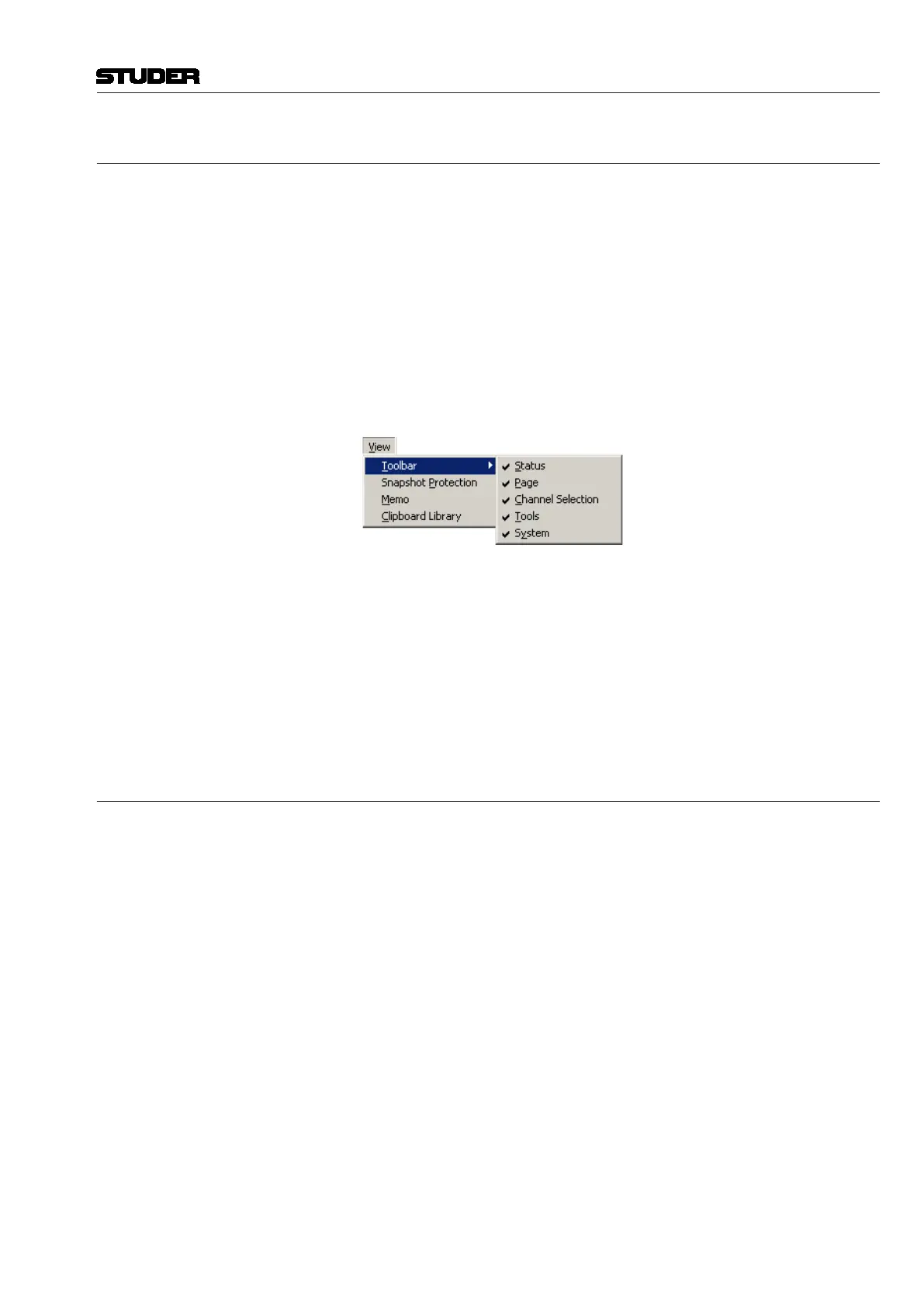
View/Toolbar: This action displays the various items of the Toolbar/Status bar to be checked.
The toolbar contains a number of short-cut icons for accessing the Vista’s
most important functions. When checked, the following icon groups are dis-
played:
• Statusbar
• PageSelection
• ChannelSelection
• Tools
• Systemfunctions.
View/Snapshot Protection: This action toggles display of the snapshot Protection window.
View/Memo: This action toggles display of the title memo window (refer to chapter 4.5.2.1).
View/Clipboard Library: This action opens the Clipboard Library window (refer to chapter 4.4.7).
The various graphical controller windows can be called up or hidden in two
different ways:
• ViatheViewmenu
• Usingthetoolbaricons,byclickingontheappropriateicon.
4.6.3 The Page Menu
There are five main graphical controller pages, each of them dealing with a
different operating part of the Vista system.
This menu is described in detail in chapter 4.4.



 To Next Page