Vista 5 M3 Digital Mixing System
2-8 Desk Operation
2.3 Channel Selection
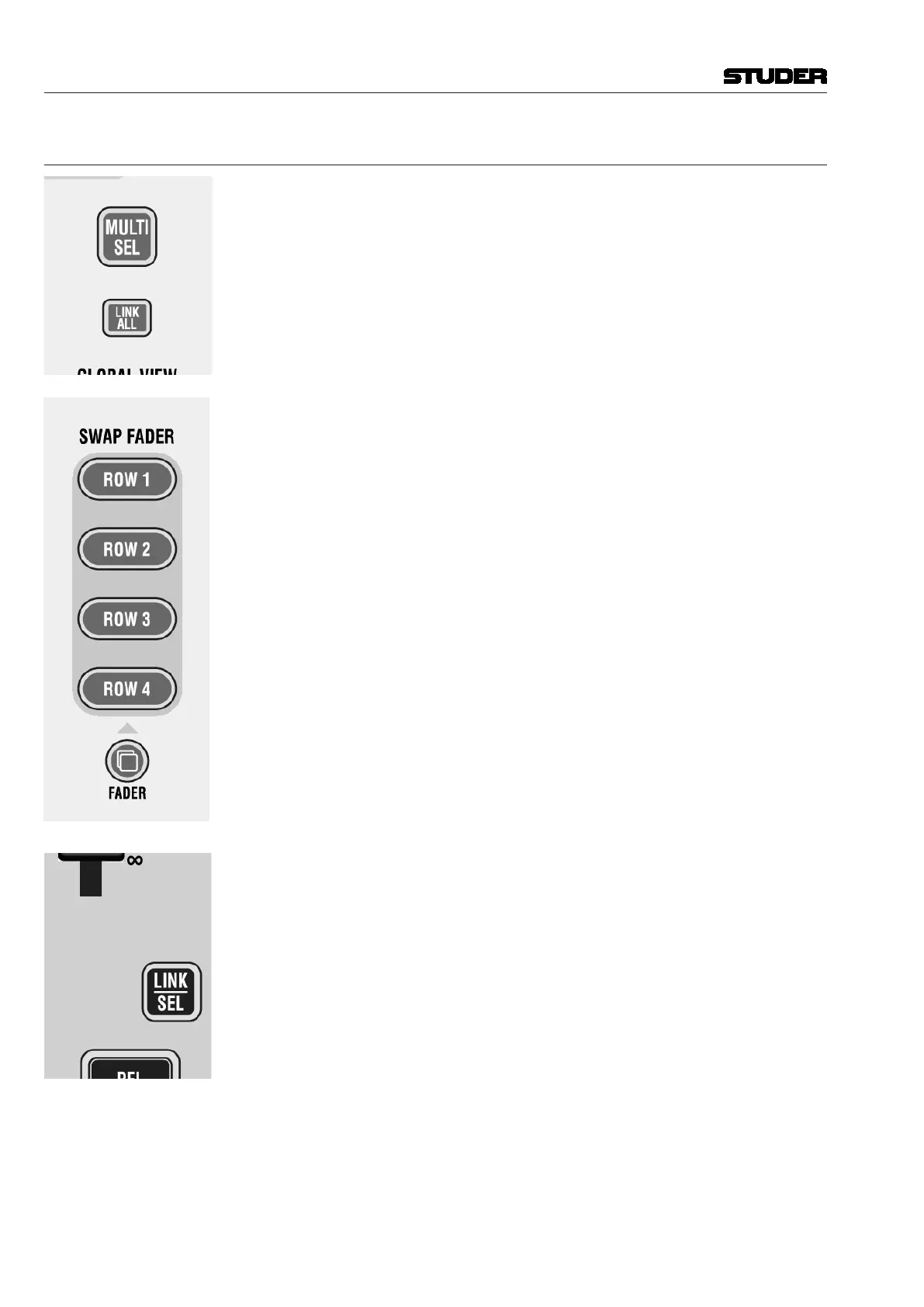
MULTI SEL
Used to make multiple selections; acts similar as the ‘Ctrl’ key on a PC key-
board.
LINK ALL
Links all channels of one type together (‘Super Gang’) mainly for setup pur-
poses. After LINK ALL is pressed, all LINK / SEL keys are half-lit, waiting for
the channel type to be defined (for linking). Such a ‘Super Gang’ includes
also channels which are currently not visible on the surface!
A gang is canceled by pressing any LINK / SEL key on the desk.
SWAP FADER: ROW 1...ROW 4
Swaps the current fader value and the MUTE key onto the selected rotary
row, if the current global view on that row has a level control with the same
range as the fader (–90...+10 dB), while the value of that row is temporarily
displayed on the faders. The function is canceled when pressing the swap key
again or when activating any other swap function.
FADER
Pressing this key will make the keys
ROW 1...4 half-lit. All fader and mute
values of the current gang will be copied onto the control element shown on
the corresponding rotary row, if there is an appropriate parameter visible; e.g.
AUX level or Direct Out Level. If the fader is copied onto a stereo AUX, the
left/right pan value is also copied along with the fader and mute values.
Note: If the direct outputs of the input channels are connected to a multi-
track recorder, it might be desirable to have the fader values copied over onto
the direct output level controls before starting a recording. If the faders are
moved, e.g. during a live transmission, the levels on the multi-track machine
will remain constant.
LINK / SEL
This key is used to select channels in different situations:
• SelectachannelforswitchingaudioprocessingsuchasEQinandout.
• Selectachannelforcopyingpastingaudiovalues.
• Selectachannelfor‘channelpatchview’ontheGraphicController
• Selectachannelforjoystickassignment(PAN)
• Select/de-selectachannelfromacontrolgroupwheninCGMsetupmode
• Selectachanneltypewhenlinkingallchannelsofthesametype.
Pressing two of these keys simultaneously will form a ‘gang’ between the
two. With MULTI SEL it is also possible to select channels that are separate
from each other.
All the members of a gang act together like one channel. Any change to one
of the members is performed to all of them. See chapter 1.1.3 for details.
Document generated: 28.08.13
SW V4.9



 To Next Page