Vista 5 M3 Digital Mixing System
GC Operation 4-95
Document generated: 28.08.13
SW V4.9
4.5.3 Channel Selection
This tool allows one console Channel to be selected for control of various
centralized functions on the graphical controller, such as Channel Patch.
There are three arrow buttons:
Selects the previous channel from the list;
Selects the next channel from the list;
Opens the full Channel List to select a channel. Labels are displayed according
to the selected Label Mode (refer to chapter 4.3.3).
4.5.4 System Functions
4.5.4.1 System Functions: Protect/Unprotect SysAdmin Mode
This action allows the system user mode to be toggled from Standard to
system admin istration. The system administration mode allows access to
some system functions that are not needed in normal operation.
Accessing the system administration mode can be accomplished in two ways:
• Clickingthe padlock icon in the toolbar;
• SelectingSysAdmin…intheUsermenu.
From Standard Mode (closed padlock icon): Click on the padlock icon, or
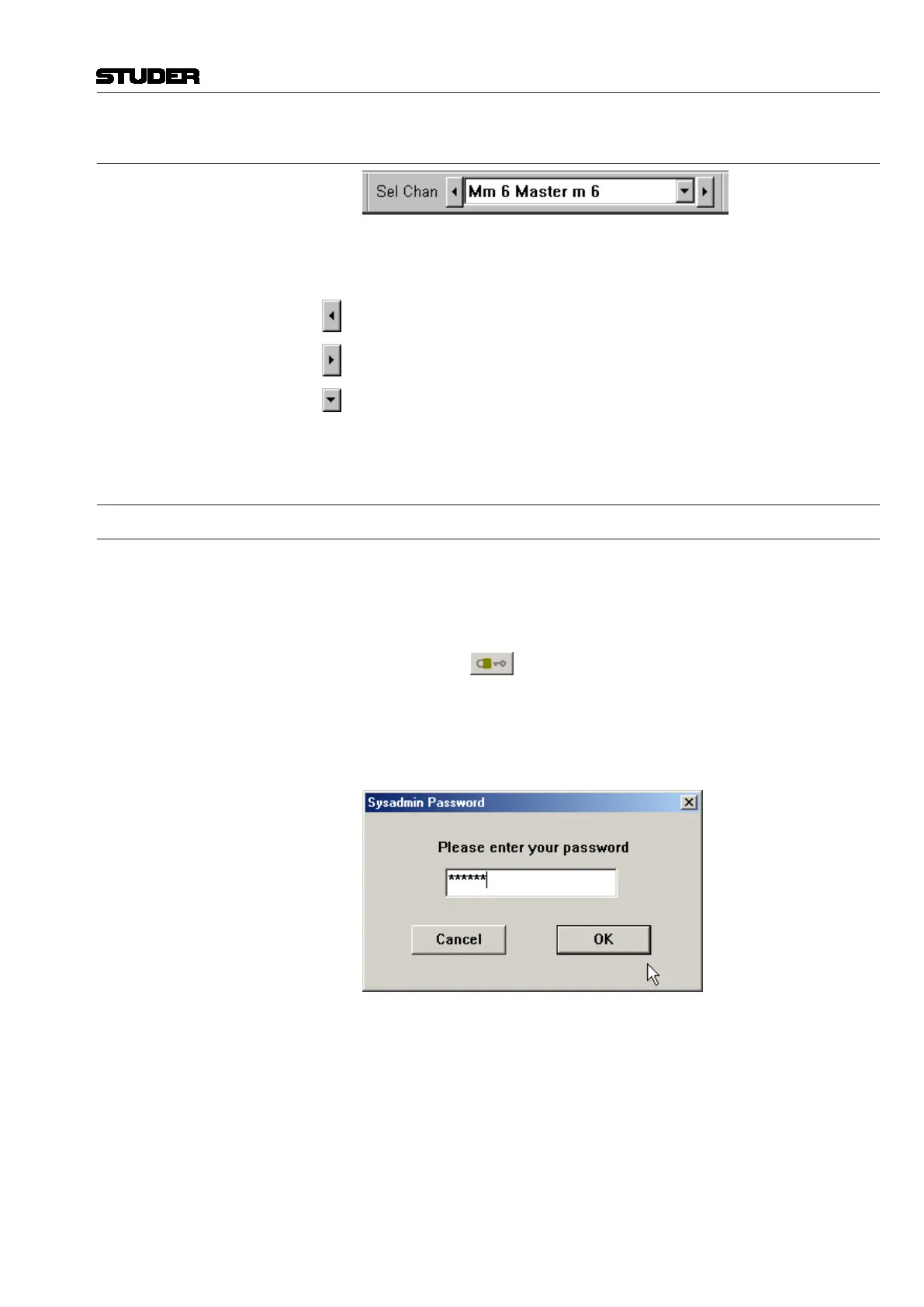
select SysAdmin… in the User menu. You will be asked to enter the system
administration Password.
After complying with the request, an additional menu item – SysAdmin – will
appear in the menu bar.
From system administration mode (open padlock icon): Click on the padlock
icon or select Protect in the User menu to exit this mode.
For more details on the User/Protect menu and the system admini stration
menu, refer to chapters 4.6.5 and 4.7.



 To Next Page