Vista 5 M3 Digital Mixing System
4-118 GC Operation
Document generated: 28.08.13
SW V4.9
4.6.4.9 Option: Snapshot Confirm
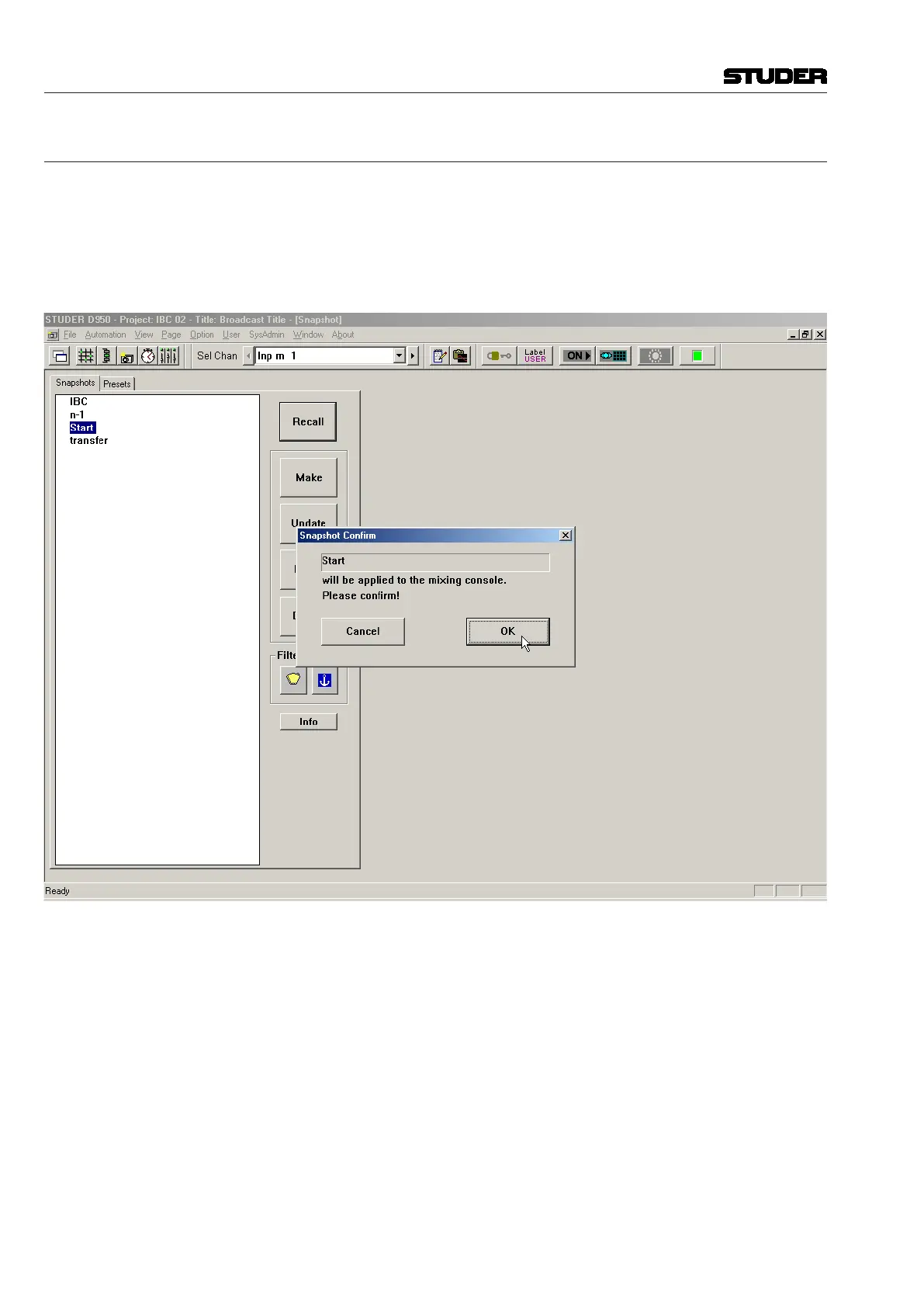
The Snap Confirm option can be checked or unchecked:
• Ifchecked, the snapshots/presets can only be recalled with user confirma-
tion (the user must click OK or press Enter to finally recall the snapshot/
preset, or click Cancel to cancel the snapshot/preset Recall).
• Ifunchecked, the snapshots/presets will be applied to the console imme-
diately, and parameter settings not already saved will be lost.
Notes It may be advisable to leave Snap Confirm checked until fluency with snaps-
hots/presets is achieved.
Snap Confirm applies to both snapshots and presets.



 To Next Page