Vista 5 M3 Digital Mixing System
AutoTouchPlus 5-151
Document generated: 28.08.13
SW V4.9
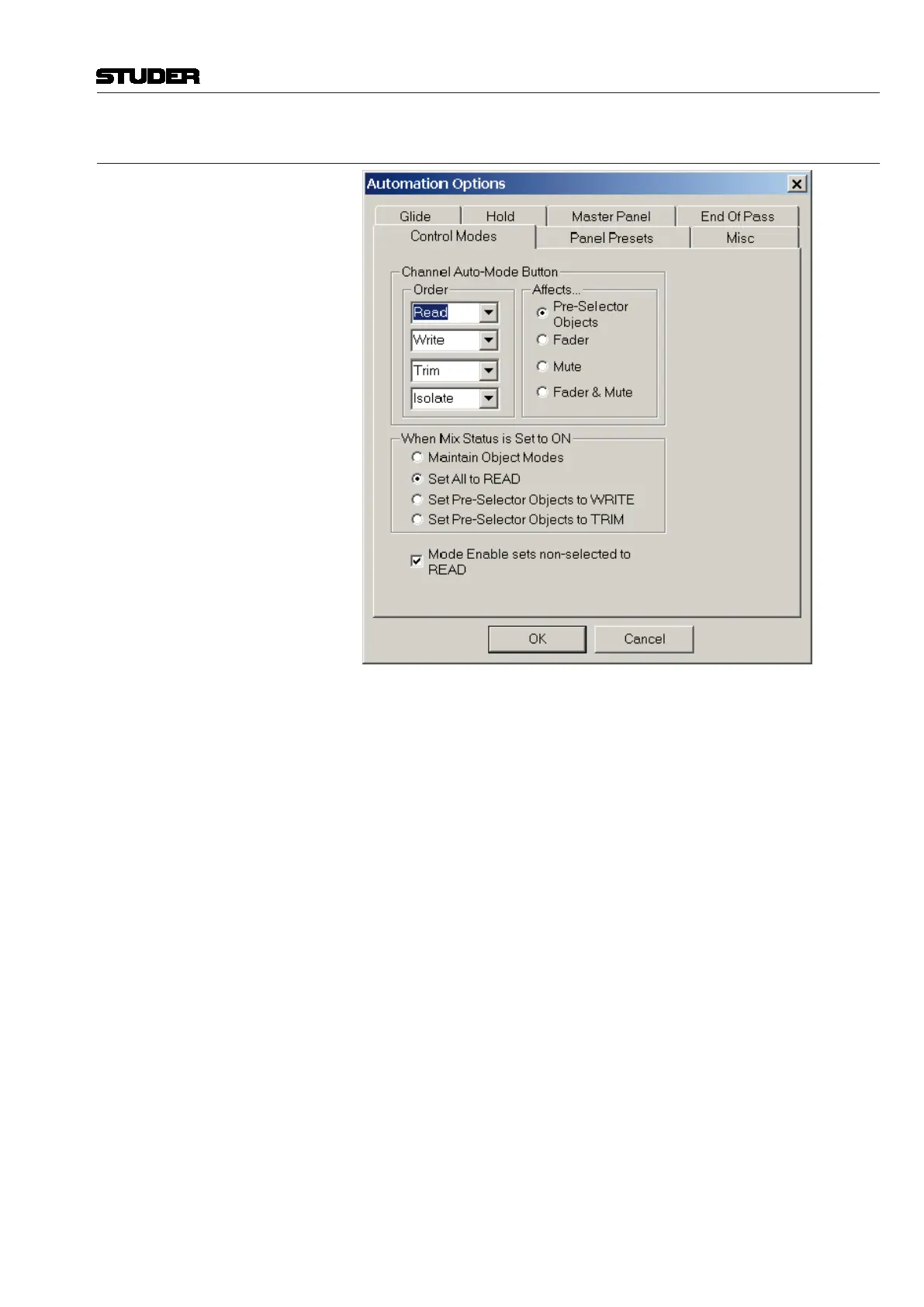
5.22.2 Control Mode Options
Channel Auto-Mode Button <Order>: This list selects which Control Modes will be selected by pressing
the ISO (AUTO MODE) key, and in what order. All four Control Modes may
be selected or not in whatever order is desired.
<Affects>: This set of radio buttons determines which controls within the
channel will be affected by the ISO (AUTO MODE) key when it is used to set
Control Modes.
• <Preselector Objects
>: The state of the Control Modes preselectors
determine which controls will be affected by the ISO (AUTO MODE) key
when it is used to set Control Modes.
• <Fader>: The ISO (AUTO MODE) key only affects the fader of the channel.
• <Mute>: The ISO (AUTO MODE) key only affects the mute of the channel.
• <Fader & Mute>: The ISO (AUTO MODE) key only affects the fader and
mute of the channel.
When Mix Status is Set to ON This set of radio buttons controls what happens when Mix On is turned on
and off…
• <Maintain Object Modes>: In this case, turning Mix on or of
f, will not
change the control modes of any of the controls in the console.
• <Set All to READ
>: In this case, turning Mix on after having turned it off,
will set all controls to Read.
• <Set Pre-Selector Objects to WRITE>: Any selected controls in the
ACU CONTROL MODES preselector will be set to Write. All others
are set to READ.
• <Set Pre-Selector Objects to TRIM>: Any selected controls in the ACU
CONTROL MODES preselector will be set to Trim. All others are set to
Read.



 To Next Page