6.4.6 Shared Functions Page
The Shared Functions page allows adding and editing the shared functions.
Currently the following shared functions are available:
• Generator
• Dynamicssidechainlink
• Downmix(surroundtostereo)
• Monitorstereo(monitoringDSP)
• Monitormulti-format(monitoringDSP)
• Stereo-to-mono
• Delay240ms
• Delay10s
Generator The Generator is used to test the console with sine-wave, white noise, and
pink noise signals. The number is automatically set to 1.
Dynamics Sidechain Link The dynamics sidechain link allows to link the controls (sidechains) of the
dynamics sections of up to eight different channels. It is similar to the ‘stereo
link’ function found on many standalone compressor/limiters, but the number
of linkable channels has been set to eight rather than only two, so that all cur-
rent surround formats can be supported. The dynamics sidechain link requires
DSP power, so the number is best set to the required minimum. The default
number is zero, and the number can be set freely.
Other Functions Audio functions have the same functionality as their corresponding channel
functions.
To Edit To edit the numbers of shared functions go to the VMC Tree View.
6.4.7 Session Configuration Toolbar and Menus
Most of the functions of the Session Configuration Tool are controlled directly
from the four View pages as described in the previous chapters. There are,
nevertheless, some functions that are accessible only via the menus. The
following descriptions briefly explain all the menu items, and only go into
details for functions not explained in the previous chapters.
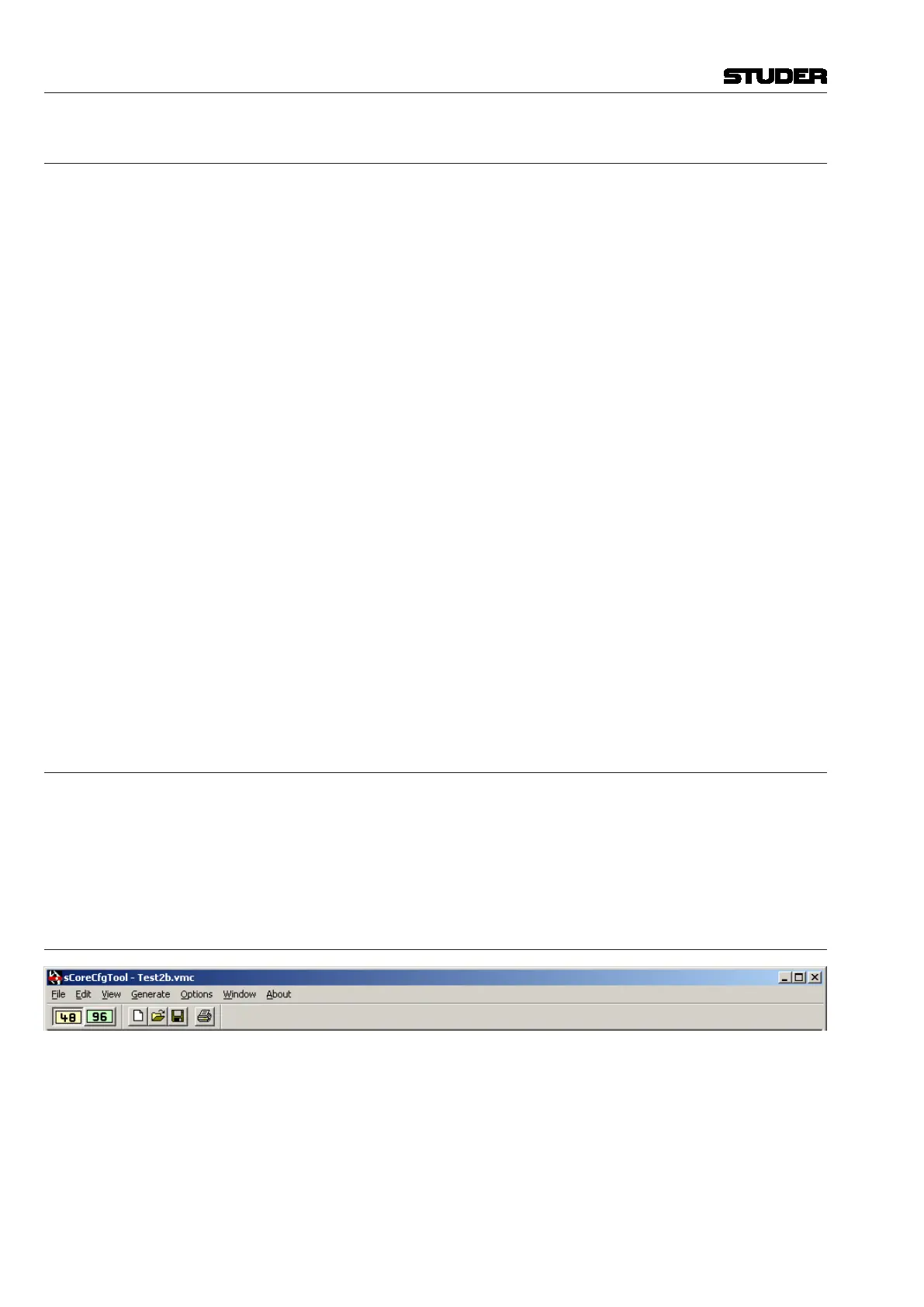
6.4.7.1 Toolbar
48 Set sampling rate to 48 kHz.
96 Set sampling rate to 96 kHz.
Vista 5 M3 Digital Mixing System
6-32 Session Conguration
Document generated: 28.08.13
SW V4.9



 To Next Page