Vista 5 M3 Digital Mixing System
GC Operation 4-47
Document generated: 28.08.13
SW V4.9
4.4.4.3 Snapshot Crossfading
It is possible to define a crossfade time for each snapshot. This is done by
simply clicking on the crossfade time and scroll your touch pad up or down.
If the crossfade feature is deactivated (see below), it is impossible to adjust
the crossfade time.
The snapshot crossfading may be deactivated by deselecting the Xfade Active
option on the snapshot Screen.
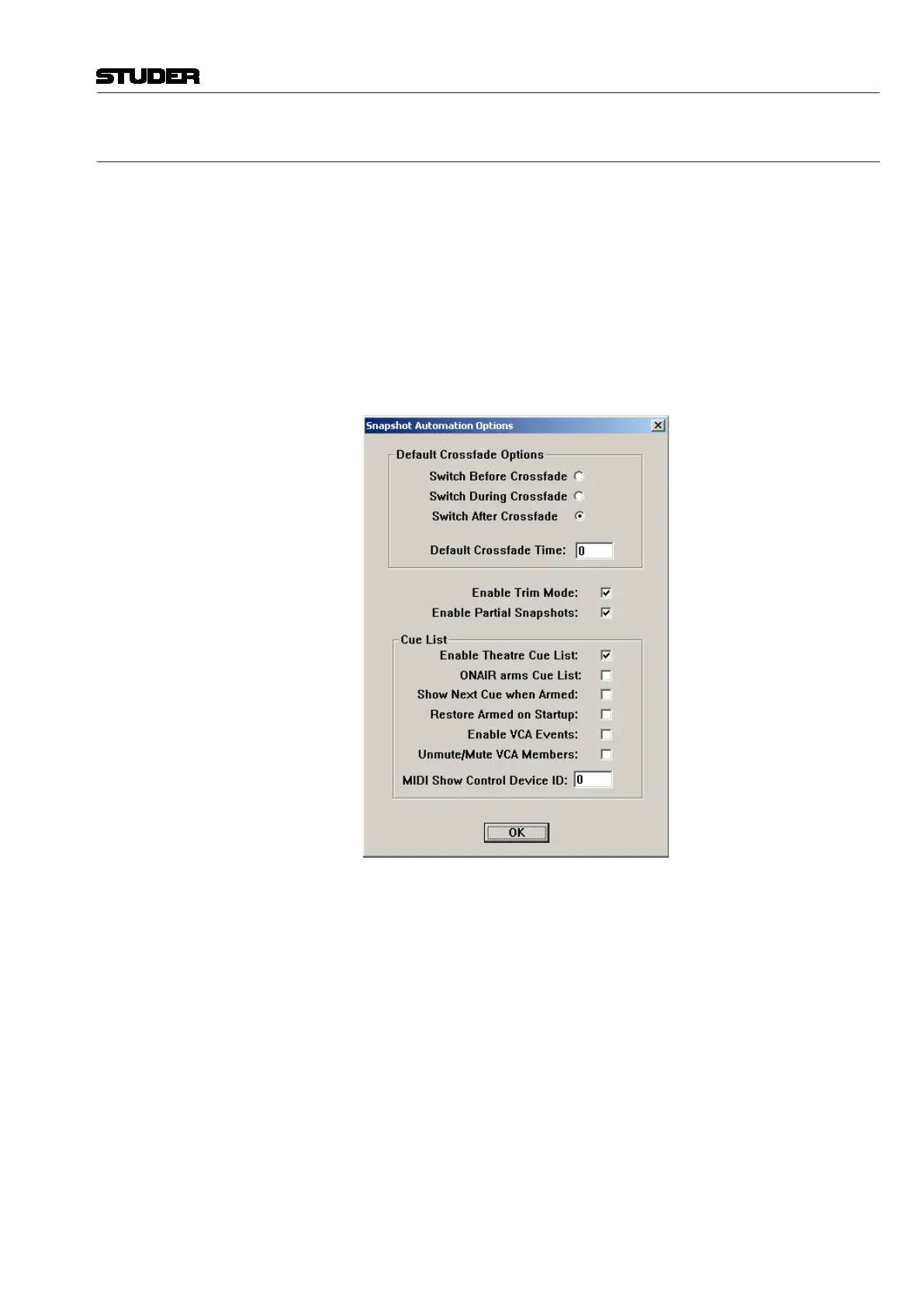
Settings that cannot be crossfaded (switches) can either switch at the begin-
ning, in the middle of the crossfade or after the crossfade. This behavior can
be defined in the snapshot Automation Options window selected from the
Options menu. There, it is also possible to define a Default Crossfade Time.
For an explanation of the Enable Trim Mode option, refer to chapter 4.4.4.7.



 To Next Page