Vista 5 M3 Digital Mixing System
Parameters 3-55
Document generated: 28.08.13
SW V4.9
3.4.7 Bus Assignment View
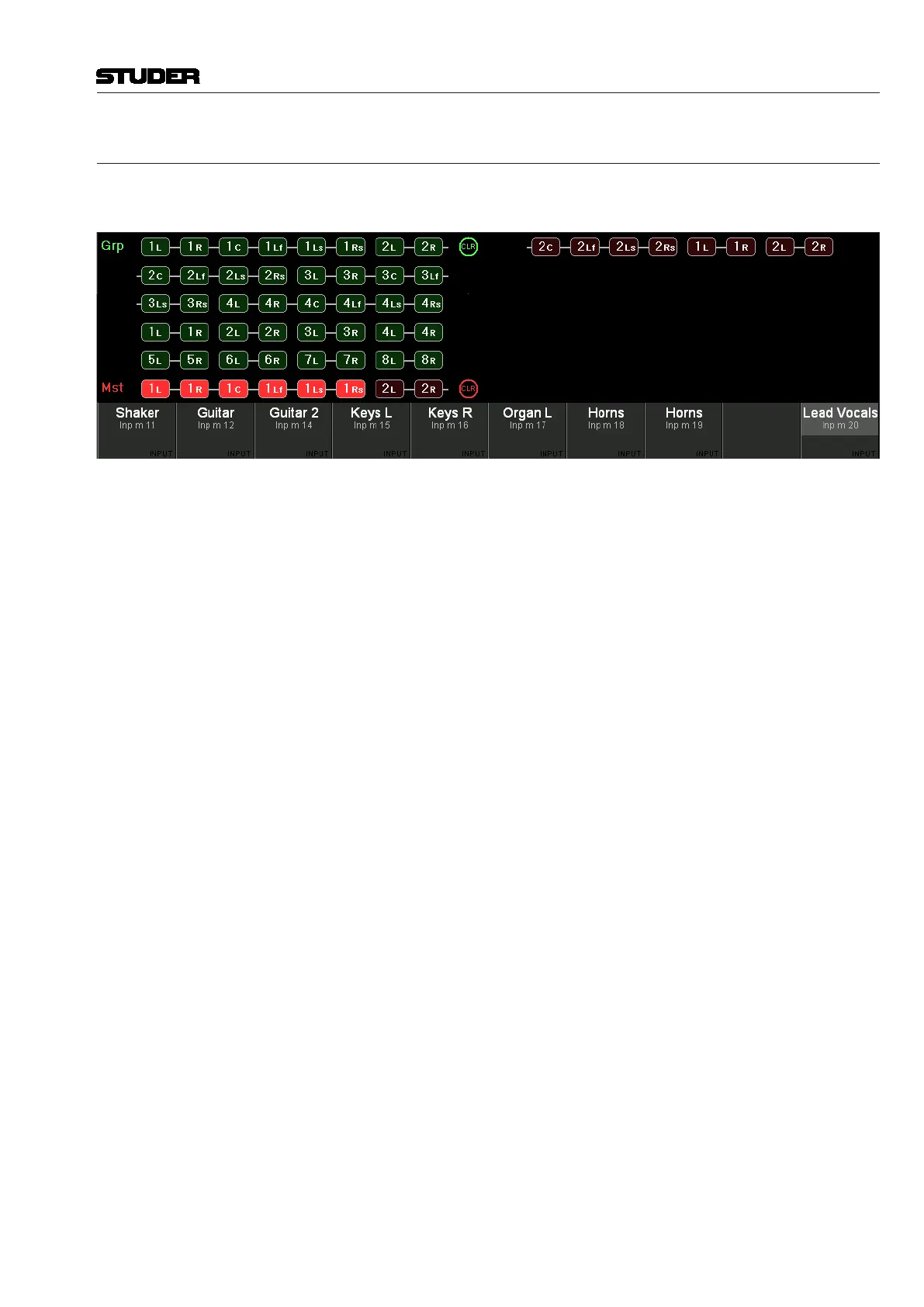
When pressing VIEW: BUS ASN, the display changes to the bus assign window
of the selected channel.
Only buses are shown here to which the current channel can be assigned.
Pressing VIEW: BUS ASN on a master channel, however, will activate the
‘inverse bus interrogation’ view described below.
The CLR buttons will clear the assignment to all buses of the corresponding
type.
Inverse Bus Interrogation Pressing VIEW: BUS ASN on a group master, an AUX master or a master chan-
nel (having a bus routed to its input) opens the Strip Setup dialog on the GC
screen, showing the currently assigned channels in magenta color.
When pressing VIEW: BUS ASN on an N–X owner channel, the inverse bus
interrogation is done on the associated N–X bus.



 To Next Page