Vista 5 M3 Digital Mixing System
2-26 Desk Operation
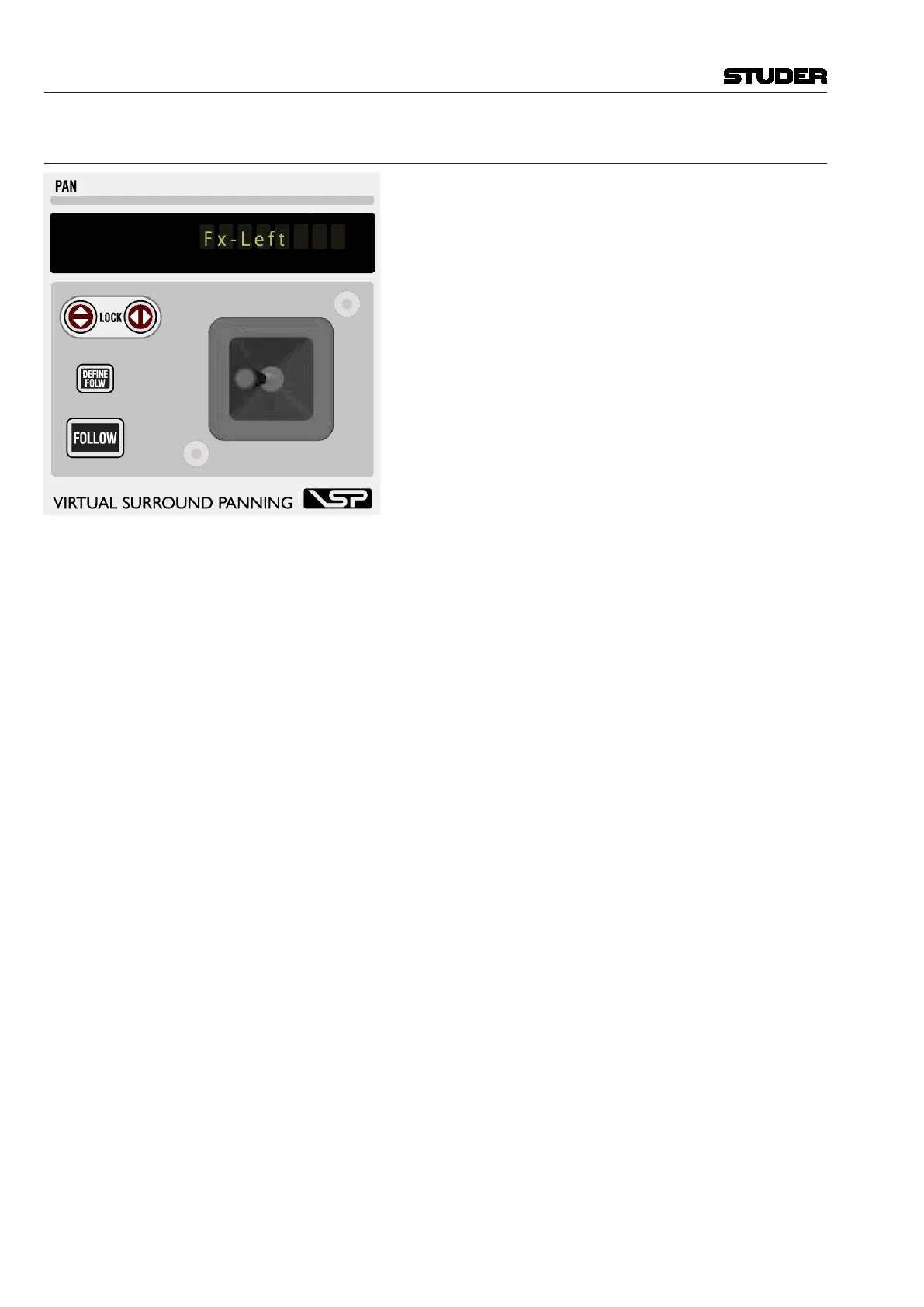
2.6.12 Joystick
Display
Indicates the inherited label of the channel currently assigned
to the Joystick.
Y axis lock
X axis lock
Lock the Y axis () or X axis () when moving the joystick.
Pressing and simultaneously deactivates the joystick
completely and clears the assignment to a channel.
FOLLOW
Activates the joystick to display the currently selected channel
(select with LINK/SEL). If a gang is present, the joystick will
influence the whole gang. FOLLOW can be deactivated by a
second press; the joystick will then stay assigned to the current
channel.
DEFINE FOLW When a gang is active and the joystick is set to FOLLOW mode, the joystick
will physically move to the average of all the pan values of the gang, allow-
ing the user to make slight adjustments very quickly. However, if the user
wants to do a ‘full’ pan, so that all channels will be e.g. fully left, he needs
to define the channel for the joystick to display. The joystick will then move
to the pan position of the defined channel, but will still keep influencing the
whole gang.
Example: One dialog microphone is moving together with the ambience
channels. The gang will include all channels even if the joystick is defined
to show the dialog microphone by using DEFINE FOLW.
Operation: Create a gang, have FOLLOW on. Press DEFINE FOLW and select
one of the gang members (use the half-lit LINK / SEL keys as guides).
Document generated: 28.08.13
SW V4.9



 To Next Page