Vista 5 M3 Digital Mixing System
Desk Operation 2-31
FOLLOW If this key is active, the view on the control bay Vistonics
®
will follow the
GLOBAL VIEW of the fader bay, indicating the same 4 parameters per
channel strip belonging to each of the 10 faders below. This mode makes the
control bay become a fully functional fader bay, it may be used to operate
input channels.
2.6.16 Contribution Access
Very often it is useful to operate the console in ‘reverse’ way, coming from an
output fader and operate the various input channels contributing to this output.
By pressing the CONTRIB key on top of a fader the Vistonics
®
rotaries will
show all channel faders currently contributing to this master signal. In case
of a matrix or AUX master output, the view shows all channels contributing
to this output, hence input, subgroup or master channels.
‘Contribution’ can be operated in two ways, depending on the state of the
REDUCED (View) ON key on the left-hand side:
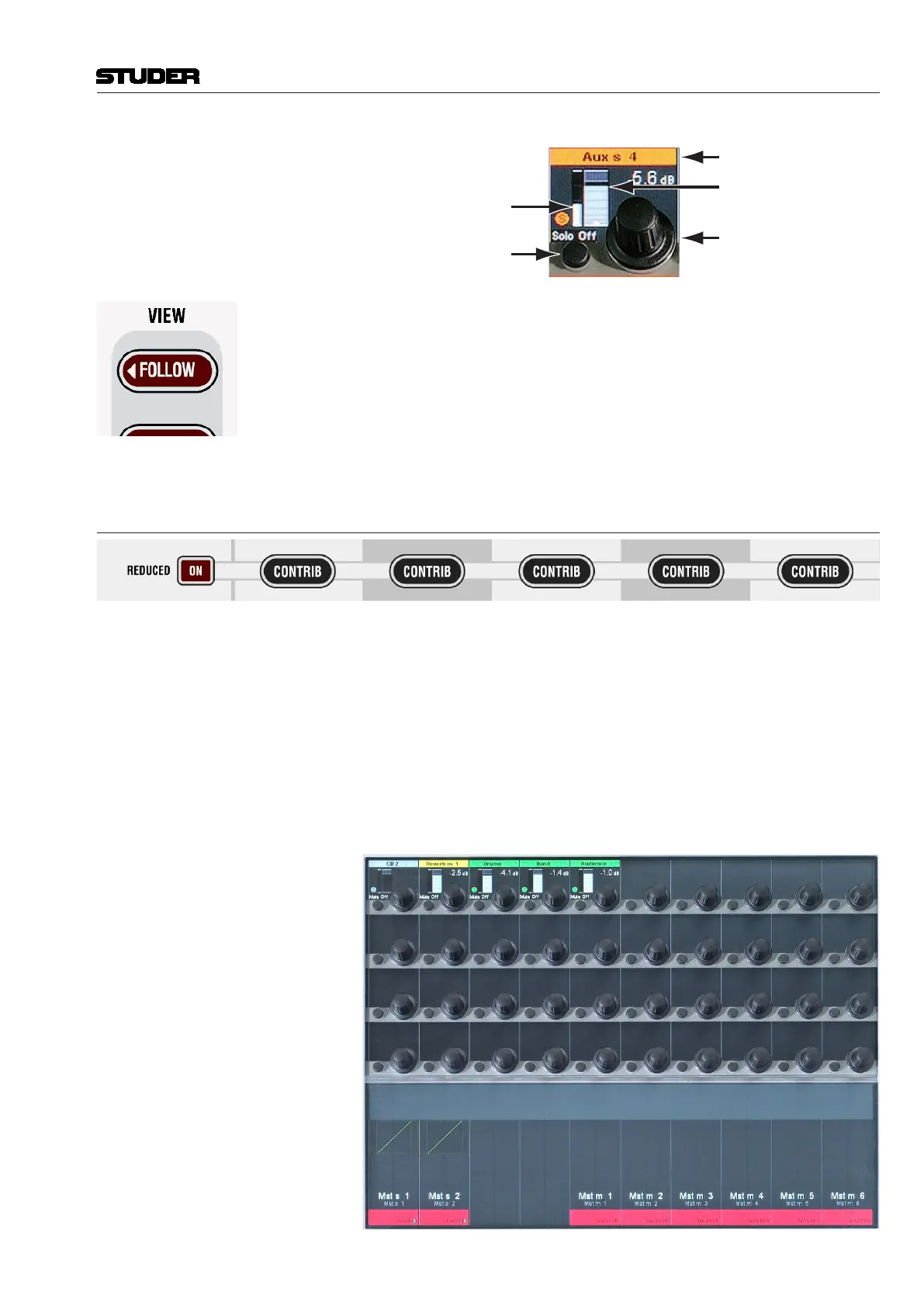
REDUCED (View) ON When pressing CONTRIB only the channels currently assigned to the corre-
sponding master bus are displayed.
Channel Label
Channel Fader Level
Real-Time Level Meter
SOLO / PFL
MUTE / TALK
Channel Fader Control
of Vistonics
®
Rotary
Document generated: 28.08.13
SW V4.9



 To Next Page