Vista 5 M3 Digital Mixing System
2-30 Desk Operation
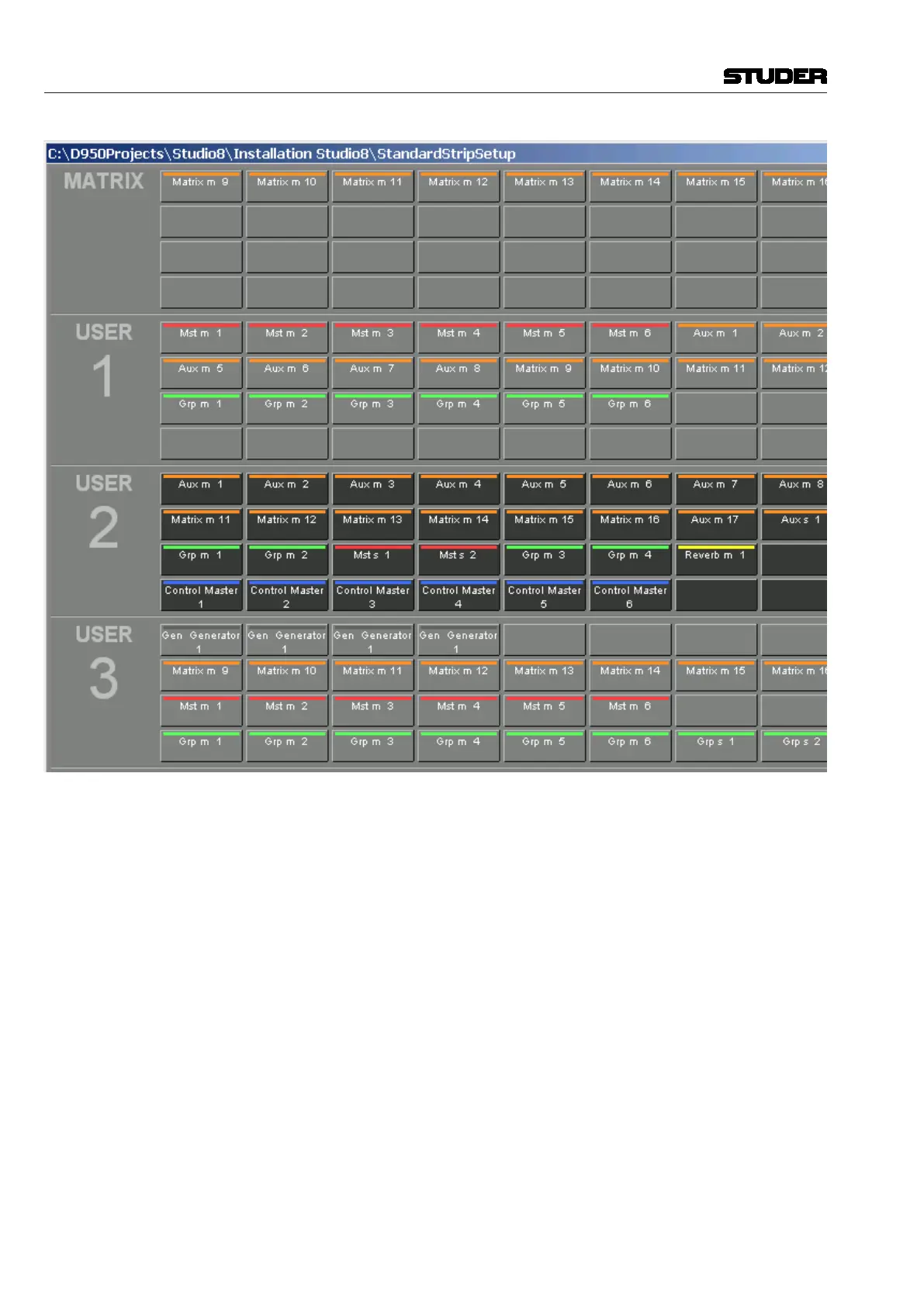
The top user-definable view is labeled MATRIX. This page is also fully user-
definable and covers the same functionality as the other four USER1...4 keys.
As a standard the user may want to use the MATRIX key to see the console’s
matrix outputs (see chapter 4.9.5).
The function of the Vistonics
®
keys next to each rotary knob on the Vistonics
®
screen may be modified by pressing the TALK or MUTE keys. They will change
the Vistonics
®
key from a SOLO/PFL/SIP key (depending on the current
mode) to a TALK or MUTE key.
Note: These functions may not be available on certain channel types.
Apart from displaying meters and set levels, the Vistonics
®
screen also
indicates the label of the displayed channel with the color coding applied
accordingly.
Temporary activation of these keys is possible.
The (shift) key is reserved for future use and doesn’t offer any function
currently.
Document generated: 28.08.13
SW V4.9


 To Next Page
 Loading...

