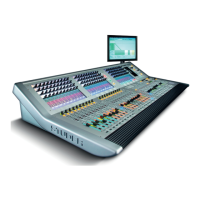
Vista 5 M3 Digital Mixing System
4-6 GC Operation
Document generated: 28.08.13
SW V4.9
Full use is made of the Windows-standard, context-sensitive menus that can
be accessed by the right touch pad button. The same is valid for conventional
double-click techniques. The Tab, PgUp/Dn, and arrow keys behave according
to standard Windows operation.
The graphical controller’s screen colors, screen sizes, individual window
positions and sizes, certain font sizes etc., are also part of the Windows Screen
Properties, and can be adjusted there.
Because the graphical controller’s user interface can be configured to suit the
individual needs of specific users, all the graphics shown in this operating
instructions manual may differ slightly from what you will see on the GC
display of your Vista digital console.


 To Next Page