Vista 5 M3 Digital Mixing System
4-142 GC Operation
Document generated: 28.08.13
SW V4.9
Control Group Members Control Group Members can be selected to and deselected from a Control
Group during the console operation. This is done in a special Control Group
Edit mode. Any console channel can be selected as a member in a Control
Group. The members can be ‘stolen’ from one Control Group to another.
When a channel is selected as a member in a Control Group, its channel strip
displays the Control Group in the seven-segment display next to the fader in
the same manner as described above.
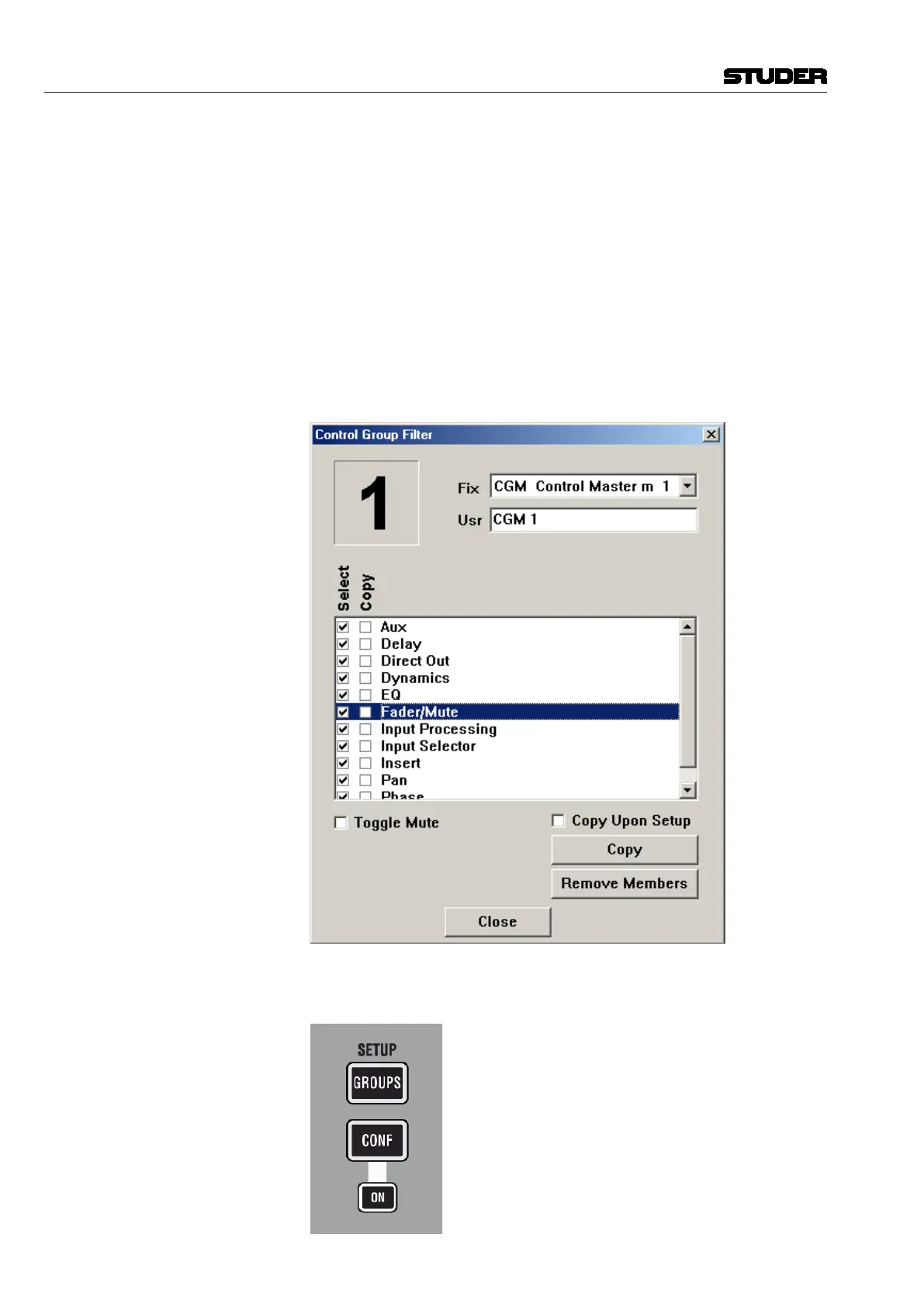
Operating an audio parameter on the Control Group Master influences that
parameter on all members (if that parameter has been selected in the Control
Group Filter Dialog Box during Control Group Edit mode). It offsets the
member value by the move amount of the Master. Operating the parameter
on the member influences only that member’s parameter.
Control Group Setup The Control Groups are edited in the Control Group Setup Mode. This mode
is activated through the SETUP: GROUPS key.



 To Next Page