Vista 5 M3 Digital Mixing System
5-50 AutoTouchPlus
Document generated: 28.08.13
SW V4.9
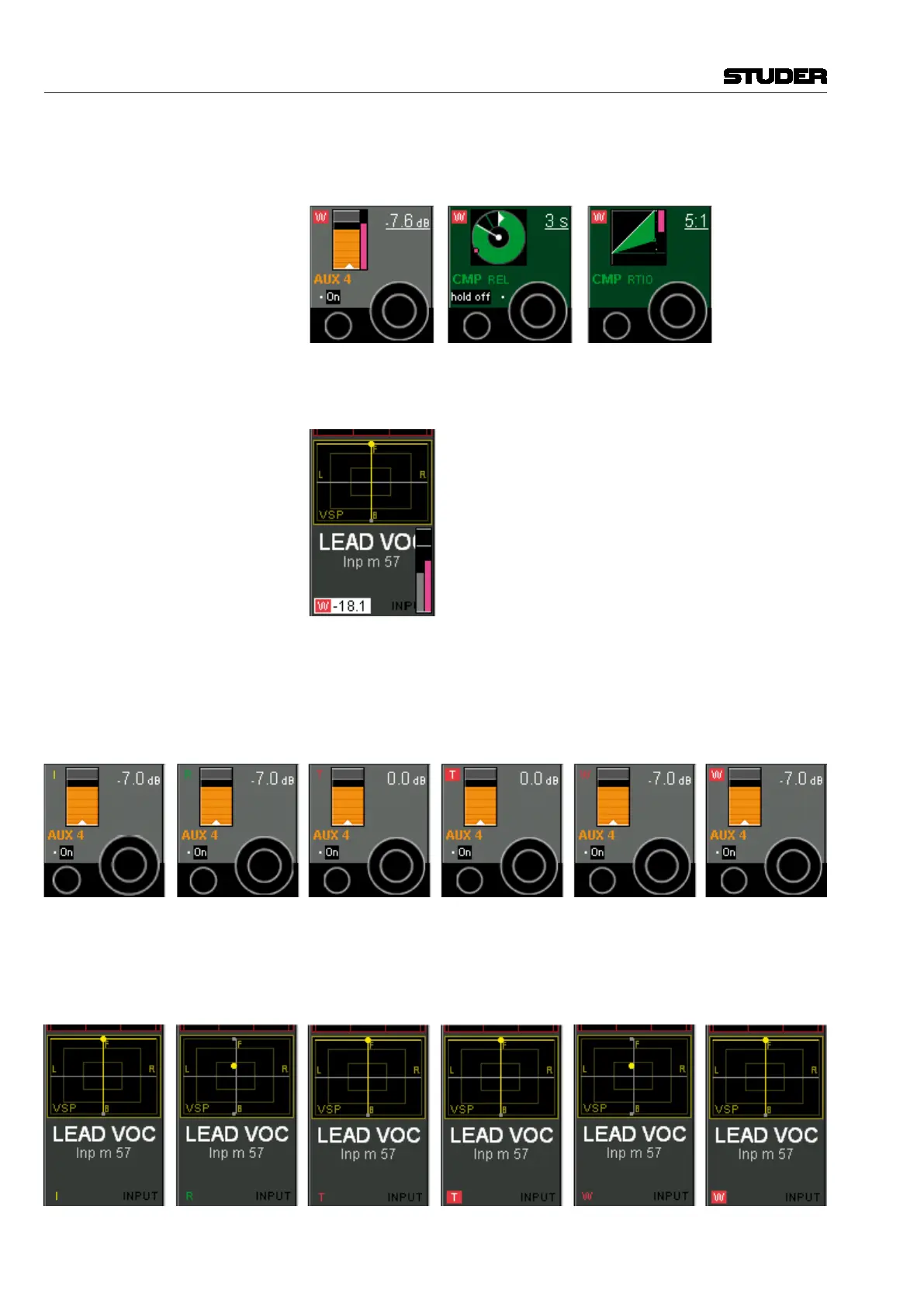
from the one within the last mix pass, a pink colored element indicates the
value of the last mix pass, while the main display is indicating the current
value.
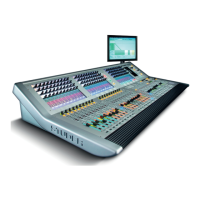
Fader Value Current and replay value of the fader. If the current value is different from
the one in the last mix pass, a pink colored element indicates the value within
the last mix pass, while the main display is indicating the current value.
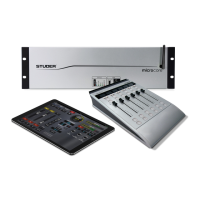
Recording Recording and recording mode indicator: This always refers to the associated
control.
Characters without a frame indicate the status of the rotary control (I = Isolate,
R = Read, T = Trim, W = Write).
A red frame behind the W or T indicates that the rotary control is currently
recording.
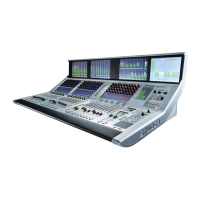
Recording Recording mode of the fader (in the Vistonics generic display area):
Characters without a frame indicate the status of the fader (I = Isolate, R =
Read, T = Trim, W = Write).
A red frame behind the W or T indicates that the rotary control is currently
recording.


 To Next Page