Vista 5 M3 Digital Mixing System
AutoTouchPlus 5-71
Document generated: 28.08.13
SW V4.9
timecode values.
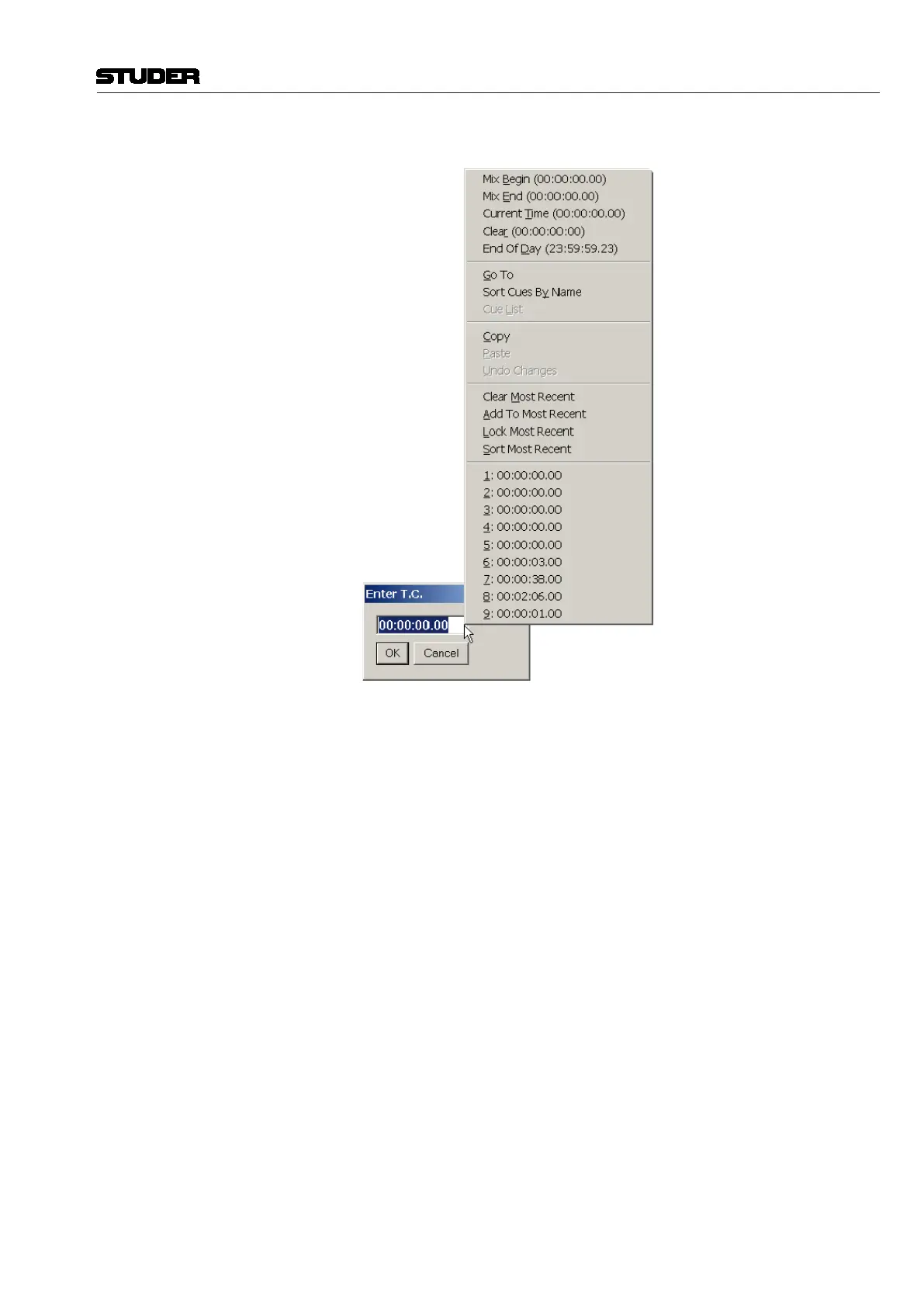
These items are organized in five basic areas:
• SignificantSystemTimes:Mix Begin, Mix End, Current Time, Clear
(00:00:00.00), and End of Day (23:59:59.23)
• CueListTimes:AllowsaccesstotheTitleCueListandprovidesthemeans
to sort and go to cues
• Copy/Paste/Undo Changes: Entry field clipboard functions
• Most Recent: A list of the most recently used timecode locations is main-
tained by the system. Timecode locations from this list many be selected
for the entry field value. The most recent timecode (current value) may
be locked as the entry field value, to prevent it from being changed. A
timecode may be manually added to the list. The list may be sorted and
deleted.
Hot Keys Hot Keys are provided to aid in the entry of fixed End timecode locations. A
complete description of Hot Key functions is provided in chapter 5.24.
<Option> <End of Pass Clears>: The End of Pass options (also refer to chapter 5.22.6)
determine the behavior of specific functions when a mix pass is terminated
by stopping timecode. The behaviors that take place are determined in the
End of Pass Options page. Check boxes allow the selection of the following
options:
With <Write To End> checked, the Write To: End function is disabled after
the end of every Mix Pass and Punch Out is reset as the default state. This
ensures that Write To: End is only used for one pass without being reset as
the Write To: function.


 To Next Page