Vista 5 M3 Digital Mixing System
AutoTouchPlus 5-117
Document generated: 28.08.13
SW V4.9
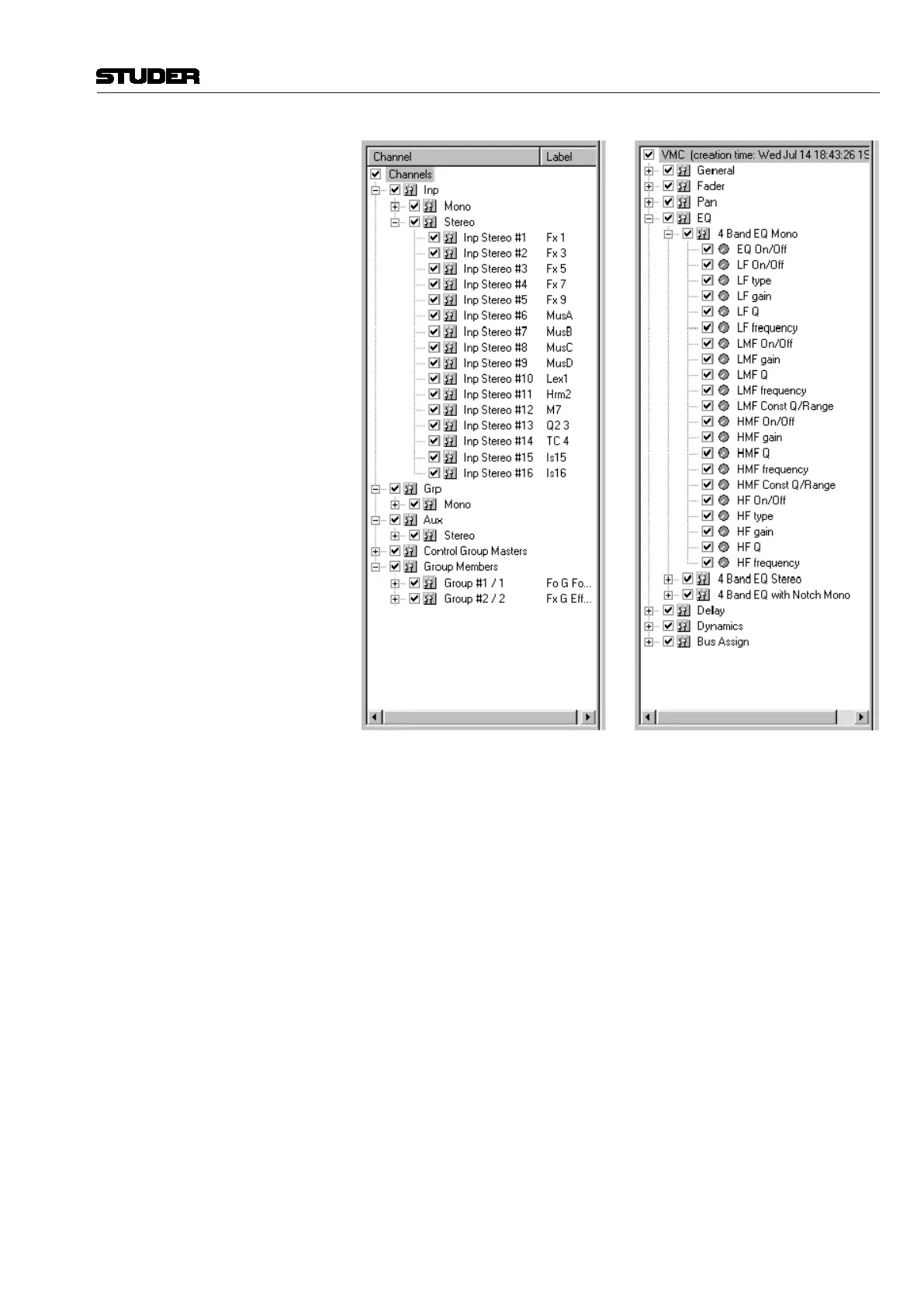
Once a tree has been chosen, all of the individual elements it contains may be
viewed by opening the displayed folders and folders within folders (click the
‘+’ icons to open folders and the ‘–‘ icons to close them). Like the channel/
object selectors, only elements contained within the VMC are displayed.
Items can be selected for editing by checking any combination of folders
and/or individual elements within the tree. Using this method, an exact set
of elements, either simple or complex, can be chosen. Because of this high
resolution, a much more precise set of elements may be selected than what is
possible using the channel/object selector windows.
An item can be checked or unchecked by clicking on the box next to its
name. Several items may be selected by highlighting the item labels using
the familiar Shift-click and Ctrl-click methods. Once the labels have been
highlighted, Right-clicking will open a pop-up menu that allows the group
to be checked or unchecked.



 To Next Page