Tip It is legal to have more buses than corresponding channel types, as in the
example above. The reason for this is that the buses (unlike in analog con-
soles) are valid audio signals and can be used as such in the Studer Vista patch.
They are simply summation buses which will output the sum of all assigned
inputs.
The newly edited configuration now looks as follows:
• 8monoinputchannels
• 2stereoinputchannelswithchangedprocessing
• 2+2monogroups,differentprocessing+4groupbuses
• 2monomasters+2masterbuses
• 6monoAuxes+6monoAUXbuses
• 2stereoAuxes+2stereoAUXbuses
• 2solobuses
• 1stereoPFLbus
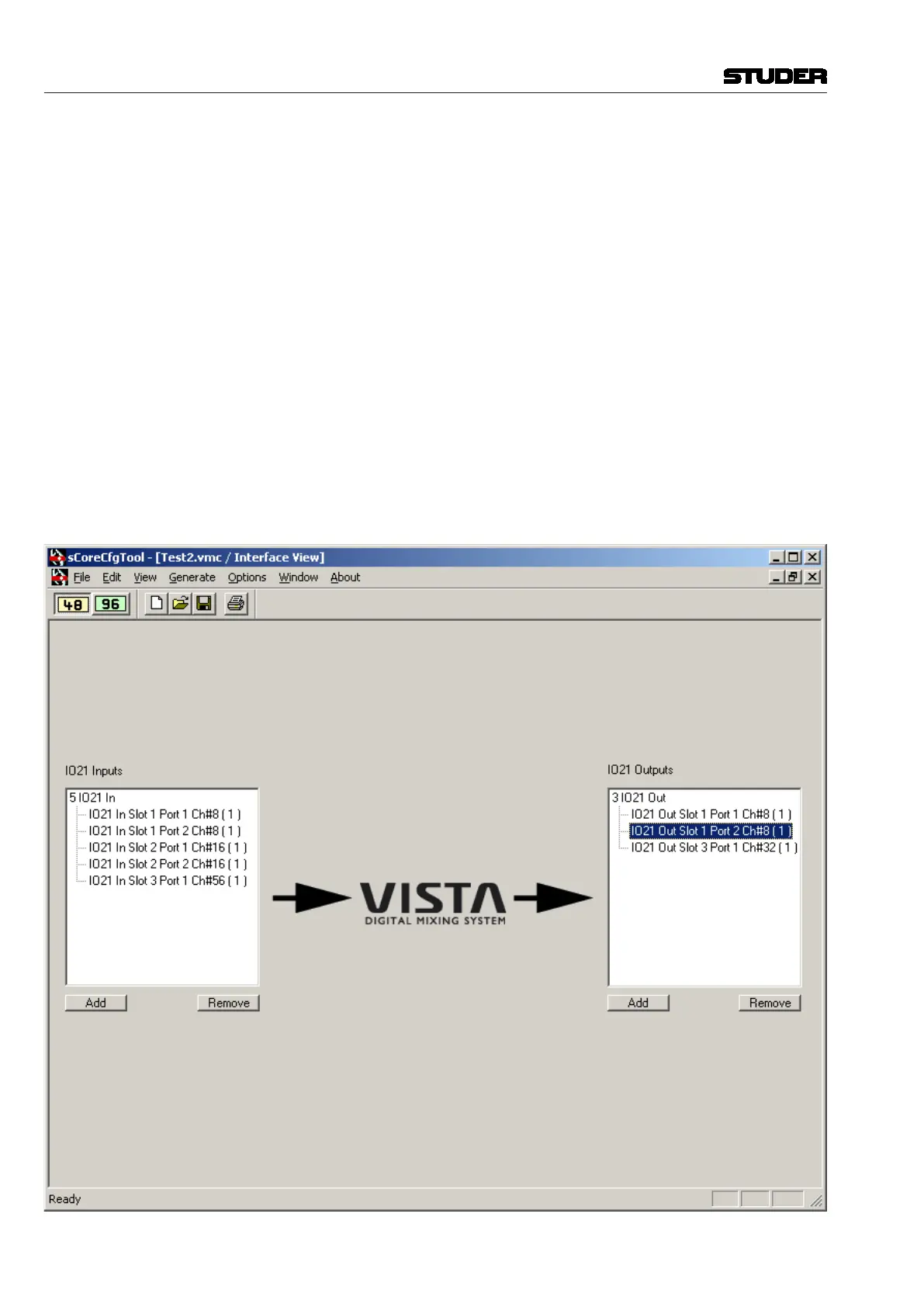
Check the Interfaces We will assume that for this example, the interfacing does not need to be
changed. We will only have a look at what interfacing is available in the
configuration we just changed. For this purpose, select ‘Interface’ from the
‘View’ menu.
Vista 5 M3 Digital Mixing System
6-16 Session Conguration
Document generated: 28.08.13
SW V4.9



 To Next Page