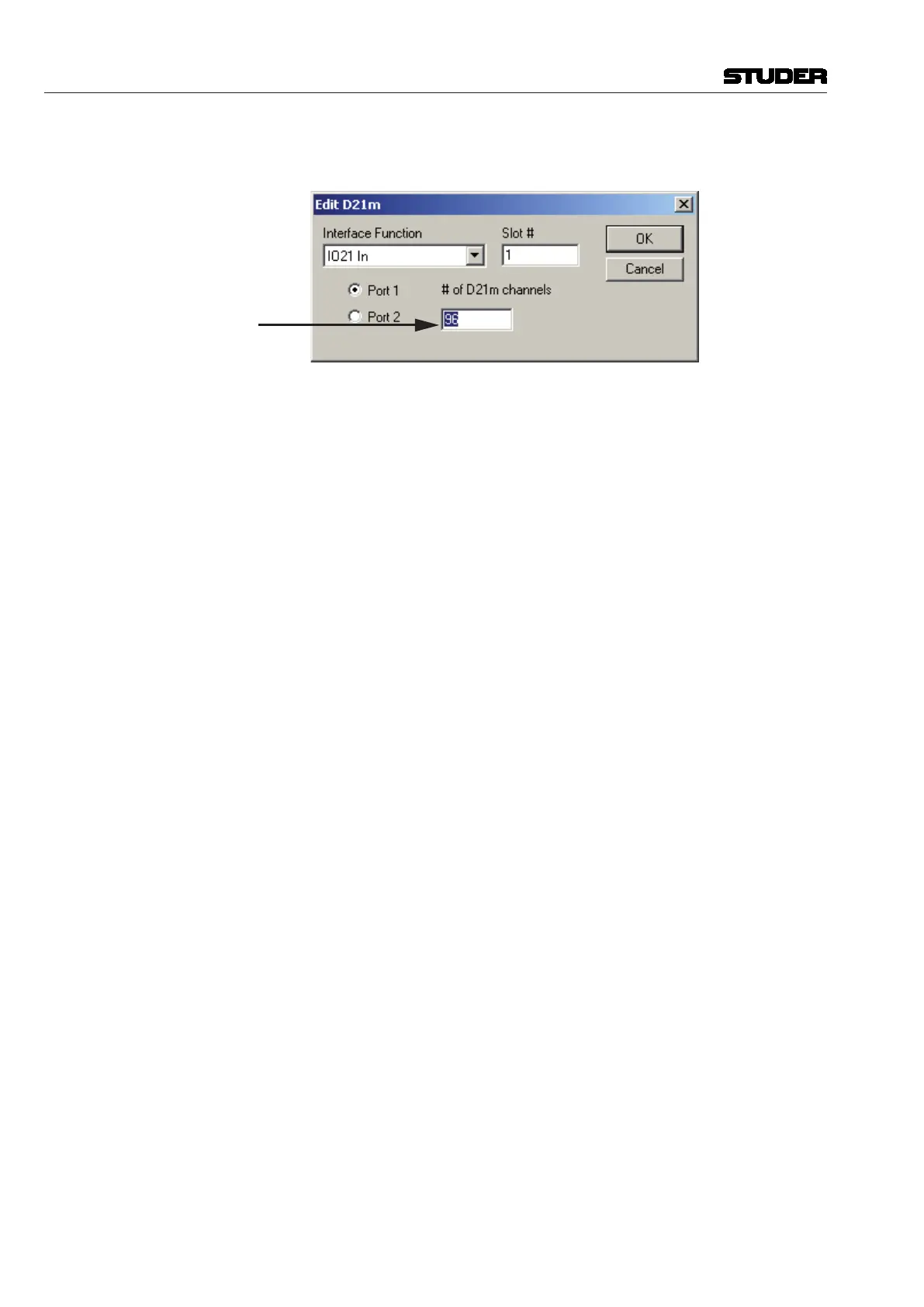
Edit D21m Interfaces To add D21m input interfaces to the system configuration, simply click on
the ‘Add’ button in the D21m Inputs area and a dialog box will appear:
Enter Number of
D21m Input Channels
The number of channels per each D21m interface has to be entered, and the
process must be repeated for every D21m interface. The number of channels
must be a multiple of eight which is the smallest function unit.
After adding the required interfacing, the display will show the total number
of interfaces and their distribution on the D21m card(s), starting with card
number 00.
To remove D21m input interfaces from the system configuration, simply
select the interface to be removed (or to remove all, select the uppermost
line) and click on the Remove button, or use the ‘Del’ (delete) key.
Vista 5 M3 Digital Mixing System
6-30 Session Conguration
Document generated: 28.08.13
SW V4.9



 To Next Page