Vista 5 M3 Digital Mixing System
2-12 Desk Operation
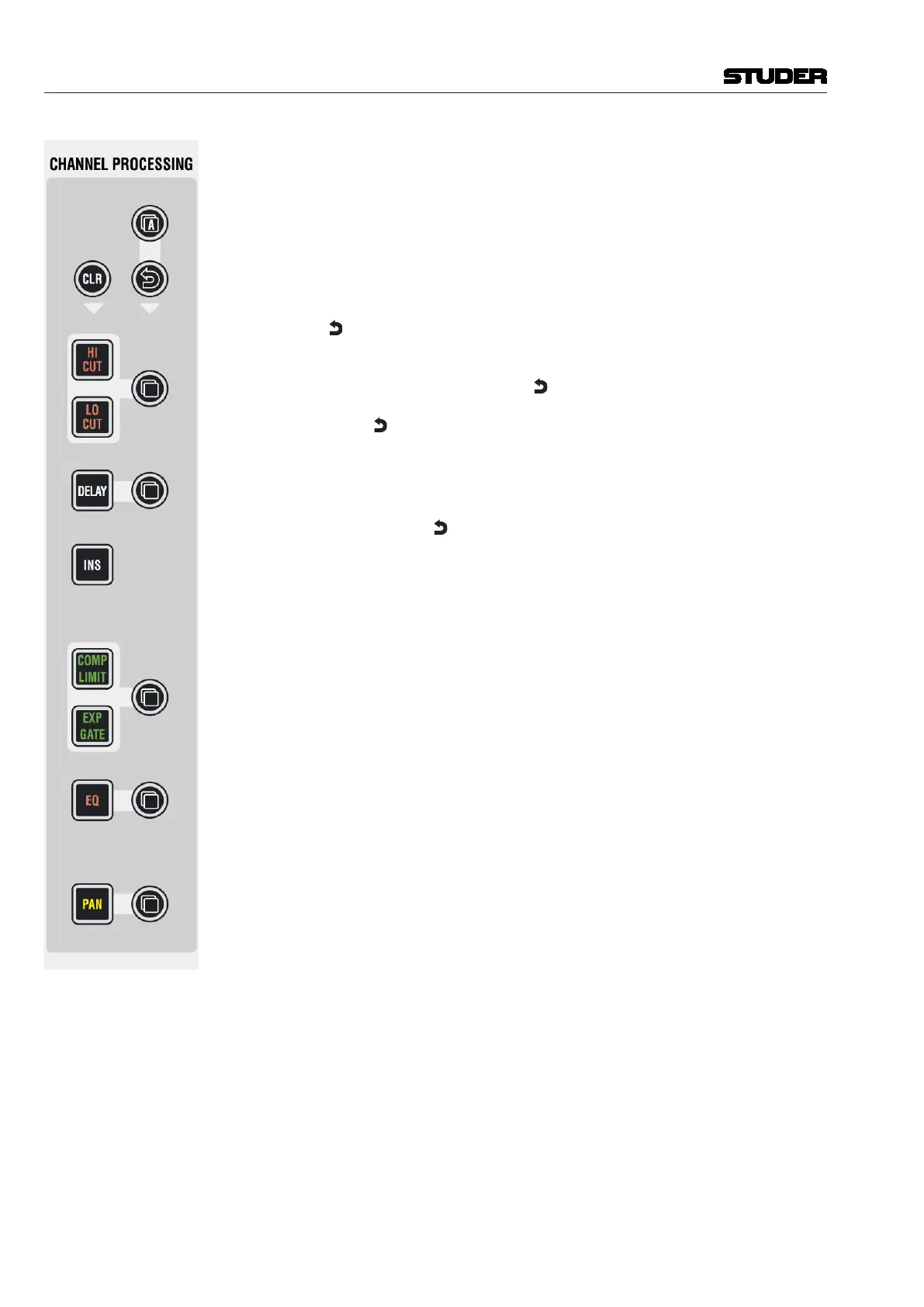
A (Copy/Paste All)
As above, but includes all functions of a channel at the same time. This
includes input gains, AUX, fader and bus assign. This function ‘clones’ the
whole channel.
Hint for console setup: Set one channel to the desired status, including bus
assignment etc., create a ‘super gang’ by linking all input channels together,
and press A (Copy/Paste All) twice. This will bring all linked channels into
the same status.
(Undo/Redo)
After having copied a setting into one channel, this key will reverse the last
paste function. If a clear function has been performed, this key will reverse
the last clear function. Note that
(Undo/Redo) remembers each channel’s
settings. It is therefore possible to undo a function on several channels by
applying
(Undo/Redo) on a gang.
There is also a shortcut for comparing settings within one channel:
• Presscopy/pasteinonechanneltwice(thiscopiesthecurrentvalueinto
the clipboard and pastes it back into the channel).
• Nowchangetoanalternatevalue.
• Whenpressing Undo/Redo, the user can toggle between the two settings
and compare by listening.
Note: By using the temporary function of this key, it is possible to compare
the two settings with a single key press!
CLR
After having pressed this key once, all possible destination keys (audio on/
off keys) are half-lit. Pressing one of them will reset its value to the default
value. Selecting the A (copy/paste all) key as the choice to clear will reset
all parameters within this channel, including bus assignment. It is also pos-
sible to use the
MULTI SEL key (chapter 2.3) to clear multiple functions. In
order to set the fader of the channel to 0 dB, it is possible to touch the fader
after having pressed CLR. After releasing the fader, it will set to 0 dB.
CLR can also be applied to a whole gang.
Document generated: 28.08.13
SW V4.9



 To Next Page