8-12 Sysmex XP-300
Display and Output of Analysis Results
Revised April 2012
To return to the Main screen, press the [Top] button on the stored
data screen.
Sample ID and analysis mode on the Main screen will return to the
settings before executing the stored data processing program.
Stored data screen
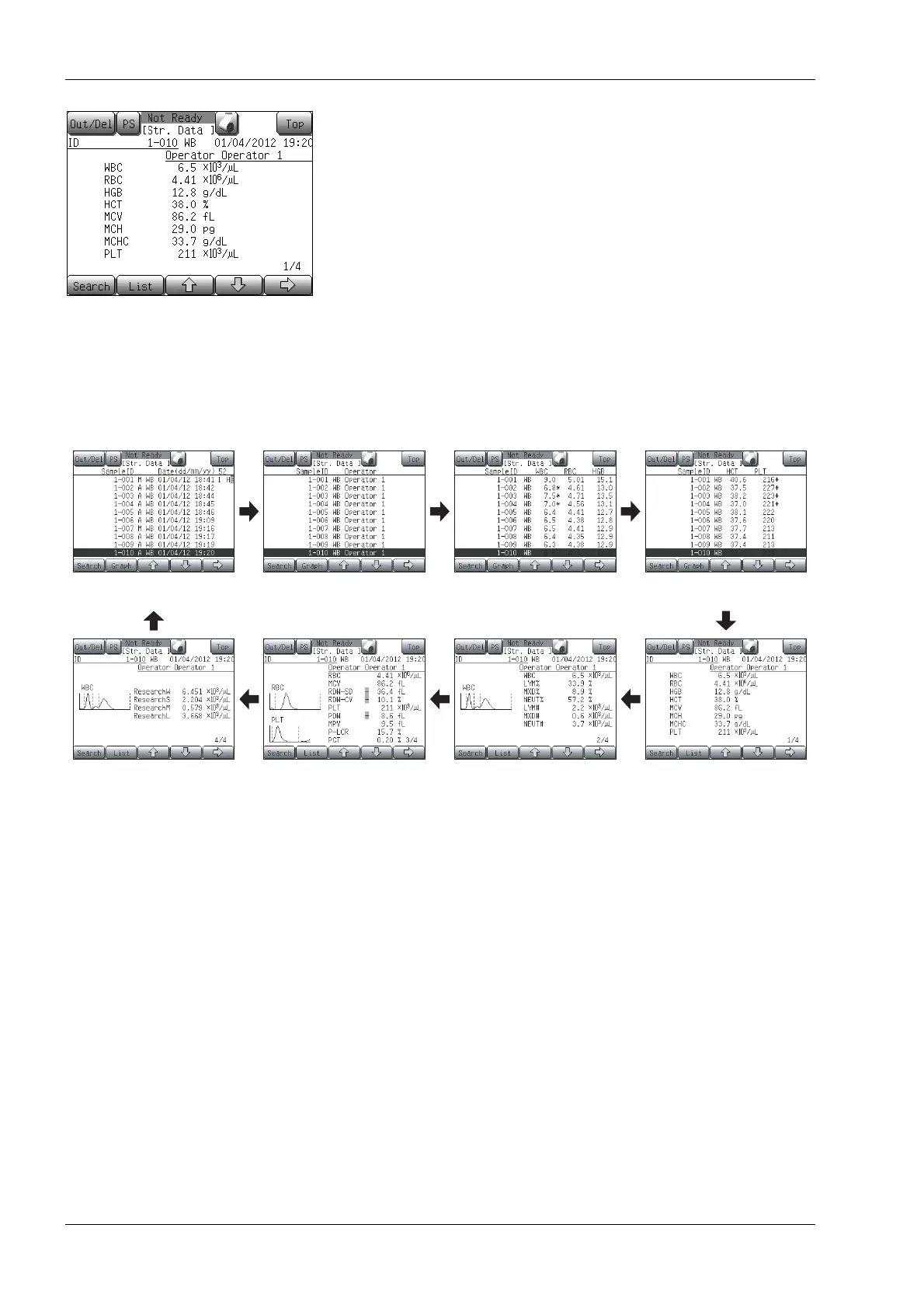
Press the [Str. Data] button on the Menu screen to display the stored data screen.
The stored data screen is composed of list screens (first to fourth) and detail screens (first to fourth). Screens
can be switched by pressing the [→] button and are displayed in the order as shown below.
First list screen
Fourth detail screen
Second list screen Third list screen
First detail screenSecond detail screenThird detail screen
Fourth list screen



 To Next Page