Sysmex XP-300 5-17
Initial Operation
Revised July 2012
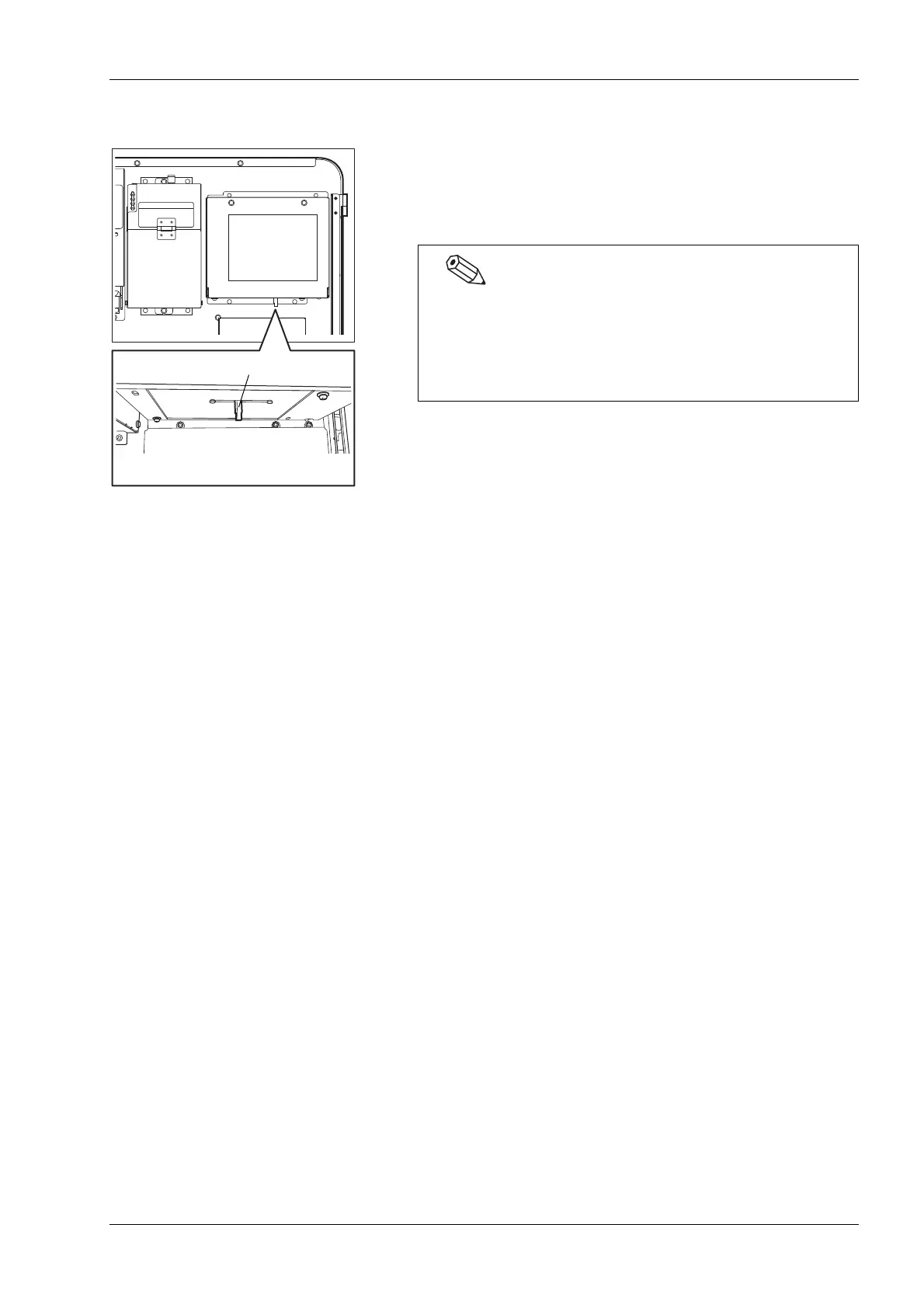
Adjusting the contrast of the LCD screen
The LCD contrast can be adjusted with the contrast adjuster located
underside of the LCD panel. It can be reached by opening the front
cover. Slide the adjuster to the right to darken the LCD, and to the
left to brighten it.
Contrast adjuster
Underside of LCD
If no operation is performed on the LCD screen for a certain
period of time, the LCD backlight illuminance will decrease
automatically to conserve electric power (backlight dimmer
timer function). Touch any portion on the LCD screen to
return to a normally illuminated LCD screen.



 To Next Page