6-2 Sysmex XP-300
Operation
Revised July 2012
[Not Ready]: Analysis has stopped. The analysis
cannot be started (when using the
menu or when an error that causes the
analysis to stop occurs, etc.).
[PU Sleep] (blinking): Pneumatic unit operation has stopped.
(4) Screen name
Displays the screen name currently displayed in the Data
Processing area.
Main, Result, Menu, Settings, etc.
(5) Executes the paper feed of the printer built
in the front interior of the instrument. This
button is effective on any screen as long as
no dialog window is displayed.
(6) This button blinks only when an error
occurs.
Displays the Action Message screen when
an error occurs, and displays the Error List
screen when 2 or more errors occur at the
same time.
(7) // button:
The [Menu] button is indicated when the
Main screen is displayed, and it changes into
the [Top] button or [Back] button when any
other screen than the Main screen is
displayed.
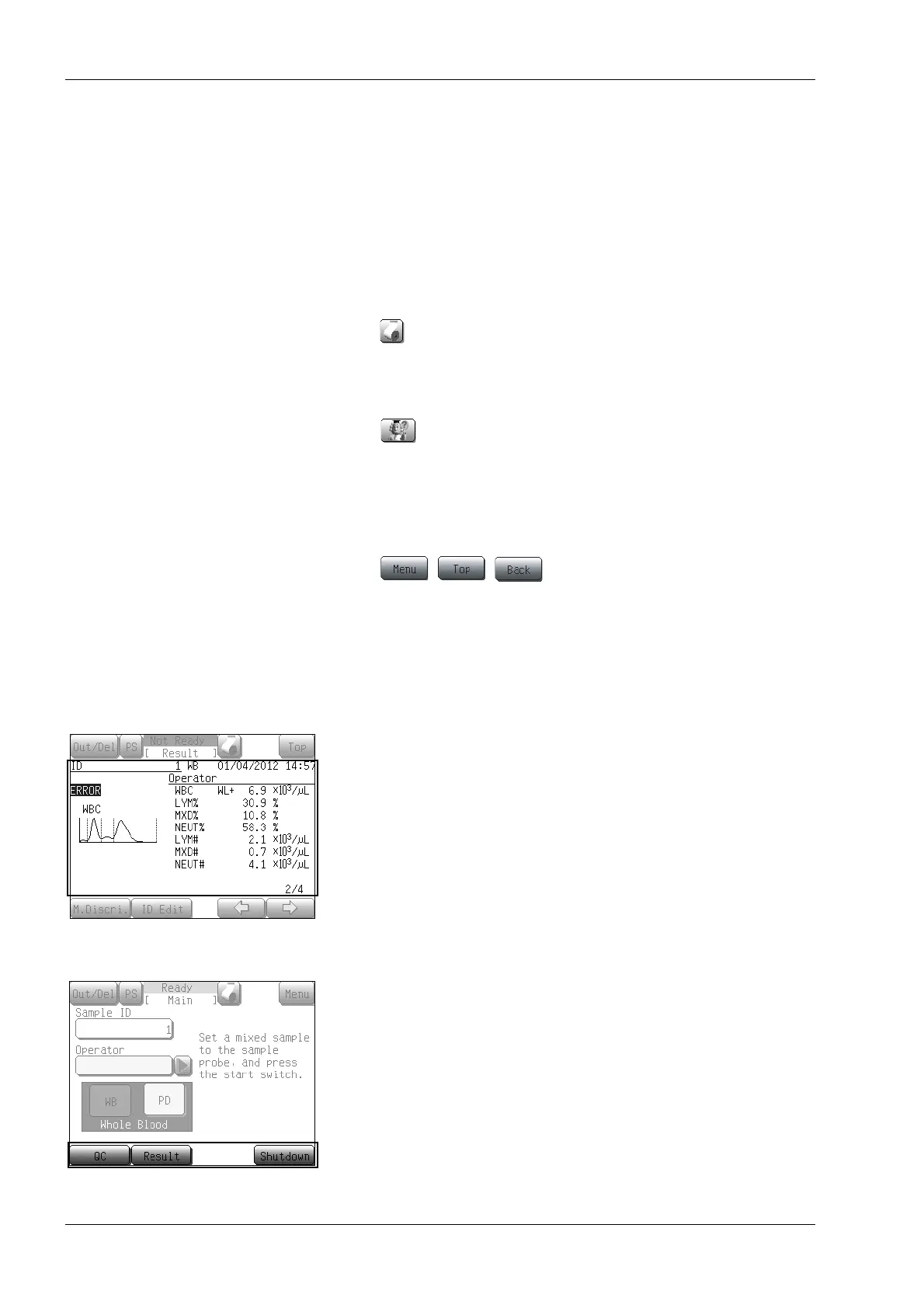
Data processing area
The Data Processing area at the center of the LCD screen changes
together with the screen contents.
Basic operation area
The messages and the buttons are displayed in the Basic Operation
area at the bottom of the LCD screen.
Press the corresponding button to execute a basic menu operation
and the cursor operation.
button:
(Paper feed button)



 To Next Page