6-4 Sysmex XP-300
Operation
Revised July 2012
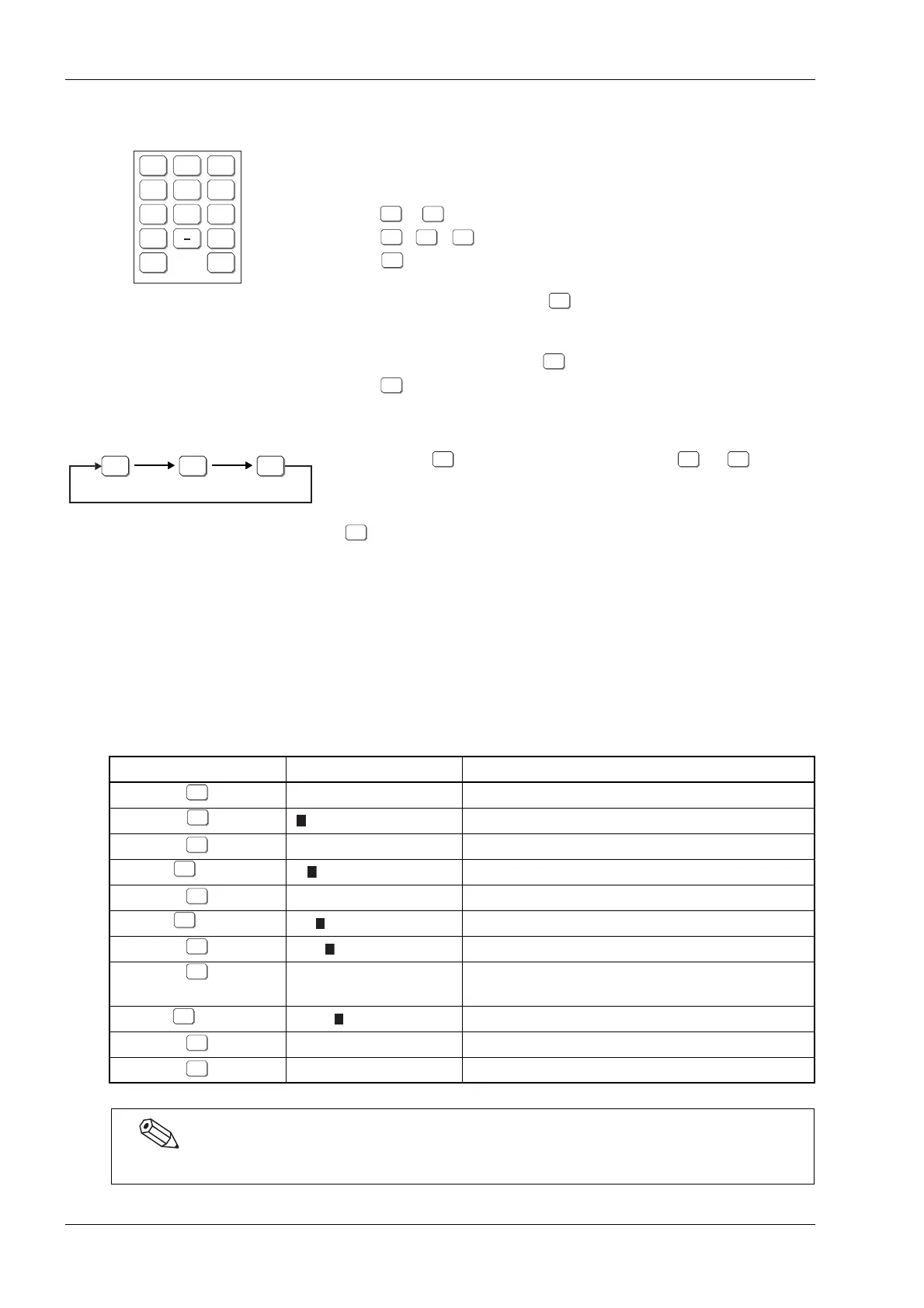
Numerical keys dialog
The numerical keys dialog appears for entering numerals. The
buttons displayed differ depending whether numerical keys or
alphabetical keys are chosen. But the operations are the same.
- : Enter numerals.
, , : Enter symbols.
: Erases one character in the case of an
input of characters (when the
[ ALPH] button is displayed).
Changes the entered value to zero in the
case of an input of numerals (when the
[ALPH] button is not displayed).
: Confirms the value which was input,
and closes the numerical keys dialog.
Also, alphabetic characters may be entered.
Pressing the once changes the key dialog to or .
Press this switching button to change the characters which are
displayed and which can be input.
Press this button
once to enter “A”,
twice to enter “B” and
three times to enter “C”.
Pressing the button four times returns to “A”.
While entering alphabetic characters, the characters are not
confirmed. To confirm the character, press another button or the
[Ent.] button.
[Example] Entering “ABCDe”
7 8 9
4 5 6
1 2 3
0 C
ALPH Ent.
ALPHALPH ALPHalph ALPHNUM
Button operation Input status Explanation
Changes to alphabetical capital letter mode.
Inputs “A” (not confirmed).
Confirms “A”.
× 2 Inputs “B” (not confirmed).
Confirms “B”.
× 3 Inputs “C” (not confirmed).
Confirms “C”. Inputs “D”.
Confirms “D”.
Changes to alphabetic small letter mode.
× 2 Inputs “e” (not confirmed).
Confirms “e”.
Confirms complete entry. Closes numerical keypad.
While the alpha or numerical keys are displayed on the screen, other buttons cannot be operated.



 To Next Page