4
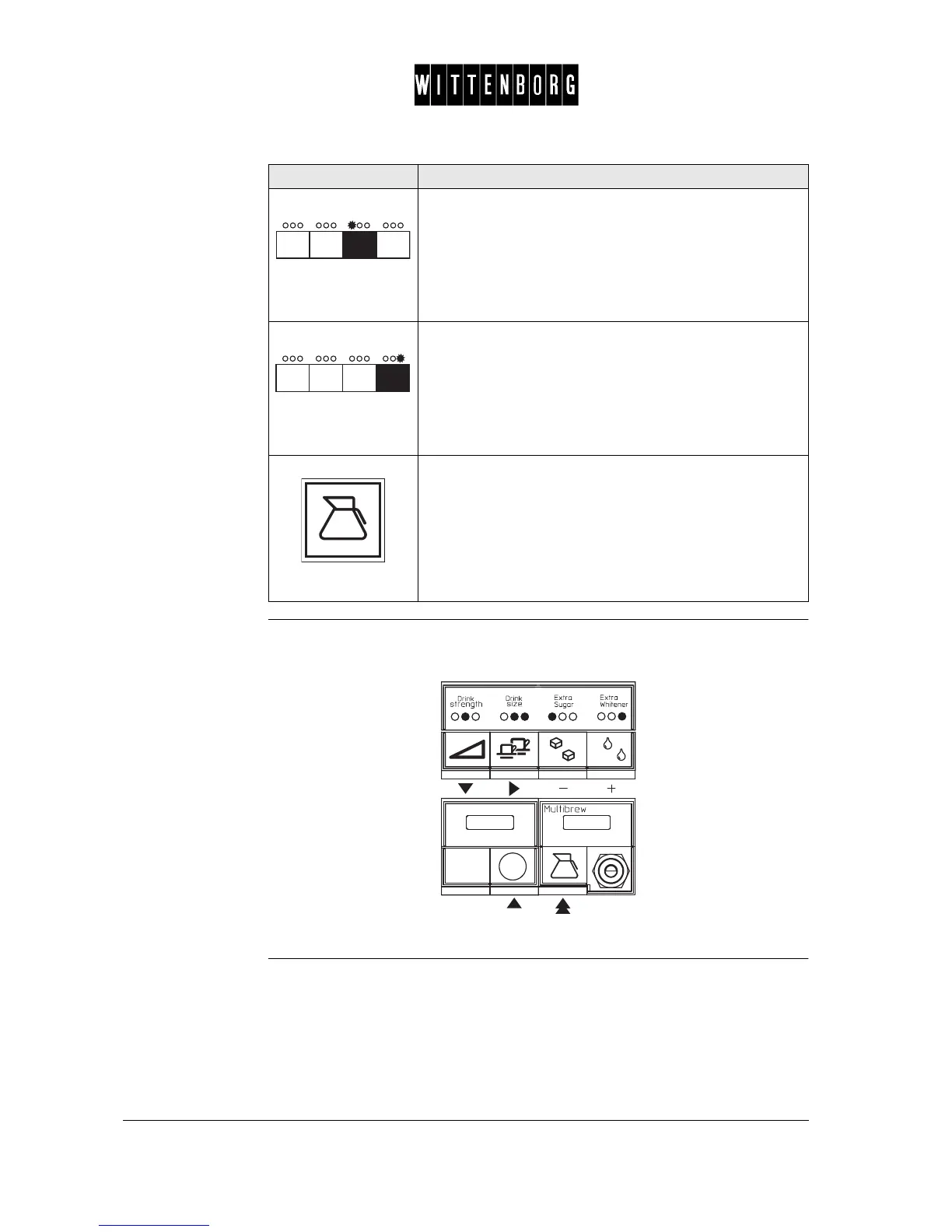
Illustration Short guide of the navigation buttons:
The indicated button is used as a "minus" button and when
pushed decreases the value.
Note: Pressing this button once changes the value of the
setting one unit at a time. Keeping the button depressed
increases the setting speed.
The button is used also to switch function on/off.
The indicated button is used as a "plus" button and when
pushed increases the value.
Note: Pressing this button once changes the value of the
setting one unit at a time. Keeping the button depressed
increases the setting speed.
The button is used also to switch function on/off.
The multibrew button can be pressed at any time to return
to the start of the menu or to the Operating Mode. While in
the Total Counter menu pressing the multibrew button
results in returning to the Operating Mode. While in any
menu except the Total Counter menu (eg Basic Opera-
tion), pressing the multibrew button twice results in return-
ing to the Total Counter menu and pressing it three times
results in returning to the Operating Mode.
Button Function



 To Next Page