Gen II User Manual
12-6 – Honeywell Performance Chapter 12 Revision 2.20, 20
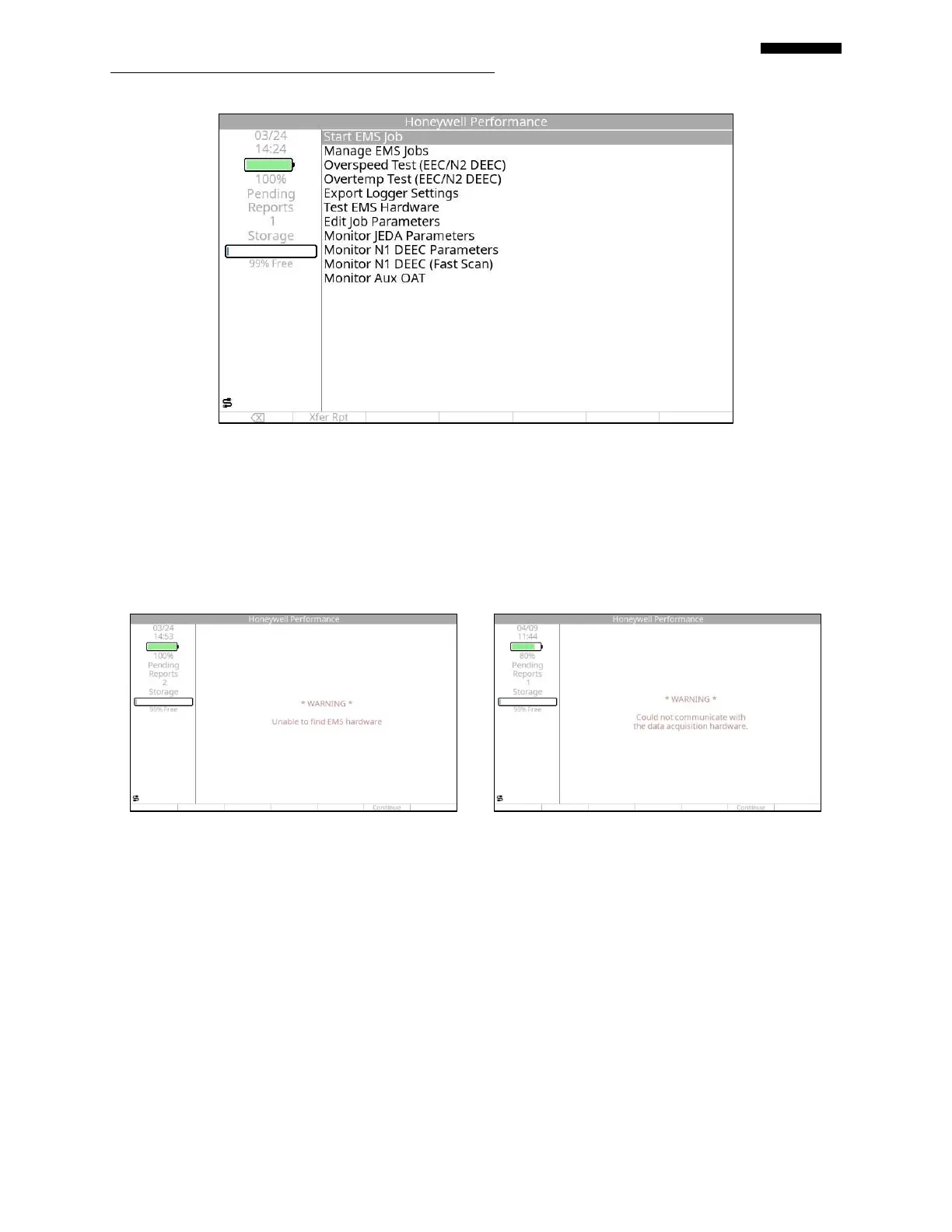
12.1.2.4. The analyzer will perform a communications check with the JEDA unit, if being
used, and the aircraft computer. If an error is encountered, the information screens
below will be displayed. The “Unable to find EMS hardware” and “Could not
communicate with the data acquisition hardware” will be displayed if the analyzer
cannot communicate with a JEDA or DEEC via Direct Connect. Check all cable
connections and attempt to start the job again. Press the [F5] “Continue” key to
acknowledge the warning and continue.
12.1.2.5. Once the analyzer verifies all connections, the information screen shown below will
be displayed to indicate what connections were detected. Note that if you are using
N1 DEEC Direct Connect, no “JEDA” related connections will be detected or
displayed. In addition to the connections indicated, if using N1 DEEC Direct
Connect, the AMB Temp Cable (P/N 10-320-0347) will display a solid BLUE light to
indicate the temp probe is receiving power, a flashing GREEN light to indicate a
temperature is being sent to the Viper II or a solid YELLOW light to indicate that no
temperature probe is connected or detected. The Viper II DEEC direct interface cable
(P/N 10-320-0422) will display a flashing RED light to indicate the Viper II is
transmitting to the DEEC Compute and a flashing GREEN light to indicate the Viper
II is receiving data from the DEEC computer. Press [OK] to continue.


 To Next Page
 Loading...
