Chapter 15. Diagnostics
Vol. IV-15-12 Alcatel-Lucent
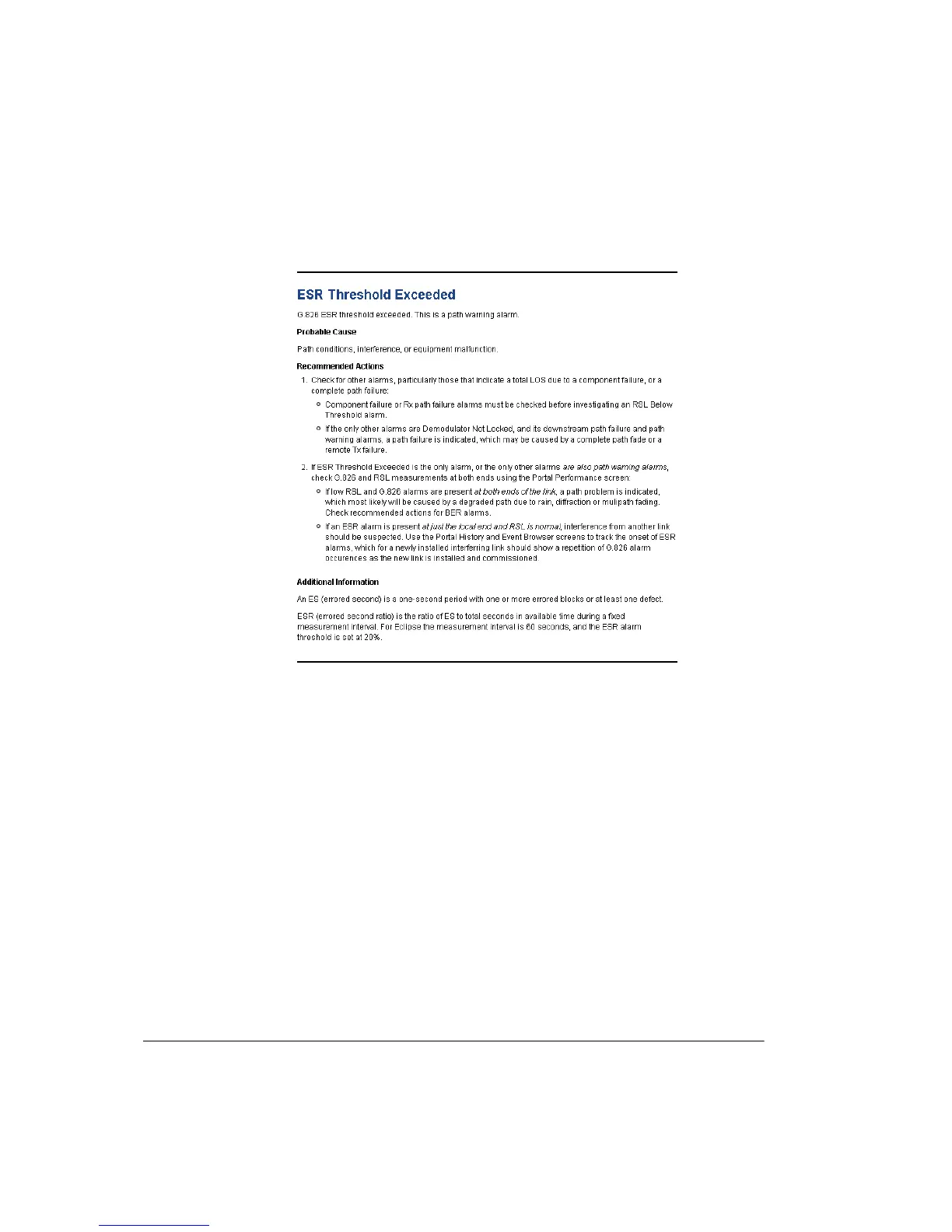
Figure 15-3. Example Help Page
Show Occurrences
Click tab to open the All occurrences box. Provides a listing of all events of the
same type selected (highlighted) in the Events box.
Show Description
Click tab to open the Description box. Currently replicates the selected event.
Box heights for Show Occurrences and Show Description may be changed by
clicking and dragging on the divider bars.



 To Next Page