Chapter 15. Diagnostics
Vol. IV-15-30 Alcatel-Lucent
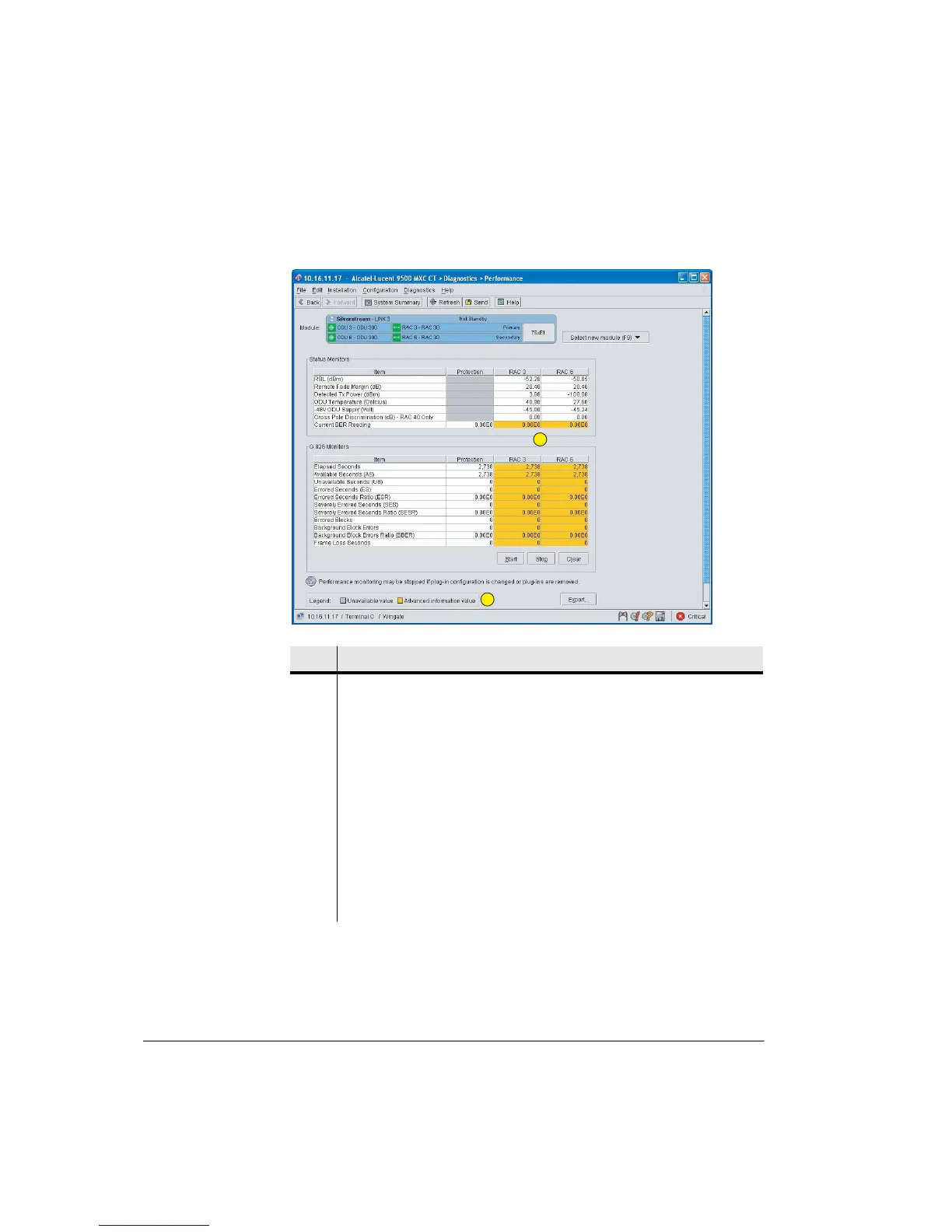
Figure 15-11. Advanced Performance Screen for a Protected Link
Item Description
1 The advanced screen view for protected links is enabled in Edit > Preferences
> Show Advanced protection Diagnostics.
2 Current BER and G-826 stats are shown for both RACs, as well as the
Protected link:
• Data in the Protection column is the same as that for the online RAC.
The online RAC controls the hitless path switching (voting) between the
primary and secondary RACs, so presents the aggregate for the 1+1
protected link data. The secondary RAC is default online - to confirm which
RAC is online, go to the System/Controls screen.
• Where both RACs in a protected link are operating error-free, the data in
both RAC columns will be identical. When this is not the case the RAC data
will be different, but data for the online RAC will always be the same as that
shown for Protection.
1
2



 To Next Page