Part-width section control
Job management
Track guidance
Automatic steering
1
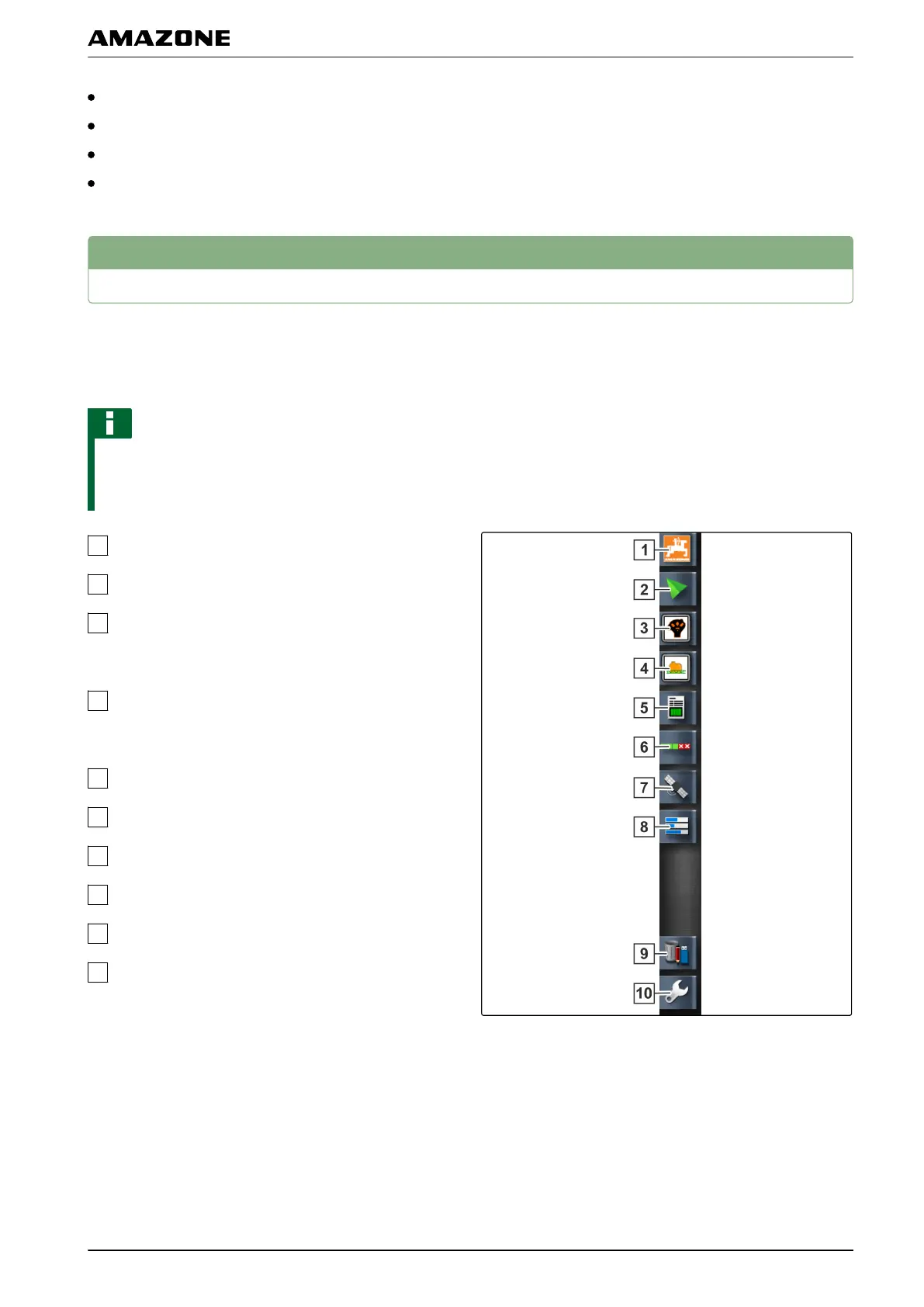
Using the function menu
The function menu is used to call up information and to
control the various functions of the AMAPAD and the
connected implement.
NOTE
Different buttons can be shown in the function menu,
depending
on the connected implement and the
settings in the setup menu.
Miniature view of the system information
Miniature view of the map view
Miniature view of the universal terminal. The
symbol on this button
varies depending on the
connected input device.
Miniature view of the universal terminal. The
symbol on this button varies depending on the
connected implement.
Job information
Automatic part-width section control
GPS information
System diagnosis
Inventory manager
Setup menu
001359
G | Using the operating menu | Using the function menu
MG5574-EN-II | B.1 | 25.10.2016
99



 To Next Page