9. Tap on " Look ahead distance ".
10. Enter the additional distance from the first and
second distances at which the alarm should be
triggered.
3.5 Configuring the flag points
In this menu, the pre-settings for the flag points can be
entered. Flag points can be used to mark hazard points.
Furthermore, the flag points also serve as a reference
for manual GPS correction.
REQUIREMENTS
User access level has been set to "Standard" or
"Expert"; see page 41
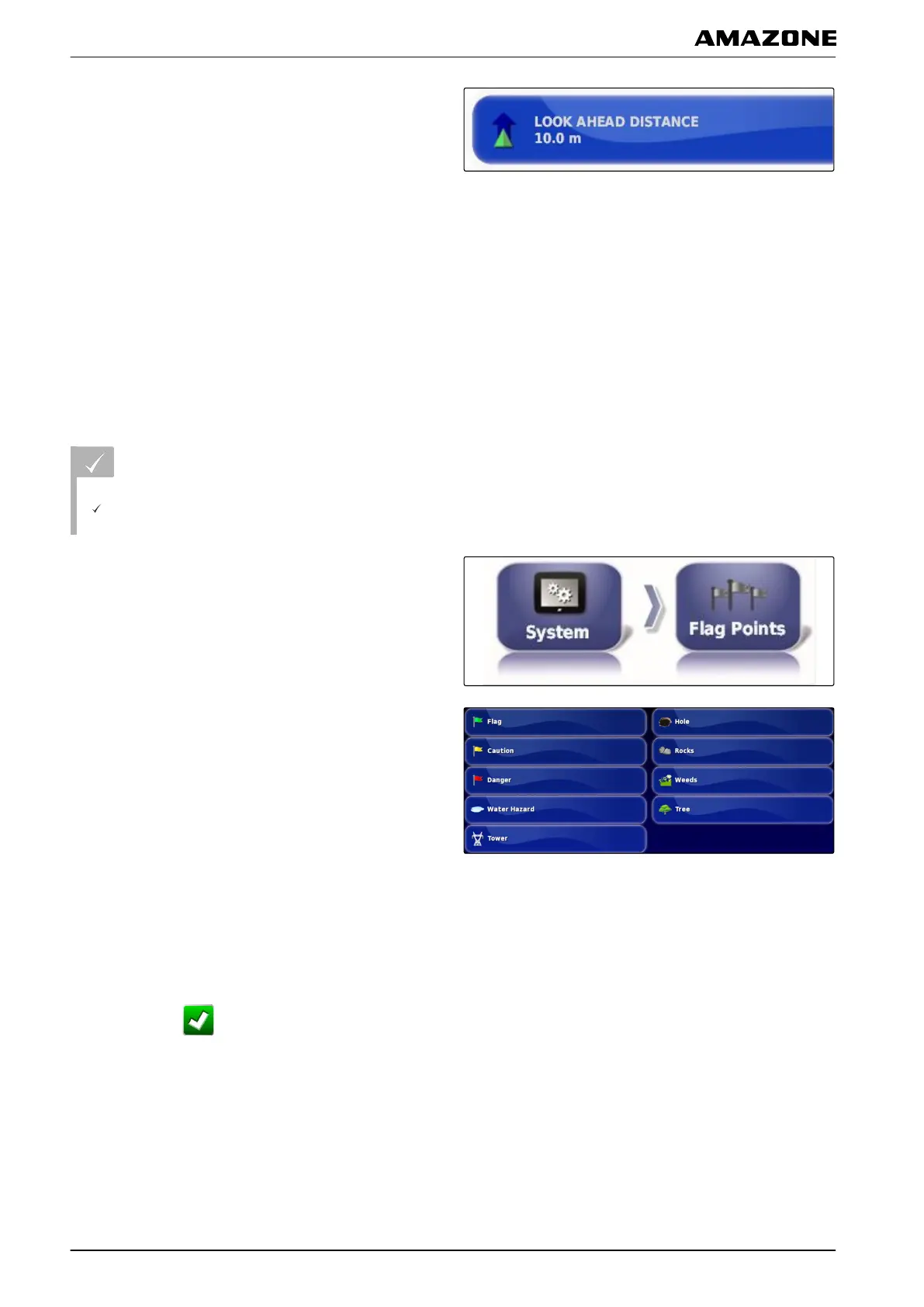
1. In the setup menu, tap on "System" > "Flag points".
2. Select one of the flag points.
3. Select the symbol.
4. Tap on "Flag point name".
5. Enter the name.
6. Confirm with
.
001895
F | Configuring the AMAPAD | Entering the system settings
MG5574-EN-II | B.1 | 25.10.2016
62



 To Next Page