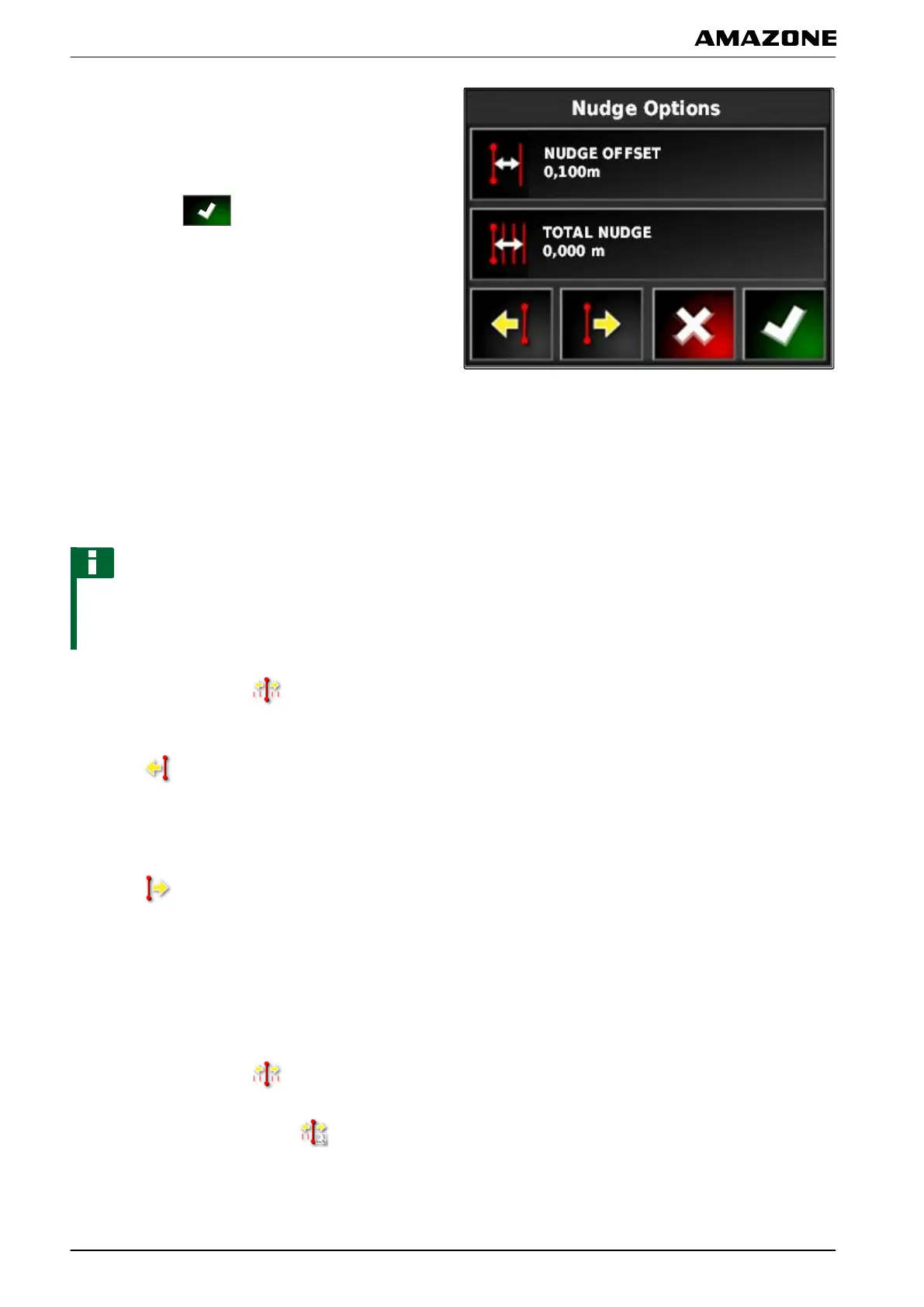
3. Tap on "Nudge offset".
4. Enter the length by which the track line should be
shifted with each correction increment.
5. Confirm with .
2.2 Shifting the track lines
2.2.1 Shift the track lines in increments
NOTE
The track lines are shifted by the nudge offset
increment
that was entered in the nudge options. To
change the nudge offset, see page 161.
1. In the job menu, tap on
.
2. When t
he track lines should be shifted to the left,
tap on
.
or
When t
he track lines should be shifted to the right,
tap on
.
3. Tap on the button until the track lines on the
AMAP
AD match with the real tracks on the field.
2.2.2 Shifting the track lines by a specified length
1. In the job menu, tap on
.
2. Call up the nudge options with
.
002140
002155
002154
L | Correcting the GPS reception| Correcting the track lines
MG5574-EN-II | B.1 | 25.10.2016
162



 To Next Page