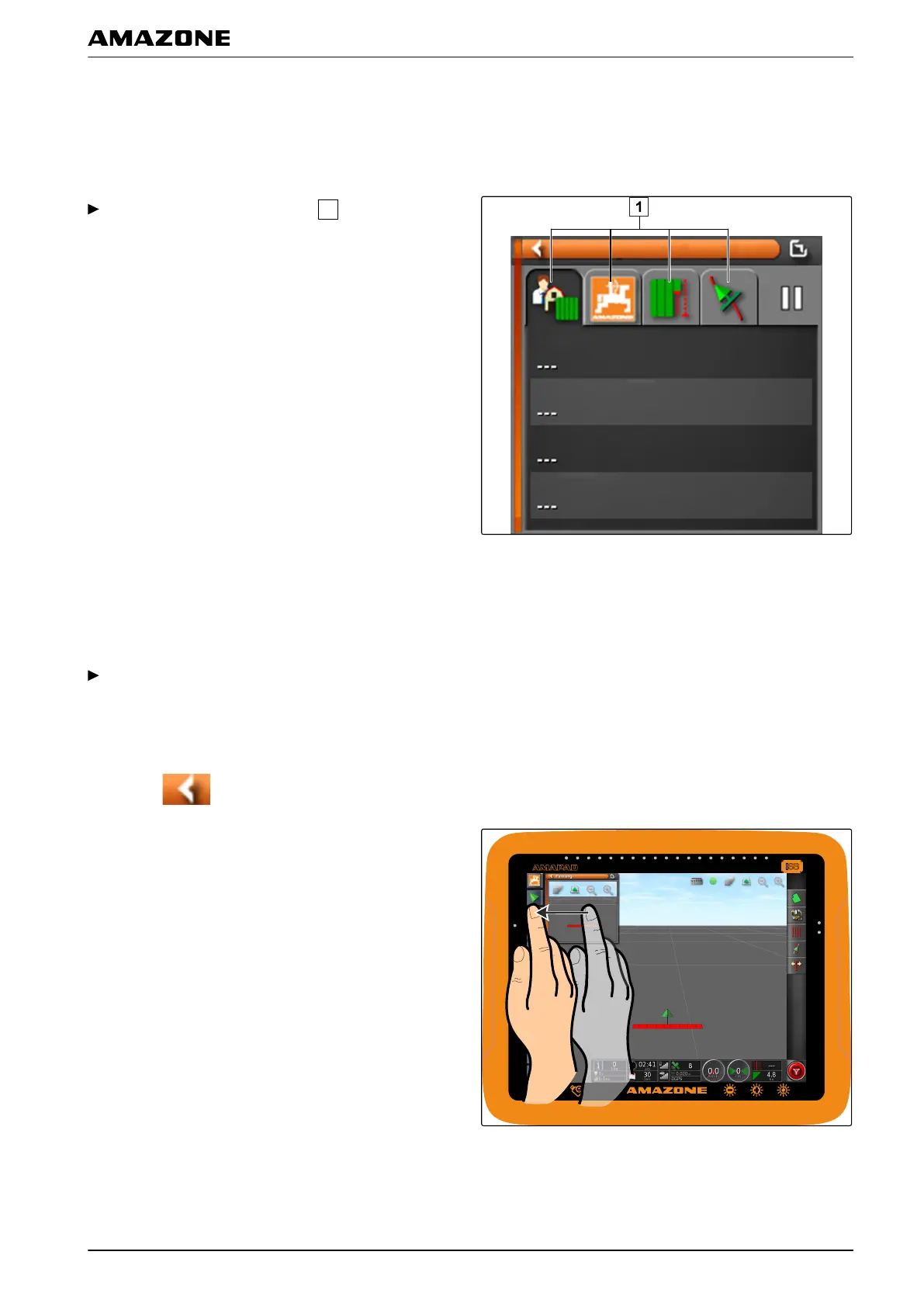
1.3 Using the tabs in the miniature view
Several miniature views contain tabs that can be
individually
opened.
Open the tabs with the buttons
.
1.4 Closing a miniature view
To close the miniature view, there are 3 options:
Tap again on the button for the opened miniature
view
or
T
ap on
at the top left of the miniature view
or
Swipe horizontally from the miniature view towards
the function menu.
002418
002351
G | Using the operating menu | Using the function menu
MG5574-EN-II | B.1 | 25.10.2016
101



 To Next Page