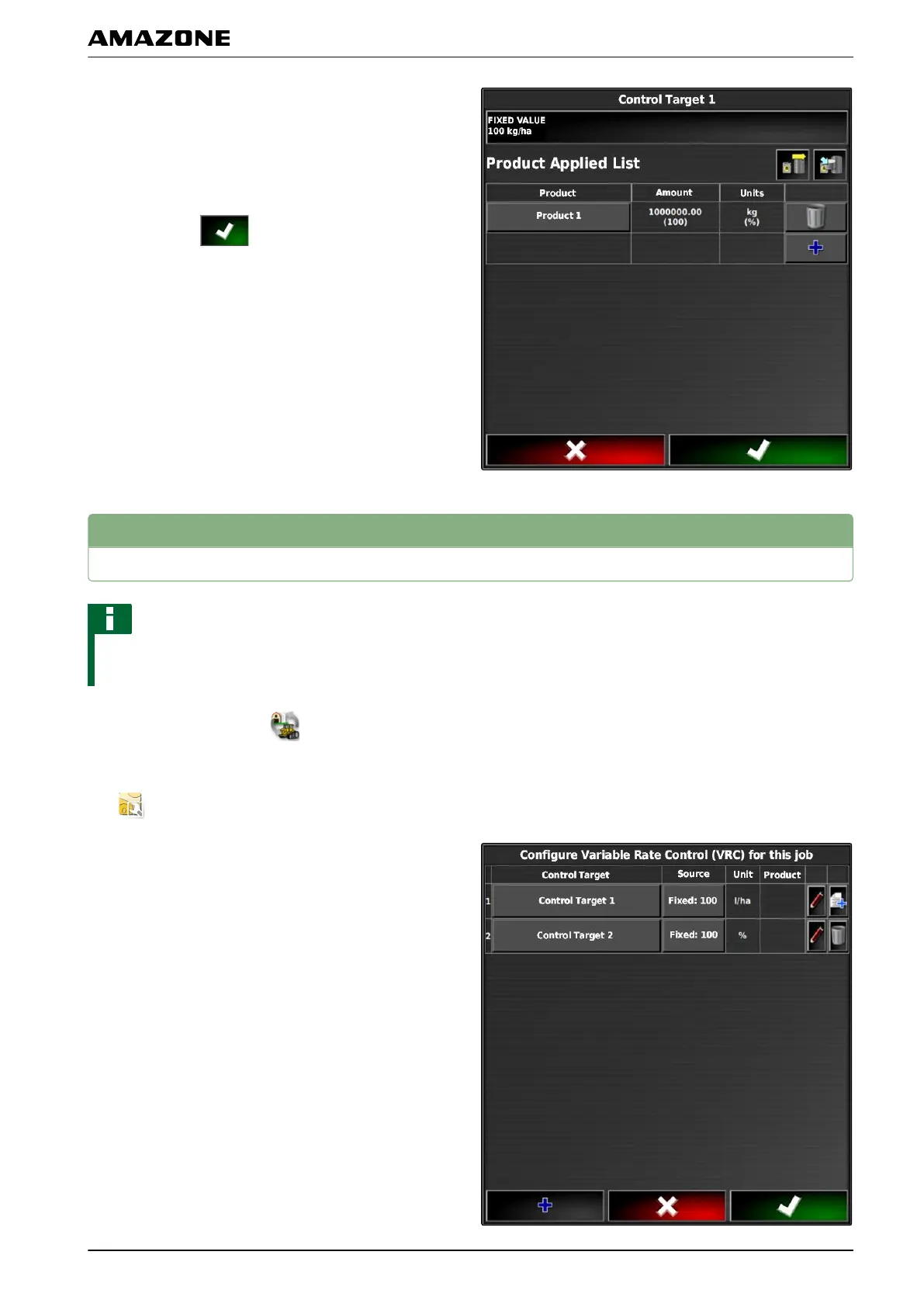
6. Enter the desired setpoint for the application rate
under "Setpoint".
7. To document product information,
see page 204.
8. Confirm with
.
4
Configuring peer control for rate control
NOTE
Peer control must be reconfigured each time the job is
changed.
1. In the job menu, tap on .
2. Call up the "Rate control assignment" menu with
.
3. Tap on the "Signal source"
button in the column.
048456
Q | Using rate control| Configuring peer control for rate control
MG5574-EN-II | B.1 | 25.10.2016
201



 To Next Page